
Indie game storeFree gamesFun gamesHorror games
Game developmentAssetsComics
SalesBundles
Jobs
TagsGame Engines
(3 edits) (+1)

Hey, I’m really sorry it crashed on you!

We kept our landscape and meshes low‑poly and only use Unreal’s default skylight, so it should run smoothly even on older Windows rigs.

On Windows 10/11 you can unpack the .7z natively - right‑click → Extract All, no extra tools needed.

Could you share your PC specs and the exact error message (or a screenshot)? I’d love to help troubleshoot and get you into the battle if possible!

Thank you for giving it a try and sharing your feedback though! I really appreciate it, I’m just sorry it didn’t work out!
(+1)

Hey, thanks for the response!

I'm on a Lenovo IdeaPad S340 with intel CORE i3 8th Gen. Updated my graphics drivers recently. I can usually play 3D games with no issues as long as there are graphics and performance settings I can tinker with. This pdf should provide full specs: https://psref.lenovo.com/syspool%5CSys/PDF/IdeaPad/ideapad_S340_15IWL/ideapad_S3...

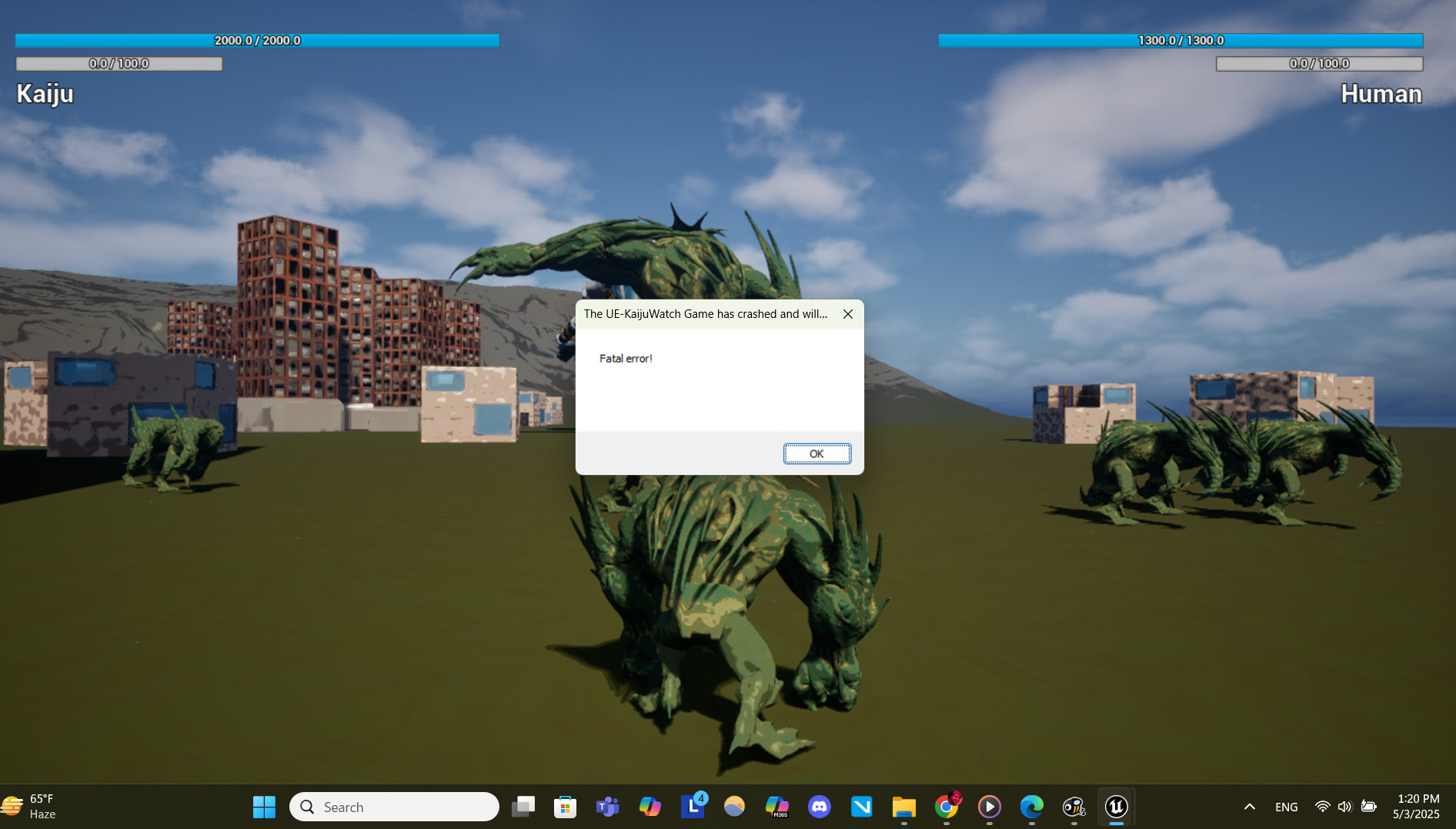
I tried extracting all to new folder to launch the .exe, and the same thing happened. Here's the screenshot:

(+1)

Hey, thanks for sending over your specs and the screenshot!

It looks like your system is running out of memory during the main level load. I think you’re right - we’d need to add an options menu for graphics settings to help with this, although our terrain and characters might simply contain too much geometry!

But thanks again for giving it a shot and sharing your feedback - much appreciated!