
Indie game storeFree gamesFun gamesHorror games
Game developmentAssetsComics
SalesBundles
Jobs
TagsGame Engines

Hey! So I was able to load the plugin and mess around with it last night but now every time I open my project with it enabled it shows me this error message.
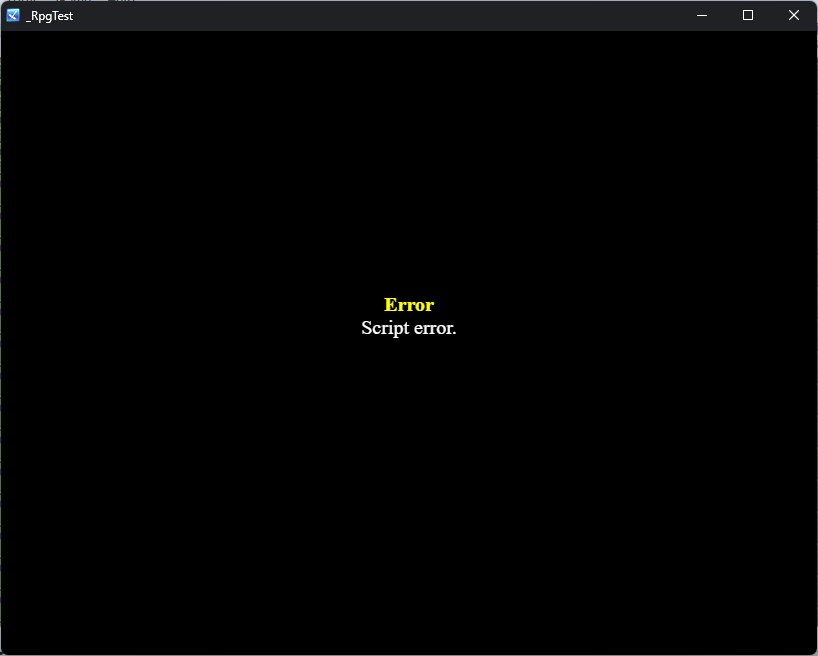
image.png

Hi CG249,

thanks for posting your message!

Can you please do the following for me?

  • When you see this message, press F12 to open the debug console
  • Important! Go to "Console" tab
  • Screenshot the entire dialog, especially everything that is highlighted in red
  • Last but not least, tell me whether you are using MV or MZ

If you want to reset my plugin because you cannot access the app anymore, please delete the uicustom folder from your game's directory. My plugin will rebuild it automatically.

Hey! I’m so sorry for getting back to you so late, I’ve had an internet outage and terrible storms in my area.

The version of RM I’m using is MZ

image.png

  • Try downloading the latest version of my plugin
  • Try deleting the uicustom folder from your game's directory. The error indicates that it cannot read the profile (config.json) that stores your customization, because the file is corrupted.

Thank you so much! It works perfectly again! I have one question that is a bit off-topic but would you happen to know a way I can edit the settings menu? I’d like to customize some of the options there, if not that is okay! This plugin is amazing!

I think http://www.yanfly.moe/wiki/Options_Core_VisuStella_MZ is a nice candidate