On Sale: GamesAssetsToolsTabletopComics
Indie game storeFree gamesFun gamesHorror games
Game developmentAssetsComics
SalesBundles
Jobs
TagsGame Engines
(1 edit)

Hy, if you are using windows then changing the driver from pixelorama's preferences should work (https://www.oramainteractive.com/Pixelorama-Docs/troubleshooting#drawing-is-very-slow-when-using-a-drawing-tablet).

In case your tablet uses Android, then there was a user with a similar issue on discord. They managed to solve it by running it inside Godot (feel free to join the discord server to see the solution in detail 😁.)
(If the drawing tablet uses Android)

Step 1: Download Godot 4 from playstore (https://play.google.com/store/apps/details?id=org.godotengine.editor.v4&hl=en)

Step 2: Get pixelorama's source code (a zip folder will get downloaded, you don't have to unzip it) https://github.com/Orama-Interactive/Pixelorama/archive/refs/heads/master.zip

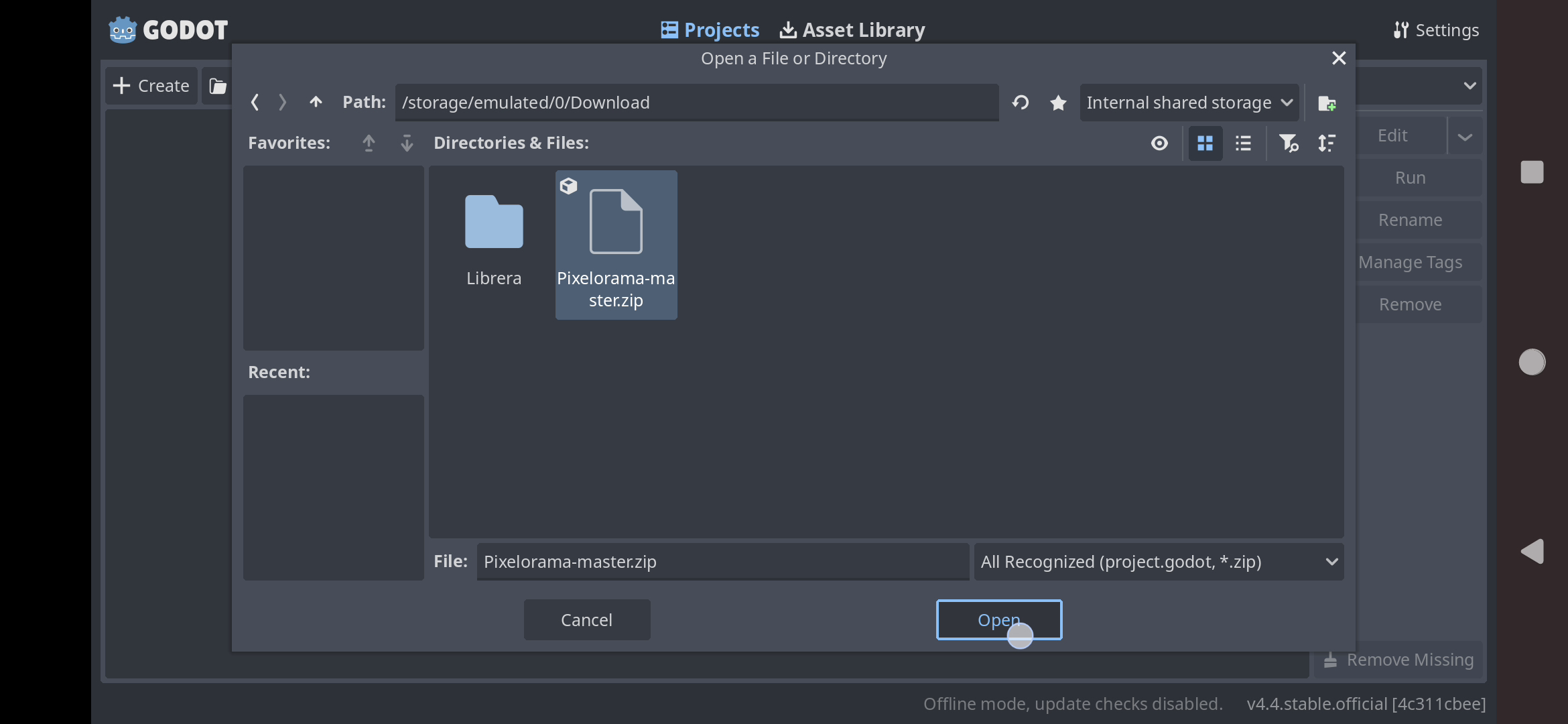
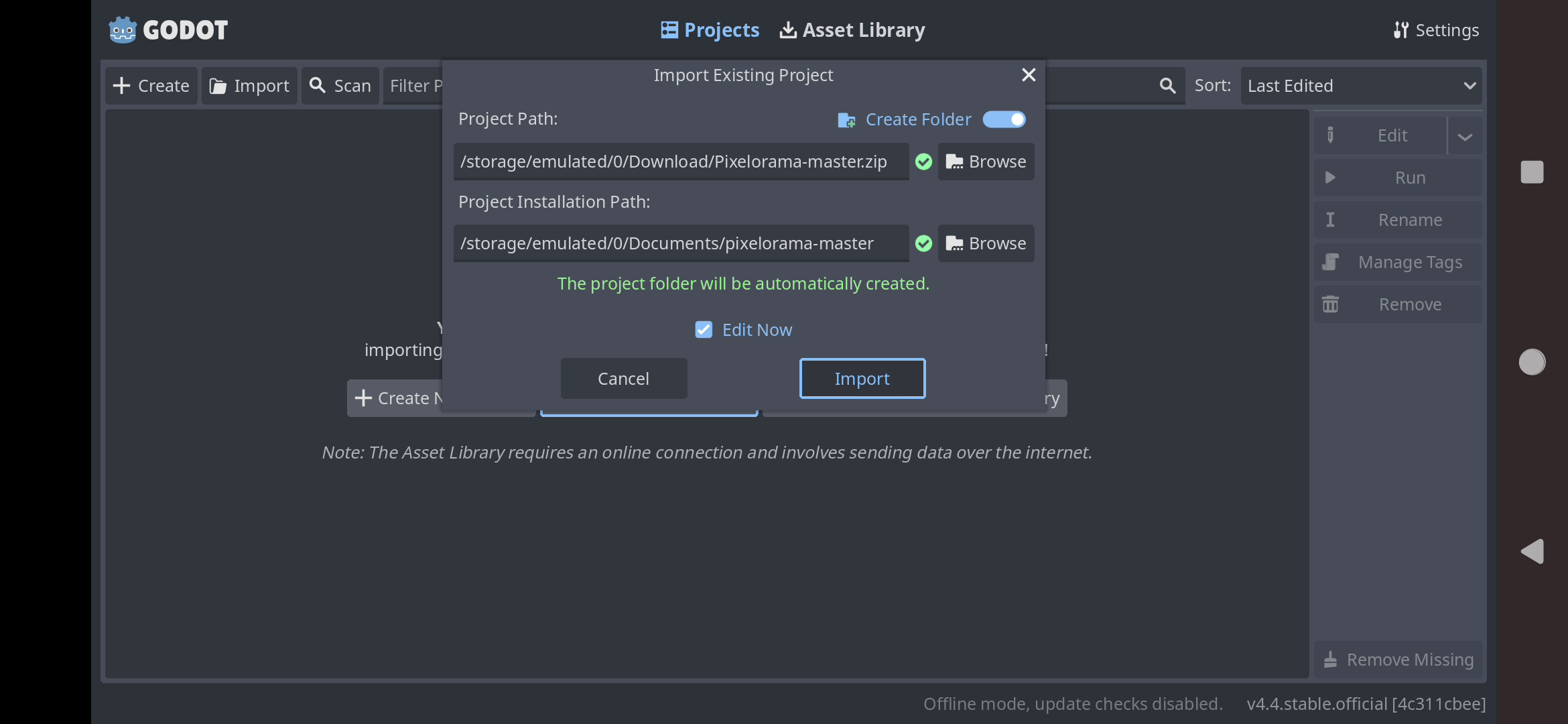
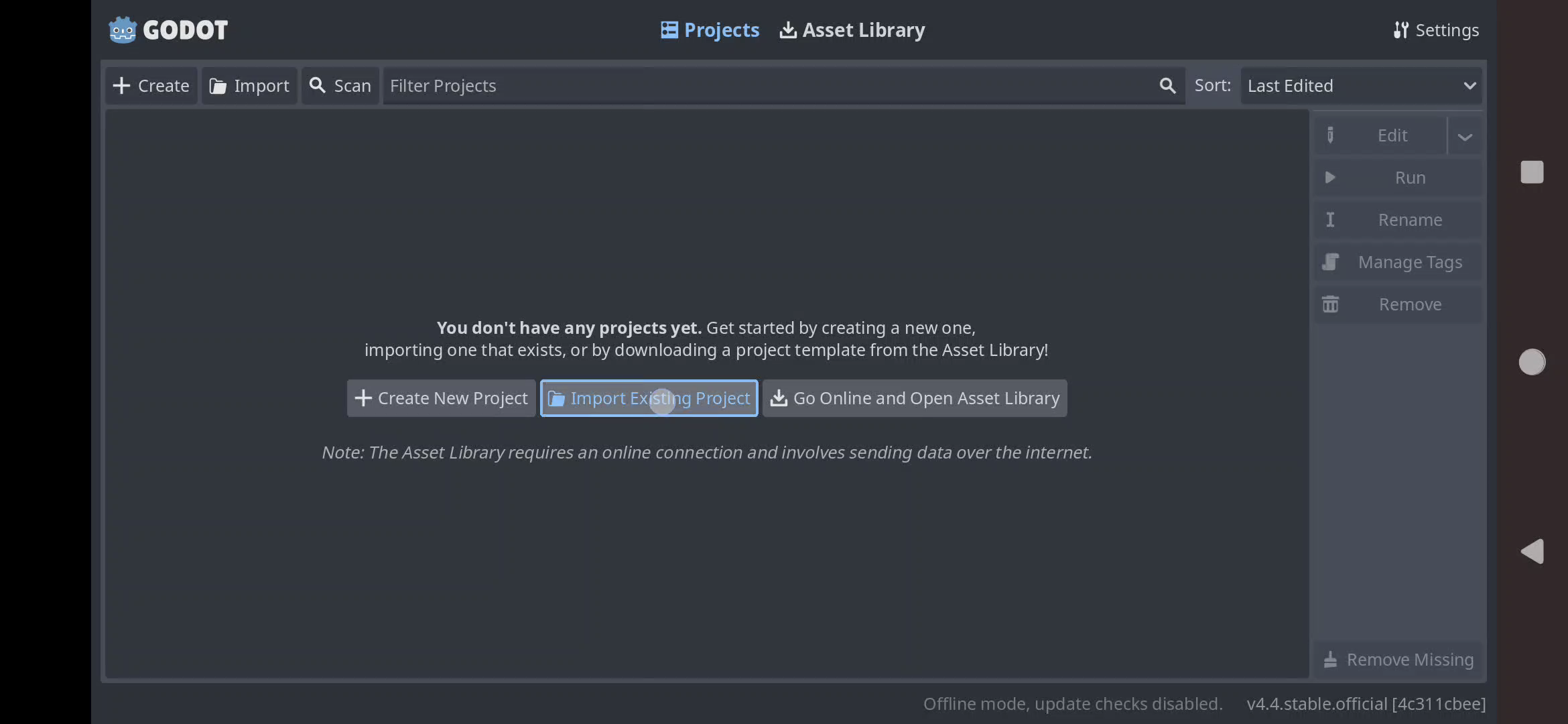
Step 3: Open Godot and Import pixelorama as shown in the images (by default the project will get created in Documents folder, so if you want, change that to some place else)


Step 4: After it finishes import go to Scene > Quit > Save and exit.

You can now, also delete the ZIP folder as well (that was downloaded in step 2)

Thank you; it works now. And the response time was very short.

Glad to help 😁