

The Linux build is broken. When attempting to launch from the itch.io desktop client, it spits out a ton of errors all along the lines of "Fontconfig warning: "etc/fonts/xxx", line x: unknown element "description" and the game doesn't start.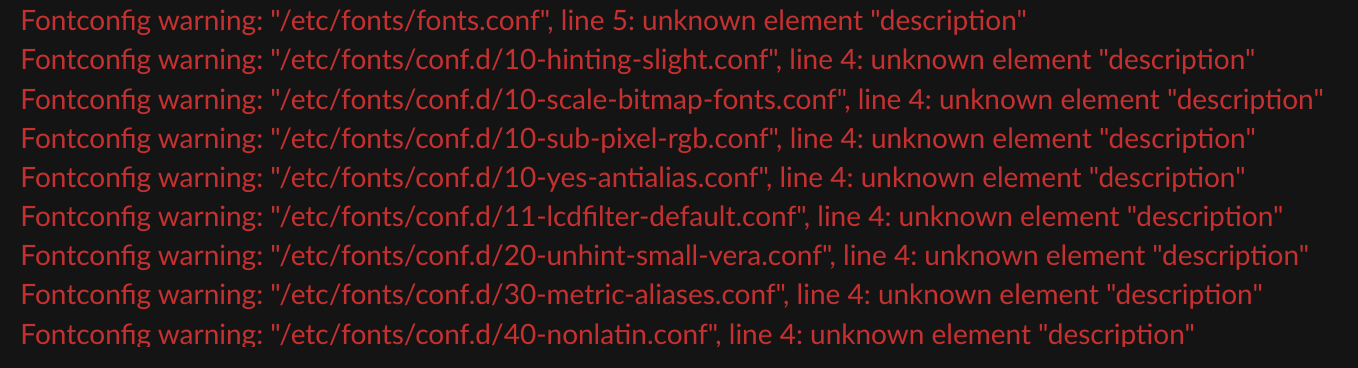
1 year ago(+1)
Hi, thanks for pointing out this error.
I'm not able to test the Linux build myself, but from what I can tell you might be able to fix this by setting the launch options with the following command:
mkdir fonts; echo '<fontconfig><dir>/usr/share/fonts</dir><cachedir>fonts</cachedir></fontconfig>' >fonts/fonts.conf; FONTCONFIG_PATH=fonts ./nw # %command%
Thanks for the reply! I will test this myself later. For now, though, I've gotten the Windows build of the game to run on Linux using a program called Bottles and it works fine enough that way (minus one strange bug that I'm sure is an issue with Bottles and not the game), and I'm already a decent way through the demo now so I'll finish that first.
Okay nevermind I tried it. This does get the game to launch! I had to reverse engineer it a bit to get it to work. Basically to get it to work I had to create a folder called "fonts" in Another Lux's directory, then create a file called fonts.conf inside that folder (which is basically what the commands you posted do if you run them from the game's directory). Then the final command "FONTCONFIG_PATH=fonts ./nw" runs the game with some additional launch parameters, and...
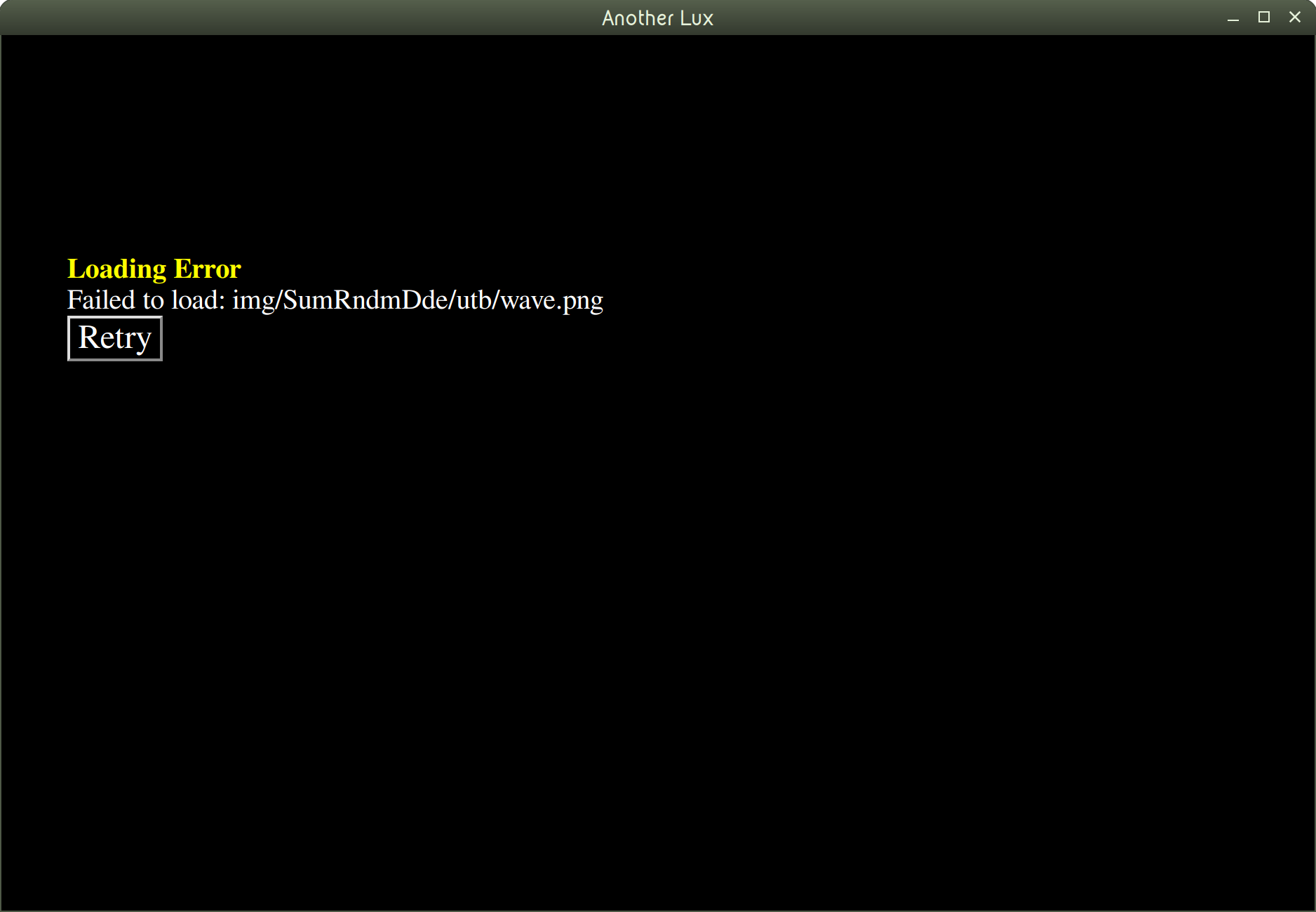 Still doesn't work. This time it looks like a crucial file is missing in a "img" directory. I think the issue is that there are crucial files missing from the Linux build of the game, though I wouldn't know since I have very little game dev experience and also haven't worked with RPG Maker before. But at the very least, the game's window shows up now, which is progress!
1 year ago(+1)
Glad to hear you got it working with the Windows build! I'll remove the Linux build for now and see if I can resolve the errors.