

Okay nevermind I tried it. This does get the game to launch! I had to reverse engineer it a bit to get it to work. Basically to get it to work I had to create a folder called "fonts" in Another Lux's directory, then create a file called fonts.conf inside that folder (which is basically what the commands you posted do if you run them from the game's directory). Then the final command "FONTCONFIG_PATH=fonts ./nw" runs the game with some additional launch parameters, and...
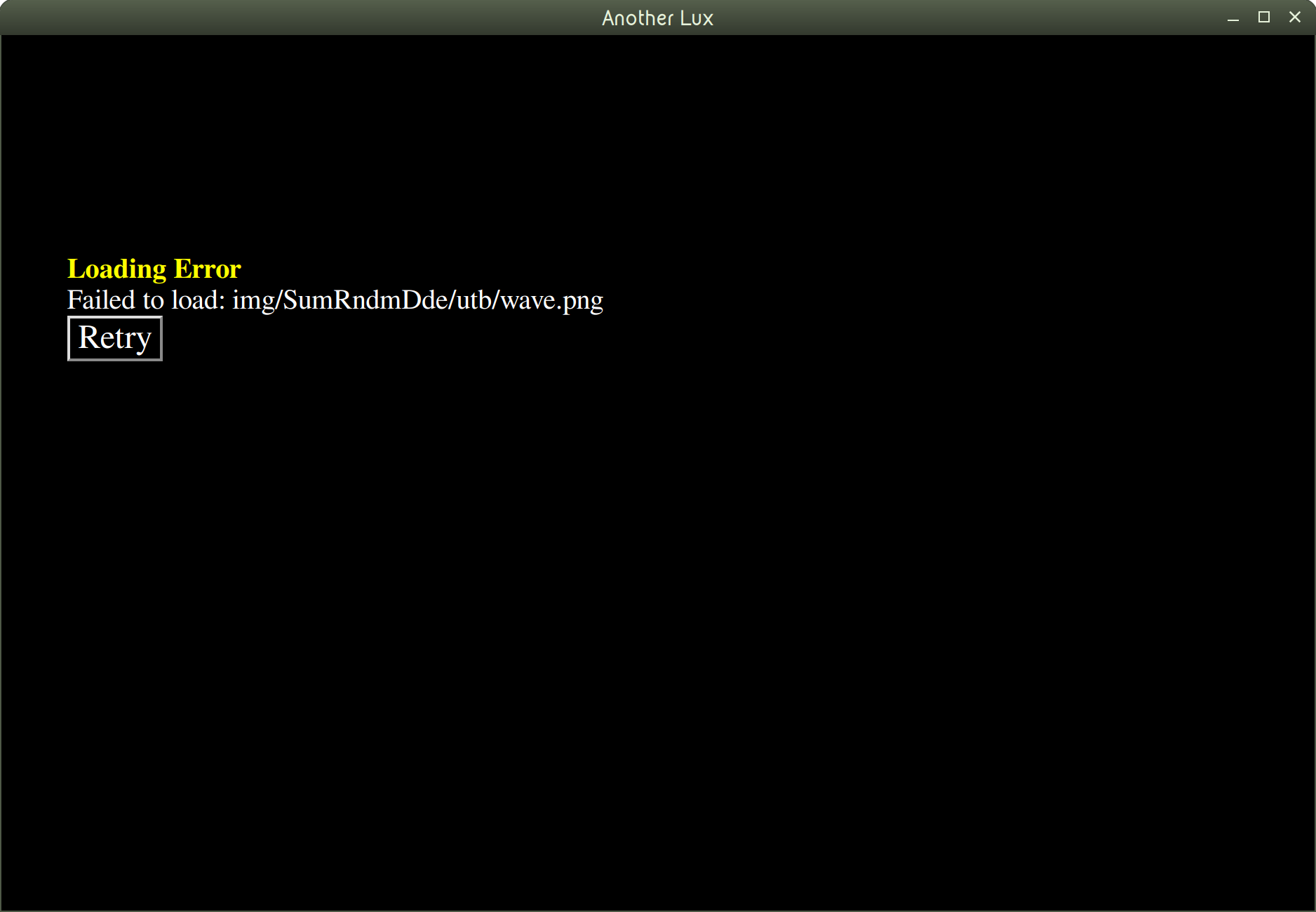 Still doesn't work. This time it looks like a crucial file is missing in a "img" directory. I think the issue is that there are crucial files missing from the Linux build of the game, though I wouldn't know since I have very little game dev experience and also haven't worked with RPG Maker before. But at the very least, the game's window shows up now, which is progress!