
On Sale: GamesAssetsToolsTabletopComics
Indie game storeFree gamesFun gamesHorror games
Game developmentAssetsComics
SalesBundles
Jobs
TagsGame Engines

About fonts

A topic by miyukoll created Feb 20, 2025 Views: 3,398 Replies: 28
Viewing posts 1 to 7
(+1)

Hello, can I change the font settings, just like the font in version 1.3。The new font makes it impossible for me to play like before

(+1)

I need to translate the text

(1 edit) (+1)

Are you translating Chinese?

yes.

(1 edit) (+1)

I have solved this problem. You need to download the Unity version corresponding to the game, and then use TextMeshPro to make the language fonts you need and package them, and then apply them to the translation plug-in. If you are using Simplified Chinese, I can provide you with the file.

我的朋友,你才是真正的英雄。我也是使用中文,如果你能分享文件来解决这个问题,我会十分感激你!

Deleted 302 days ago

可能还会有其他中文朋友需要帮助,您能否分享Google Drive之类的网盘链接,也方便后来的朋友解决这个问题?

(1 edit) (+1)

Okay, I'll give it a try, and I noticed that your response is in Chinese instead of English.

(I shared the file, but it prompted that it requires "Awaiting moderator approval." Now, even my normal replies require "Awaiting moderator approval," and I can only modify old replies at the moment.)

(+1)

The browser's automatic translation made me mistakenly think I was seeing Chinese.

Did you ask for help because there was a translation that could not display the Chinese text, or the reason why the language was garbled, and the translation of Unity could not be solved?

(+1)

I've been struggling with the fact that in versions 1.3 and 1.4, I could use a plugin to replace English text with Chinese. But in version 1.5, even after trying multiple fonts, they remain incompatible with the game and fail to display any text.

我也一样苦于 没有找到合适的版本的字体

期待您的分享

我需要你的文件

(4 edits) (+1)

I can reply normally now. If successful, please upload the image

https://drive.google.com/drive/folders/1TtqXOMhKF4nb5b4PZX5pvuOGNgk-13Mf

Thank you very much!

Thank you very much for providing the font files.

(+1)

I tried to create many fonts,but it doesn't seem to work

Developer

You have to contact the creator of the translation tool for them to include support for games mades with Unity 6.

We're still using the same text system (Unity TMP) as before.

First of all, thank you very much to user "jesse2486" for providing the font package. I am using the "RenpyThief" translation tool created by "LinHu_林虎" on bilibili. To replace the fonts, simply substitute Font A (the default) in the "trans" folder. As for how to replace fonts using other translation plugins, I'm not familiar with the process.
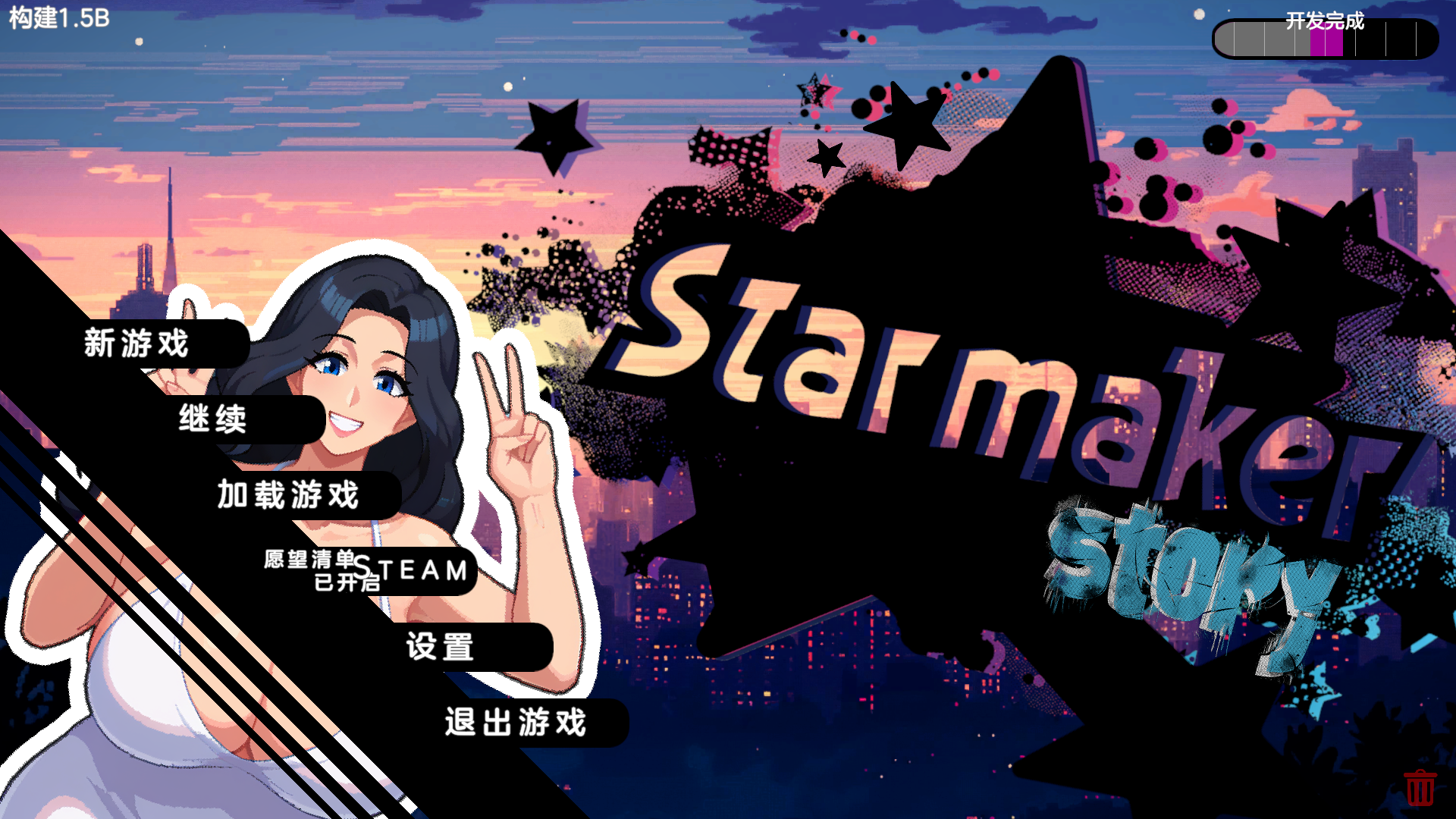
看到你是国人我就用中文了~

能麻烦你分享一下AutoTranslatorConfig.ini文件吗?你所使用的RenpyThief也是使用了AutoTranslator插件来进行翻译的,但是我在使用这个插件时,总是需要通过ALT+U快捷键才能hook到文本,默认的hooker无法捕获文本,想看下你是怎么设置的~

我在游戏文件夹中找到了该文件。AutoTranslatorConfig.ini 文件

(1 edit)

You may have configured something. Maybe you should delete RenpyThief and the game and reinstall it to basically solve 100% of the problem, but the text you translated before will be gone.

Thanks to all of you!

I found the solution,  just move the game folder to a path that is entirely in English.

能分享到国内盘吗,墙打不开

字体包

好兄弟发一下qq教一下怎么改汉华

去B站搜“LinHu_林虎”,私信要翻译插件。下载字体包字体包超链接。在插件的目录里找到“trans”文件夹,替换“FontA”这个文件。按照插件提示就能汉化游戏了。