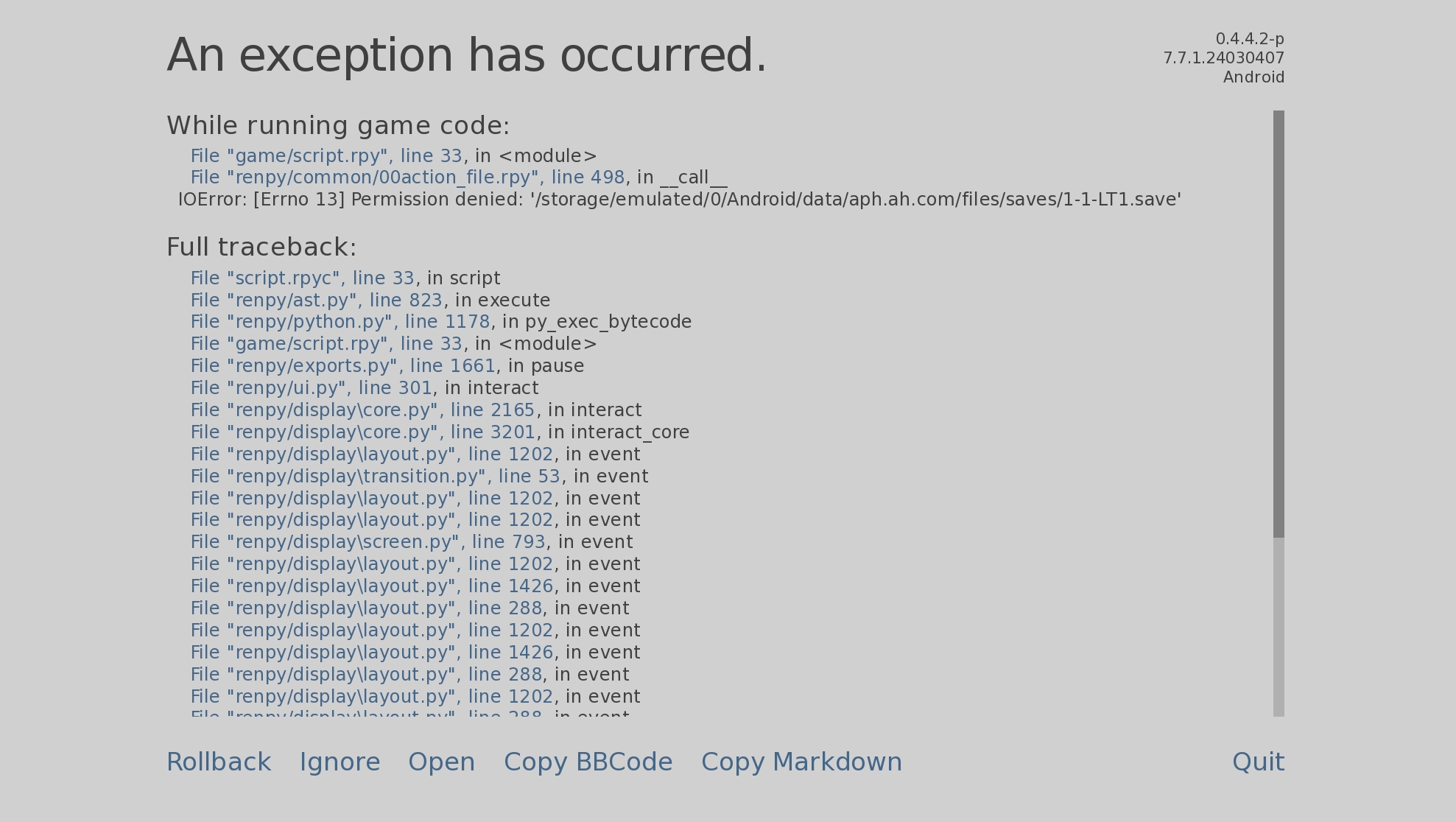
Hello! Sorry you are running into this, unfortunately I am not sure of how to fix it? Have you tried playing the game and saving? Does your phone allow it? If so, try replacing the new save with the old one, make sure to give it the same name as the new one
No worries if you're not entirely sure how to fix this. It happens quite frequently on Android 14.
Using Shizuku, I managed to transfer some save files. Out of 10, only 2 worked with valid data, while the others appeared grayed out, showing only the date. When attempting to launch these grayed-out save files, I received a "Permission Denied" error. Interestingly, the file names are identical to the newly created save files.
Android restricts the ability to move save files to the /Android/data/ folder, and it seems like Google has increased security restrictions since Android 11.
Potential Solutions i've found:
• Checking the Android manifest to see if external storage access can be enabled via scoped storage permissions.
• Does Ren’Py offer an online save file option, or could there be a way to manually select save files through the Android app?
Additionally, the security_key.txt file might play a big role in decrypting save files when transferring them. Could this file be required for proper authentication and restoration?