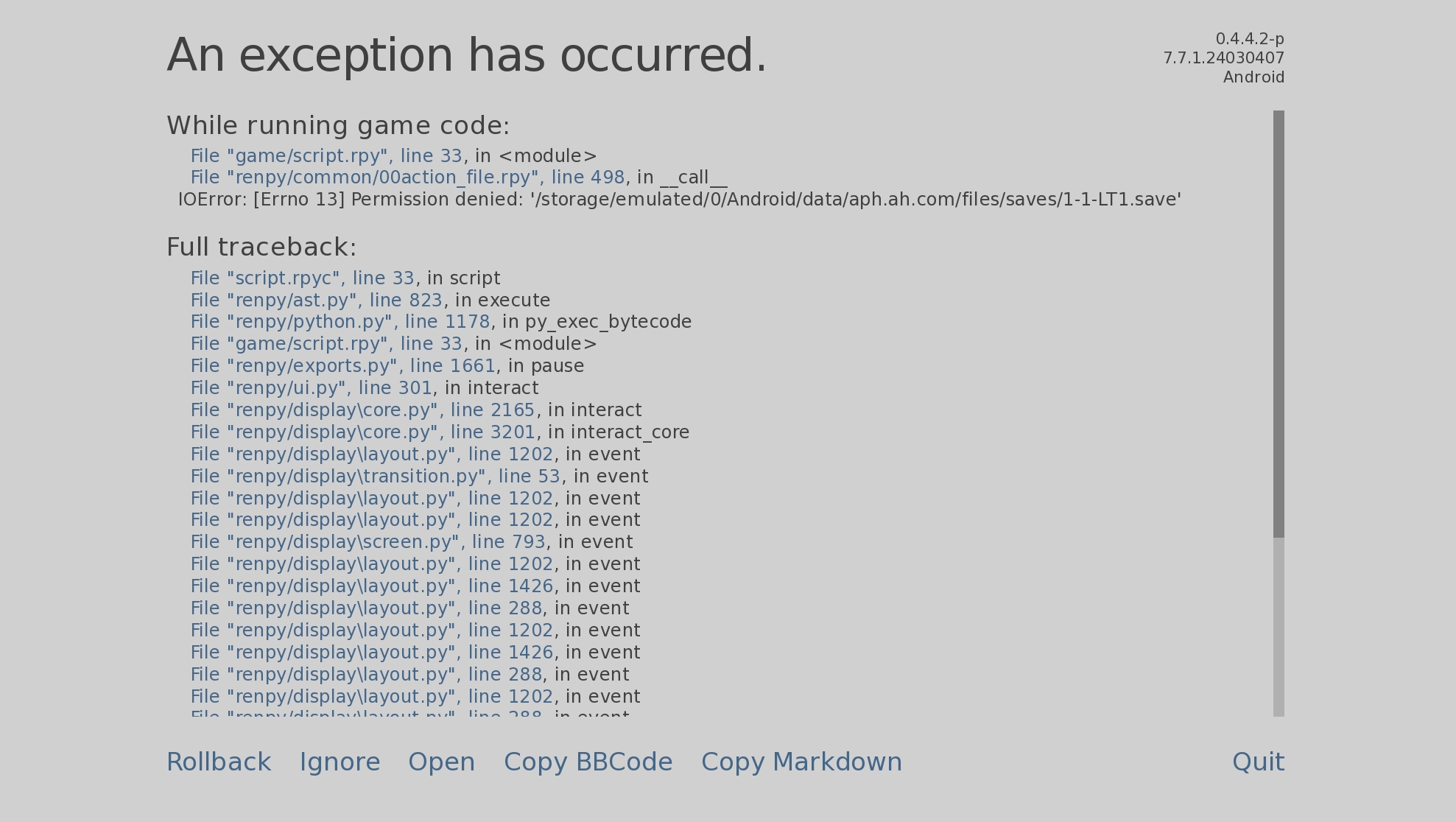
No worries if you're not entirely sure how to fix this. It happens quite frequently on Android 14.
Using Shizuku, I managed to transfer some save files. Out of 10, only 2 worked with valid data, while the others appeared grayed out, showing only the date. When attempting to launch these grayed-out save files, I received a "Permission Denied" error. Interestingly, the file names are identical to the newly created save files.
Android restricts the ability to move save files to the /Android/data/ folder, and it seems like Google has increased security restrictions since Android 11.
Potential Solutions i've found:
• Checking the Android manifest to see if external storage access can be enabled via scoped storage permissions.
• Does Ren’Py offer an online save file option, or could there be a way to manually select save files through the Android app?
Additionally, the security_key.txt file might play a big role in decrypting save files when transferring them. Could this file be required for proper authentication and restoration?