

1 year ago(+1)
Have you checked if you got the package yet?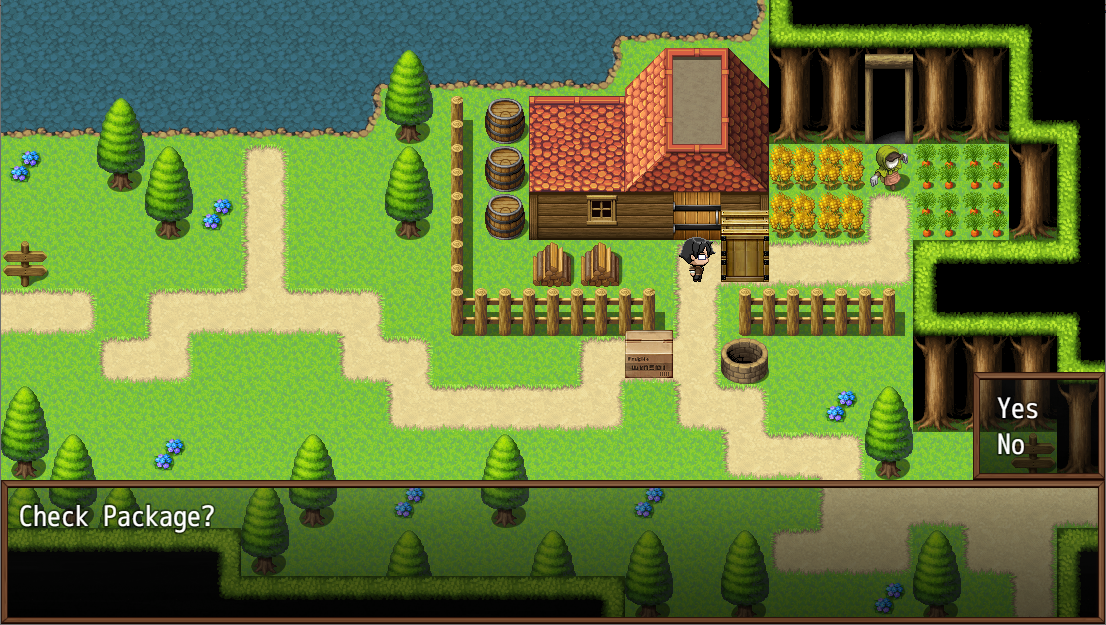
Once you got it, The indicator should appear on the room! 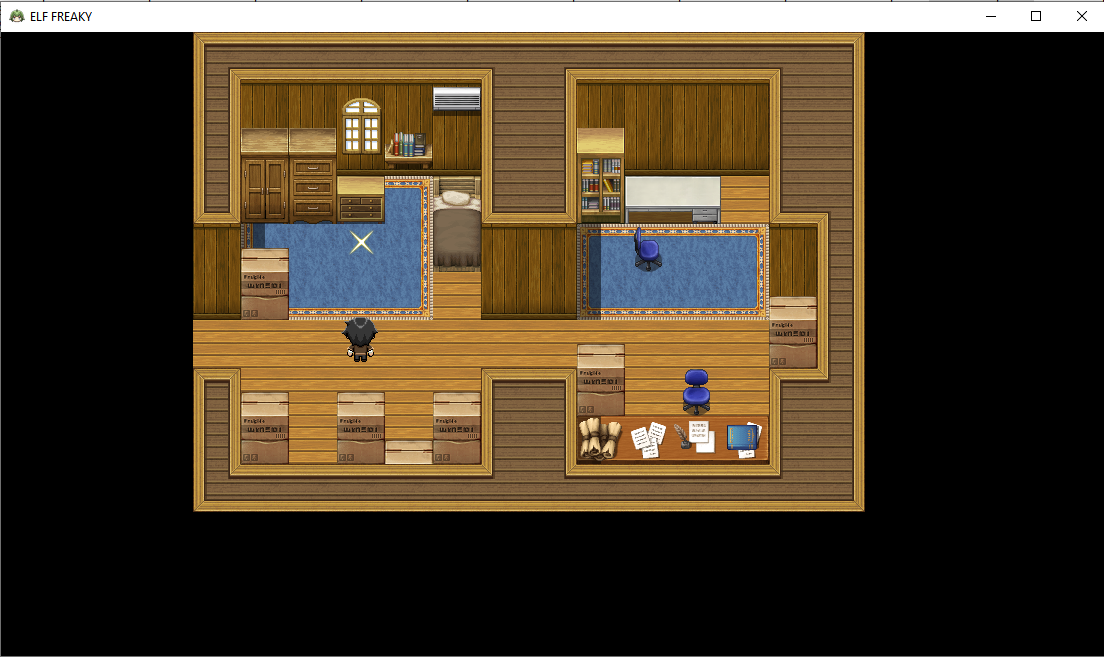
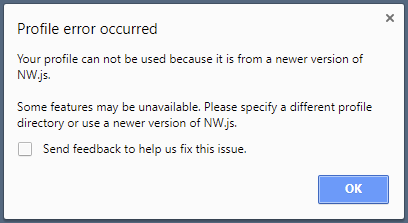
As for the error,
- Go to your app data folder in Windows (C:\Users\[Your Username]\AppData\Local). If you can't find it, make sure you can see hidden folders.
- Delete the folder "nwjs".
- Go inside the folder 'User Data". Then go inside the folder "Default". Look for the files "Web Data" and "Web Data-journal". Delete these two files.
That profile warning can be ignored, it's basically a Windows Registry issue. But if you want to fix it, the easiest way is to text edit the package.json file, and in the line with "name":"" put something in the "" like "elf-freaky" to give it a unique value. And for any other RPG Maker MV or MZ games that give the same message.