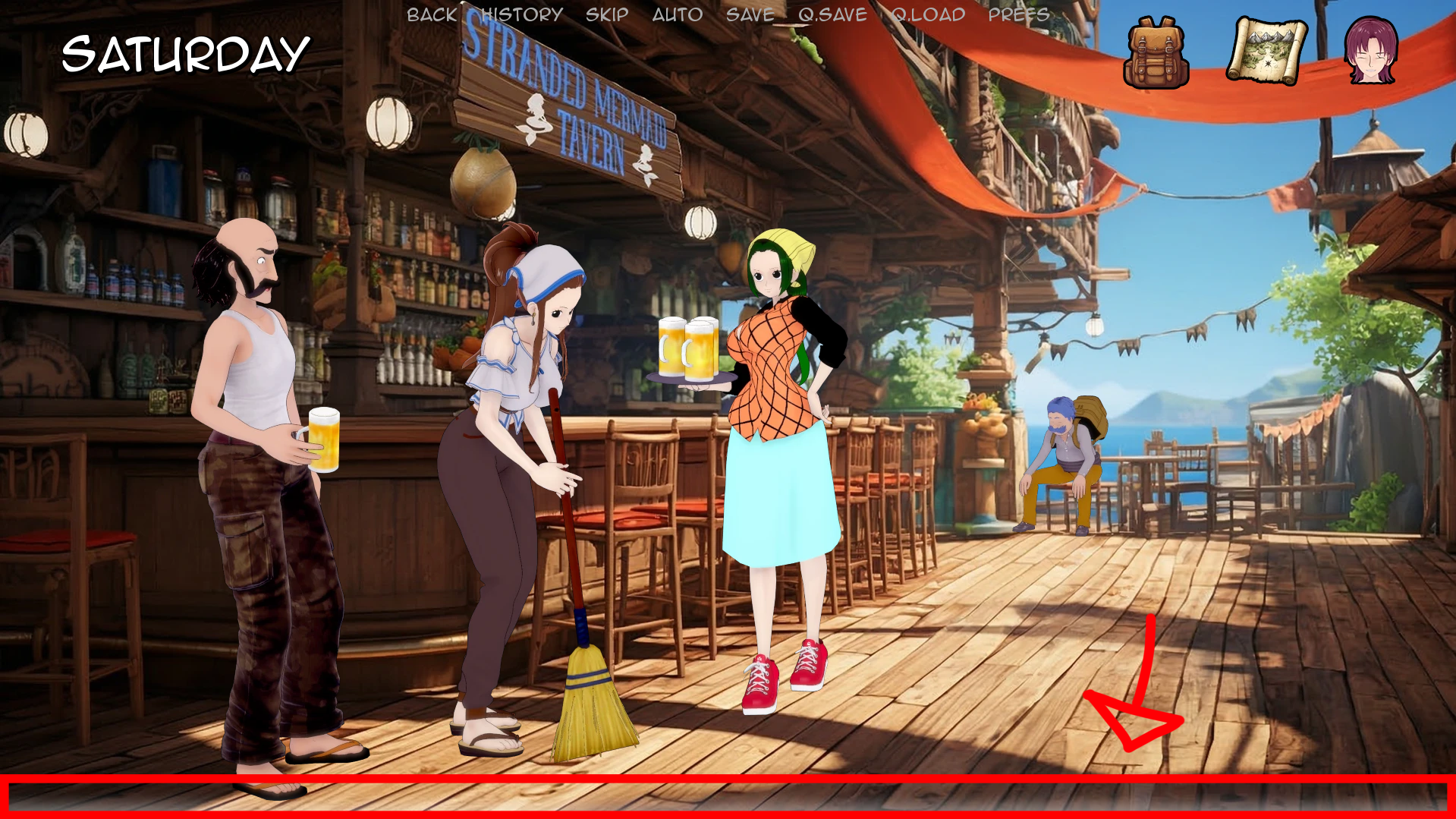
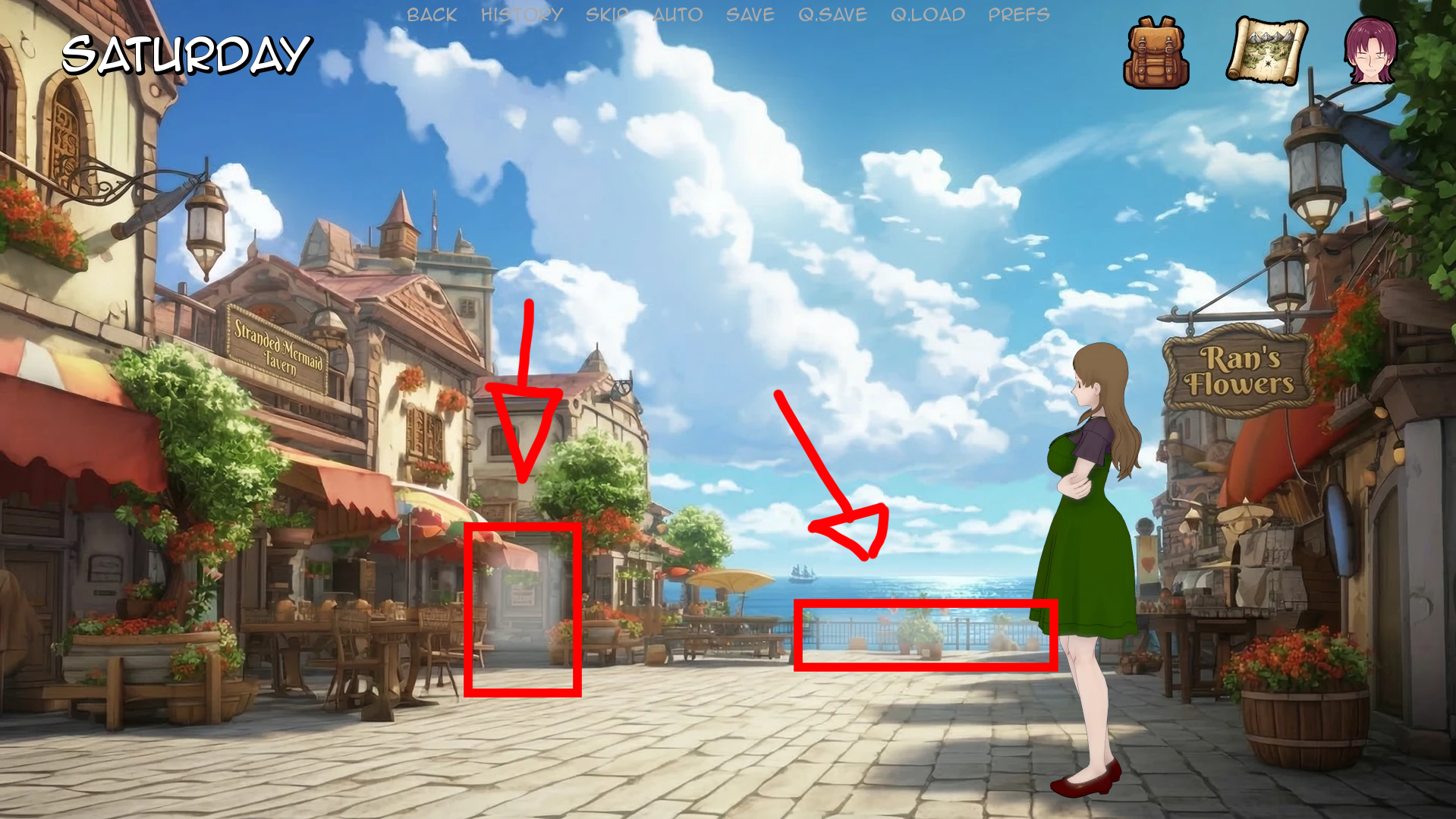
Some players have reported that they were unsure how to move around in Sandbox Mode, so here’s a quick explanation: On Windows, Mac, and Linux, navigation is very simple: when you move your cursor over the map, the available areas will light up, and by clicking on them, you will move between scenes. On Android, this highlight effect does not currently work, which makes navigation a bit more tedious.
Because of that, Android players will need to tap around the map manually to find the available zones. I may consider adding arrow navigation in a future update to make this easier on mobile.