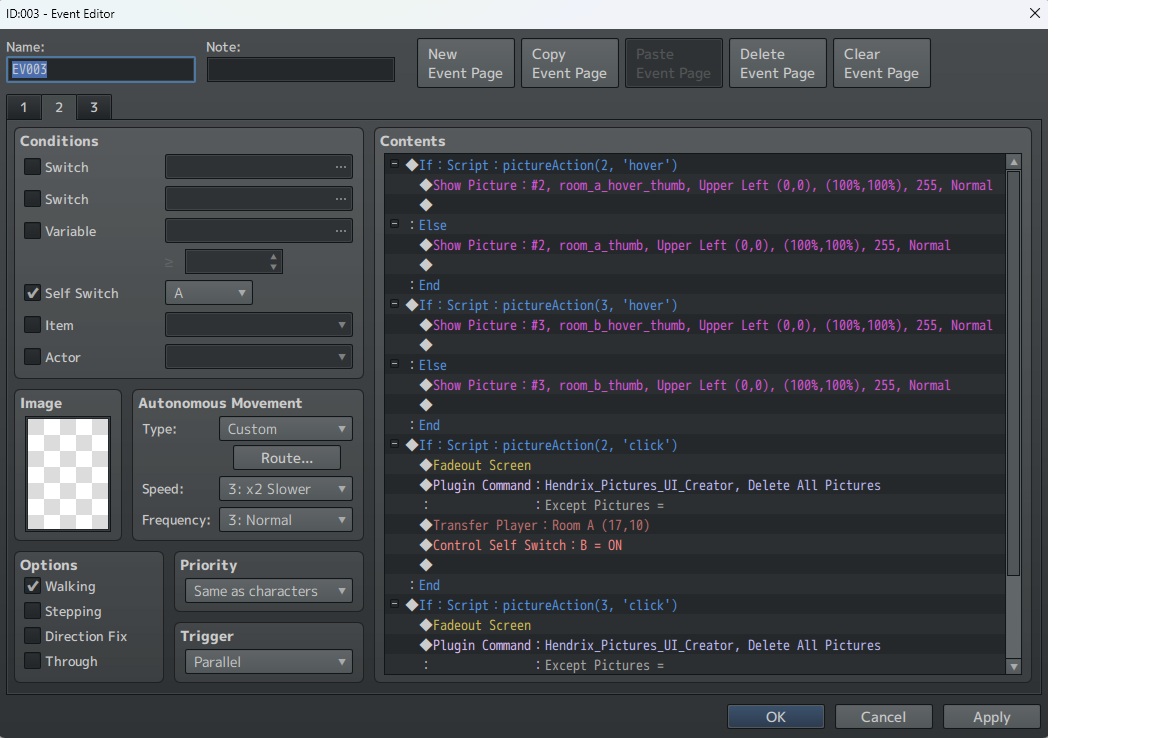
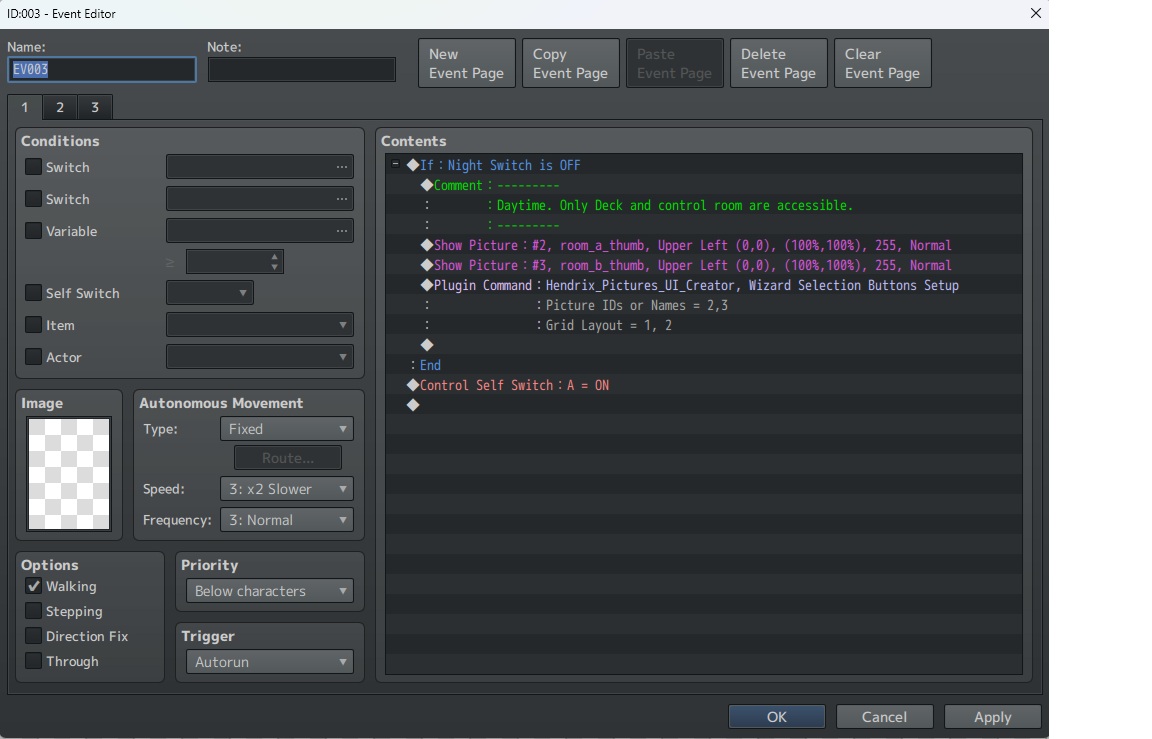
I just got the tool and it's been very useful so far but I've run into an issue with the selection wizard command. After fiddling around for a while, I ran into a problem where one of the images I'm using isn't appearing when I enter playtest mode. The second image being used does appear and seems to work fine but I can't get the other to show up.
The problem seems to be with the selection wizard command, because when I delete that and leave everything else unchanged then both images show up fine. And what's more, if I keep the selection wizard command in place and create an identical, copy-paste map then it works fine as well (it removes all the previous drag-n-drop data but both images seem to be working.
So, I'm assuming that as I was tinkering with the event something screwed up the information generated through the drag-n-drop mode but I can't find any way to roll back or reset image data without just remaking the entire map.
The second is with the "Button for transition" tool. It seems like the "bottom left" and "top right" positions are swapped. It'd also really help to be able to change the position of these buttons like you can with most other images. It seems like there's only the choice of top/bottom/center and left/right/center. And adding additional buttons will just cause them to appear automatically below the first one, without any option to customize it.
And I've tried to figure this out but it seems like no matter what, these buttons have a border built in to them which cannot be removed. Not sure if this is a bug or what but it's not the sort of thing I'd want on an image button.
I've been trying out TyranoBuilder Next but I have run into a few problems.
The first is that when I'm attempting to customize the user interface, the sub-window that opens is smaller than the Tyranobuilder application window, so it's not actually possible view the very bottom portion of the screen (so, for example, I cannot see how far the text box is from the bottom).
Glad you're interested, I am still working on it but sadly 2020 and its after-effects have done a number on my free time and creative energy. There is a new version that's going to have some significant changes but it is very, very incomplete at the moment.
At the moment I can't say with 100% certainty when I'll be able to get back to it, but it's definitely still something I hope to complete and I'm hoping the changes in the new version will be interesting.
Obviously, this game is a WIP, playtest version but a couple of crazy people have seen fit to throw a few bucks down for it regardless. So I just wanted to say thank you for doing that, even for an incomplete game. The sense of half-earned validation is even more valuable than the money.
Since this is a playtest doc I'm looking for all the feedback I can get. I would absolutely love to hear anything you think about my game. Even harsh criticism is welcome and if you find errors or major rules issues then you'd be doing me a huge favor to let me know.
If you get the opportunity to sit down and play with a group, please let me know how it goes! I would be thrilled to hear about how your session went.