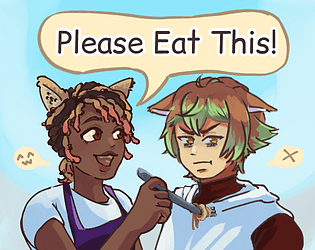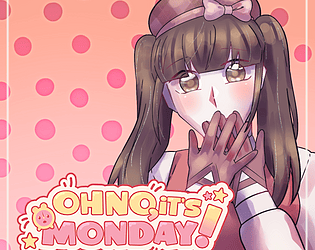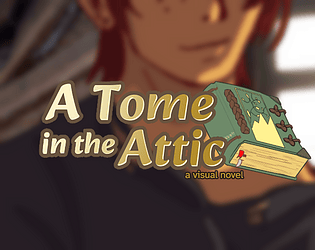
this is all so relatable!! I love the art and expressions and how they cycle through during the little "i need to plan out every possible dialogue option at the coffee shop" x3
zacbytesgames
Creator of
Recent community posts
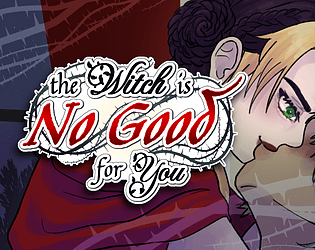
THIS WAS SO FUN !!!!! I loved experiencing this mishmash trio go on such an exciting quest!! I took way too many screenshots- there were too many moments I want to engrave in my brain >w<
I physically cheered after their encounter with Gohldyggar!! (and when the parents showed up) ... I also teared up a lil when Mika got lost in the fog... It was very relatable..!!
Such a wonderfully written vn! Thank you for creating it!!
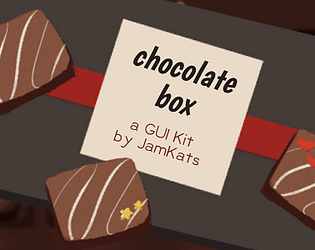
You don't need to add the CSP and PSD files to the project! They're provided in case you want to change the colours of anything (or even replace the font used in graphics with something better-suited for your game).
Is it possible to send a screenshot of the errors your getting? I'm not sure I'll be able to recreate the problem but it might help me figure out what's going on! You can also send it to jamkats.art@gmail.com if you'd prefer.
I've written this step-by-step just in case! (I apologize if providing it comes off the wrong way >.<)
- Copy everything in the kit's "gui assets" folder and paste it into your project's "gui" folder (and replacing the files in the destination)
- Create a folder in your project titled "fonts" and copy the TTF file into it (or copy the entire "fonts" folder from the kit and paste into your project!)
- If you launch the project at this point, the GUI assets should be implemented in-place of the default (albeit potentially warped or misaligned). The menu title images and fonts should still be the default at this step.
- If you haven't touched your project's gui.rpy or screens.rpy files yet, copy the respective files from the kit's code templates and paste them into your game project, while confirming to replace the files in destination. Alternatively, open up both the kit's and your project's code and copy-and-paste.
- If you have touched your project's screens.rpy file (presumably to add information to your menu screens), I recommend pulling-up both scripts side-by-side and slowly copy-pasting code from the kit into your project, section-by-section, and relaunching/playing your project as you go. It'll be easier to see if you have custom/differently-named variables or file paths that are breaking your game this way.
Hey there! I'm so sorry you're having trouble TnT
Since making this asset I've switched laptops, which made for the perfect test to implement this GUI into a new Ren'Py project >w< The first attempt failed and I got to see the errors, but the second attempt was more successful!
If the error starts with "While running game code: Exception: Could not find font u'Boogaloo.ttf" you likely have your fonts folder in the wrong spot. This folder must be added to/created in the game folder (so that the file path looks like: Project Title>game>fonts).
If you're still having errors, I would then recommend copying the code from the templates and pasting it into your scripts (for gui.rpy and screens.rpy respectively). Doing so in chunks may help figure out where the issue is coming from.
Also ensure all of the assets you've dragged over from the kit are named correctly! The GUI graphics provided have the same names as the default graphics, with the exception of the "Titles" folder (which replaces the menu titles with images! The file path is called at the end of each menu screen's code block, but if you'd like to add it manually, the code looks like this:
##Uses image for menu title. pos (x,y) denotes where it appears. add "gui/titles/load-title.png" pos(70, 25) xysize(338,225)* load in load-title.png will be replaced with whatever menu title you are replacing!
ex: "gui/titles/about-title.png" pos(70, 25) xysize(338,225)
If there's still an issue, please let me know! It's possible I'm forgetting something because I'm running low on sleep right now. Despite not being very technologically adept, I would love to help make this work for you!
Hey there! Did you ever figure this out? I just downloaded from an incognito tab to test it out, so hopefully this helps:
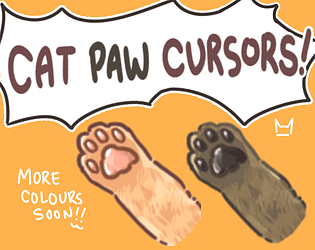
After hitting "Browse..." on the Pointers tab, the options that first pop-up are your computer's default cursors. You will need to find the folder labeled CatPawCursors-2.0 b > CatPawCursors-2.0 > cur files and select the file from there.
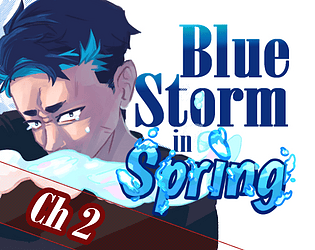
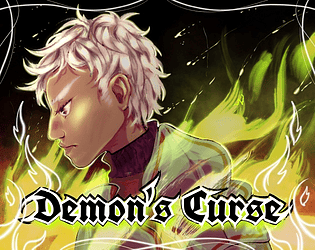
I really enjoyed this!!! I loved the manga-aesthetic and the way each scene was set up. I also liked the pops of colour in the character sprites!! Iago's growth was very satisfying to read too :)
The ghost designs were rad! A lil creepy in a good way :D And not in a way that distracts from the rest of the art.
Whenever the battle music queued up I got super pumped right away!!!
I thought the cinematography for the part in the church with the trio encountering the ghost was also really great!! The switch from static paneling to scrolling really pulled me in (in the same way the battle music did!)
Other miscellaneous thoughts: The game page is so good and I loved how the main menu loads in-- I could tell I would like this right away just from those two things alone!!