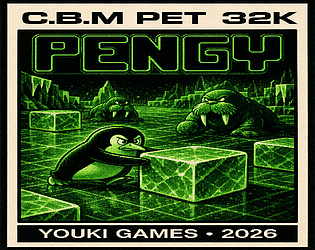
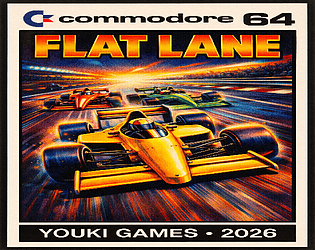
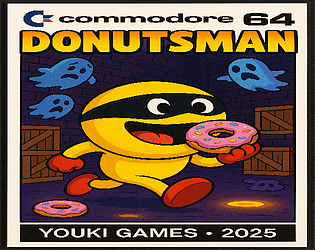
Hi, i had a look to Oscar64, it is very good, but it would need i rewrite a big part of Donutsman. It is not just a matter of recompilation. I did not have time for that. I could also try with claude code to automatize the conversion... but for now, no time for that. But Oscar64 won't do miracle here , but from my experience with Flat Lane (not Oscar64 , it is also CC65) i know where i can improve my code to have better performance now. Will see may be one day, i will release a new version. Thanks for your interest!
Thanks a lot!!! Indeed it works like that! May i do a proposition for a future version , it would be good to be able to export charset , graphics etc... in C format. For now , i need to export as Basic DATA and then convert to C. Not a big deal , but it would be helpful for me. :)
It is a tool i love. I use it regulary and i sent money few time ago to thanks you. But i must be stupid, but i don't find any way to draw a character in multicolor mode on the charset designer? On a website i found a screenshot : C64 Studio where we can see a "multicolor" checkbox , but i guess it is an old version. On the last one, even if i select "Commodore Multicolor" Mode and selecting one of color like Mulitcolor 1 , i can not draw in that mode, seems to be always in Hires mode on the character drawing panel on the left. Anyway thanks for your great work!
Yes, indeed. But by trying to do them myself, i learn :) . Even if the result is bad , i always learn something! :) But when i will plan a more ambitious game i will surely ask for help to the community. For now , i'm just experimenting and learning with my games.
Thanks for your comment. I'm still beginner on serious programming the C64. For now i'm in the phase of acquiring skills , experimenting... i hope one day be able to do something more serious... but my very weak point is sound and music... it is really frustrating for me.
Thanks a lot for your comment!. And the video!... i have noticed on your video that you repair and then refuel... you can do the same together keep the joystick on the right and use fire button to repair while keeping the joustick on the right. :)
Yes, it could be. Somebody suggested me this C compiler that i did not know. May be i will try to use it. Not sure i will port that game to this compiler , but for a new game for sure.
thanks for your comment and Suggestion. I had some speed limitation constraint due to my code , that's why it is not as fast i would like. But if you play in NTSC it is a little faster. Thanks for your suggestions for High score. I don't know if i will come back on that game. But if i did , i will take them in consideration for sure.
Thanks ! Originally i had implemented a real wave effect for the donuts... but i got really the see sick with that... so i just changed to up & down moviing in sync for all donuts. :D
Thanks a lot for your comment and your video!. Yes for the speed i know. But i have a technical constraint due to my code... i was not able to make it move faster unfortunately. I contact you per mail.