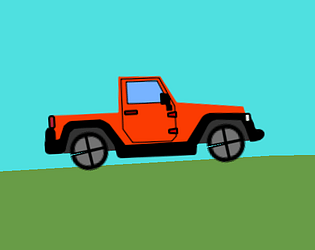
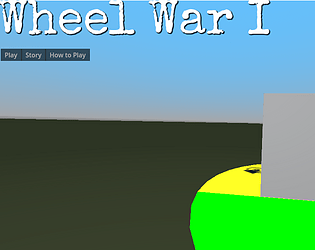
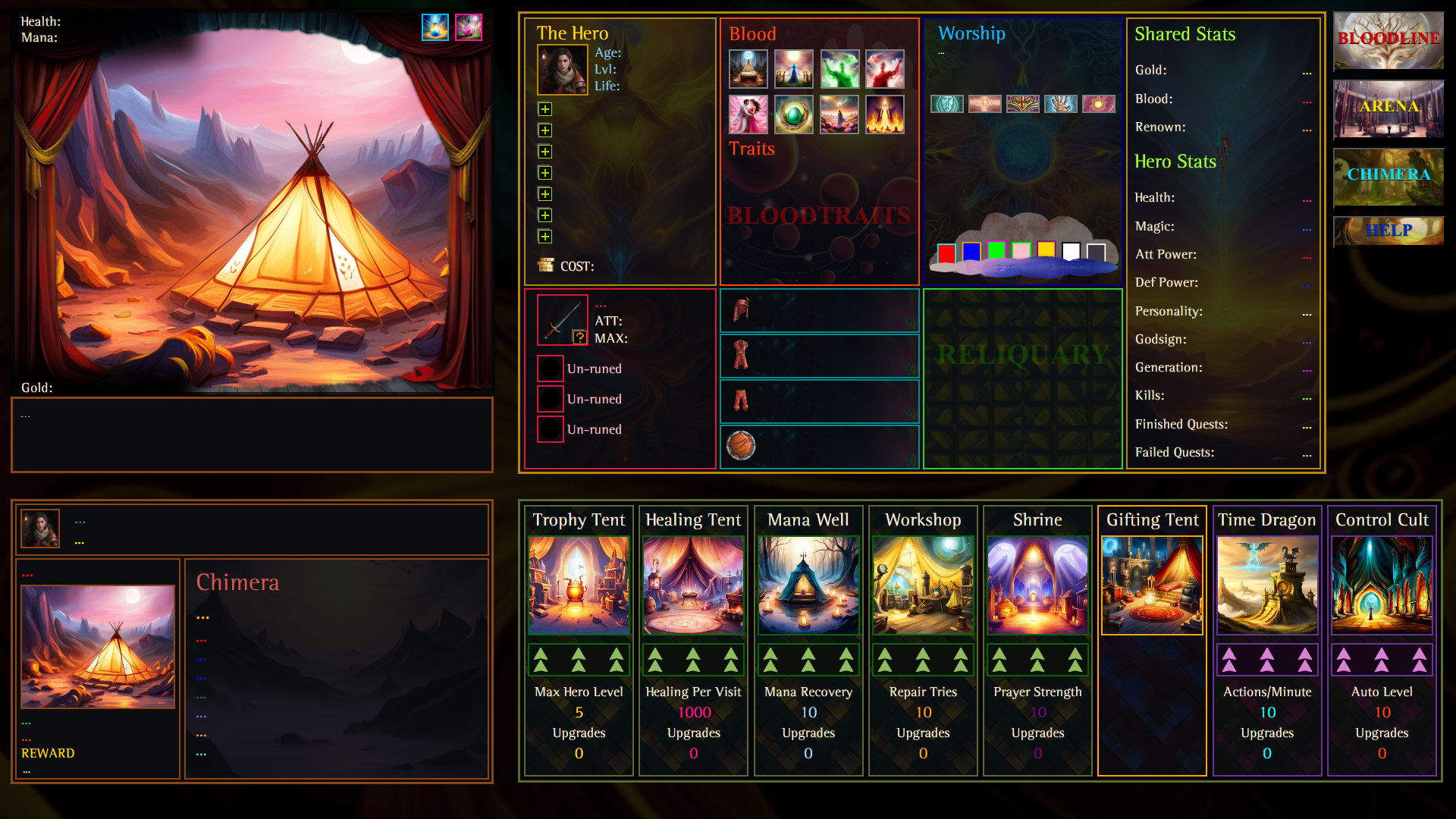
The pins start up and locked. If they are down, the corresponding wheel (front or back) will shift with the weight of the car (wedges touching the ground get smaller, and the wedges on the opposite side get bigger). If the pins are up and locked, the wedges don't shift size, so you can lock in a specific tire shape.
Xaviar21
Creator of
Recent community posts
I liked the shifting a lot! I didn't really understand the steering. Also I feel like stuff was happening without me, because at the start while I was still trying to figure things out, I had only shifted to first and hadn't touched the wheel and the speedometer said 0mph but the car still moved forward
Art was great. I loved the guy asking for the explosion potion.
Was a bit confused with the results. Picked ingredients such that there was no possible overlap with other potions, and followed the greater than / less than instructions, and the customers were happy, but it'd say the name of a completely different potion I hadn't put in the ingredients for off to the side while the customers were telling me I did a good job.
UI was initially misaligned, but I fixed it by zooming out with ctrl-. I see in another comment you mentioned having trouble with that-- one trick I use is to just let my debug window be resizeable and just drag around to random resolutions and try to find ways to pin my elements together so they flow with that. I use godot, but I imagine you could do similar with unity.
Absolutely amazing game. Unfortunately, the best wheel was in the writing. I understand the wheel reason for the thumbs up or down, but no idea how that interacted with the health bar. Constantly hit the right wedge trying to "submit" by shooting the palm. Took me a long time to realize that's what I was supposed to do.
Like.. NES level obscure, not N64 level obscure.
Overall, 10/10. Wheeljam, 6/10
Really cool concept. I wish it was more clear what color spell you were using and how much damage you were doing. (Suggestions: A healthbar, and if you make the fireball white with greyscale shading, you can use the "modulate" property to match its color to the element)
[edit]
OOOOOhhhhh... I misunderstood what was happening. I was pressing "Q" again to select a spell, instead of space, so I never actually changed spells, which explains why I couldn't hurt some ghosts. Very cool, actually. Maybe just a better indicator that the action is being canceled instead of confirmed.
The "How to play" button has a bunch of stuff about the relationship system. It's also what all the red/green bars on the tooltips are about. Thanks so much for playing! This idea pretty much popped into my head fully formed when I saw the prompt, I unfortunately didn't have a chance to loop in an artist.