

its a bug of v0.5. you can save the game, download the previous version v0.4.7, start the save, complete the scene, then save again and open this save back in v0.5.1
A member registered 99 days ago
Recent community posts
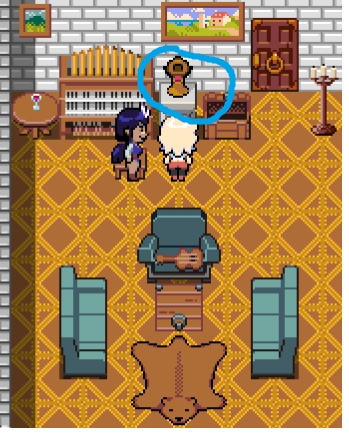
I also have the same problem (shown on picture) for version 0.5.1 for Windows. But in version 0.4.7 no this yellow things. Should be bug of v0.5.
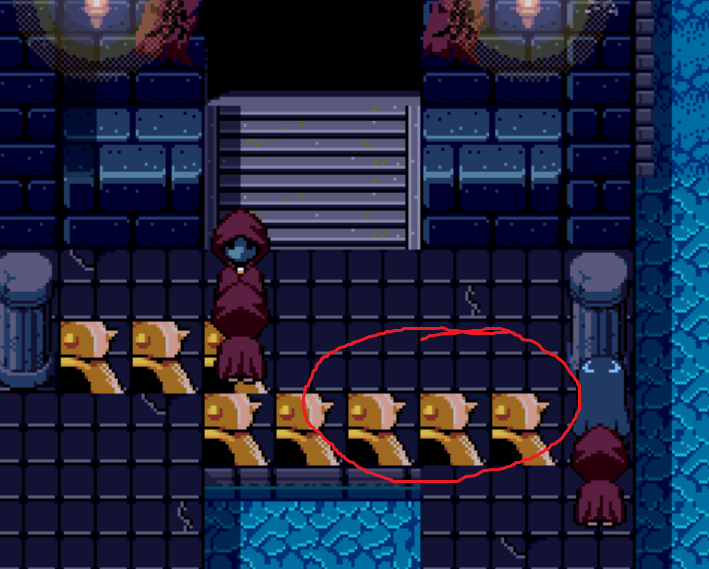
As a temporary solution you can download v0.4.7, copy the folder: \save from the version 0.5.1 into the v. 0.4.7 and complete this quest there (don't forget to save at the end). Then copy the folder: \save (with completed quest) into the version 0.5.1 and continue gaming. This way you will avoid this bug.
You also could try to copy directly file with your saving instead of the whole folder (I didn't do this, so I don't know will it work or not).