Indie game storeFree gamesFun gamesHorror games
Game developmentAssetsComics
SalesBundles
Jobs
TagsGame Engines

Vslav Store

5
Posts
8
Followers
A member registered 87 days ago · View creator page →

Creator of

Recent community posts

Unfortunately, no — the plugin does not support RPG Maker MV.
It was made specifically for RPG Maker MZ and uses MZ features and architecture (such as MZ plugin commands and Scene/Interpreter behavior), so it will not work in MV.
I am still just getting started with plugin development. I have been learning MZ and I like working with it so far, but I do not yet know whether I will continue developing plugins in the long term.

Unfortunately, no — the plugin does not support RPG Maker MV.
It was made specifically for RPG Maker MZ and uses MZ features and architecture (such as MZ plugin commands and Scene/Interpreter behavior), so it will not work in MV.
I am still just getting started with plugin development. I have been learning MZ and I like working with it so far, but I do not yet know whether I will continue developing plugins in the long term. 

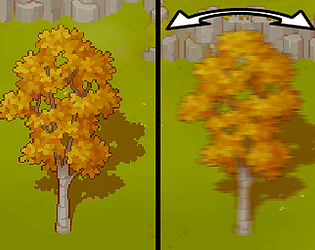
In it, I created a new project and tested this plugin on an event, and everything works correctly.

Please try creating a new project as well and testing this plugin there.
If it works correctly in a clean project in RPG maker MZ, then the issue is most likely caused by one of the plugins in your project that affects FPS or graphics rendering.

To better understand the issue, could you please tell me:

  1. What FPS does your project run at during playtest (you can check it by pressing F2)?

  2. Are you using any plugins that modify character movement, camera behavior, or sprite positioning (for example pixel movement, smooth camera, or optimization plugins)?

  3. Did you change any of the sway/rotation parameters in the plugin, or are you using the default values?

Hi, What value did you set, from 1 to 50?