When opening a project, select the containing folder, not the .json file. then it should open fine!
⚫️ PARADISO
Creator of
Recent community posts
maybe, if i understand you correctly...there isn't currently a way to perfectly sync up tracks with, say, the click of a button, but there are ways to make it work... say i have 1 base track and 3 local tracks, and i want them to always be synced up:
- in order for them to stay synced, they all need to be the exact same length or lengths that are multiples of the shortest track (e.g. if the shortest track is 1m30s, other tracks could be 1m30s, 3m00s, 4m30s, etc.). any deviation from this will cause the tracks to drift out of sync over multiple loops.
- what i would do to start is import all the tracks as local sounds (this is how sounds are imported by default), and without changing their size just drag and stack them on top of each other as precisely as i could so they're all in the same position on the grid.
- next, make sure the listener is not touching them, and change their trigger type to "restart on enter" (click the 2nd button under the progress bar until it shows an arrow pointing left and an arc, kinda like "←)".
- drag the listener into all the sounds, triggering them to all start from 0:00 at the same time. if they're all the same length or multiples of the shortest track's length, they should stay in sync as they loop. this will also switch the trigger type back to "manual." this is what you want.
- from this point on, don't start or stop any of the tracks. convert the base track to a global or area sound by clicking the 1st button under the progress bar, and position and scale all the sounds however you like.
it's a little bit hacky but it should work. to get even hackier, after saving the project, you can open its project.json file in a text editor and reset all the tracks' playbackPosition property to 0. That'll ensure they're really synced up.
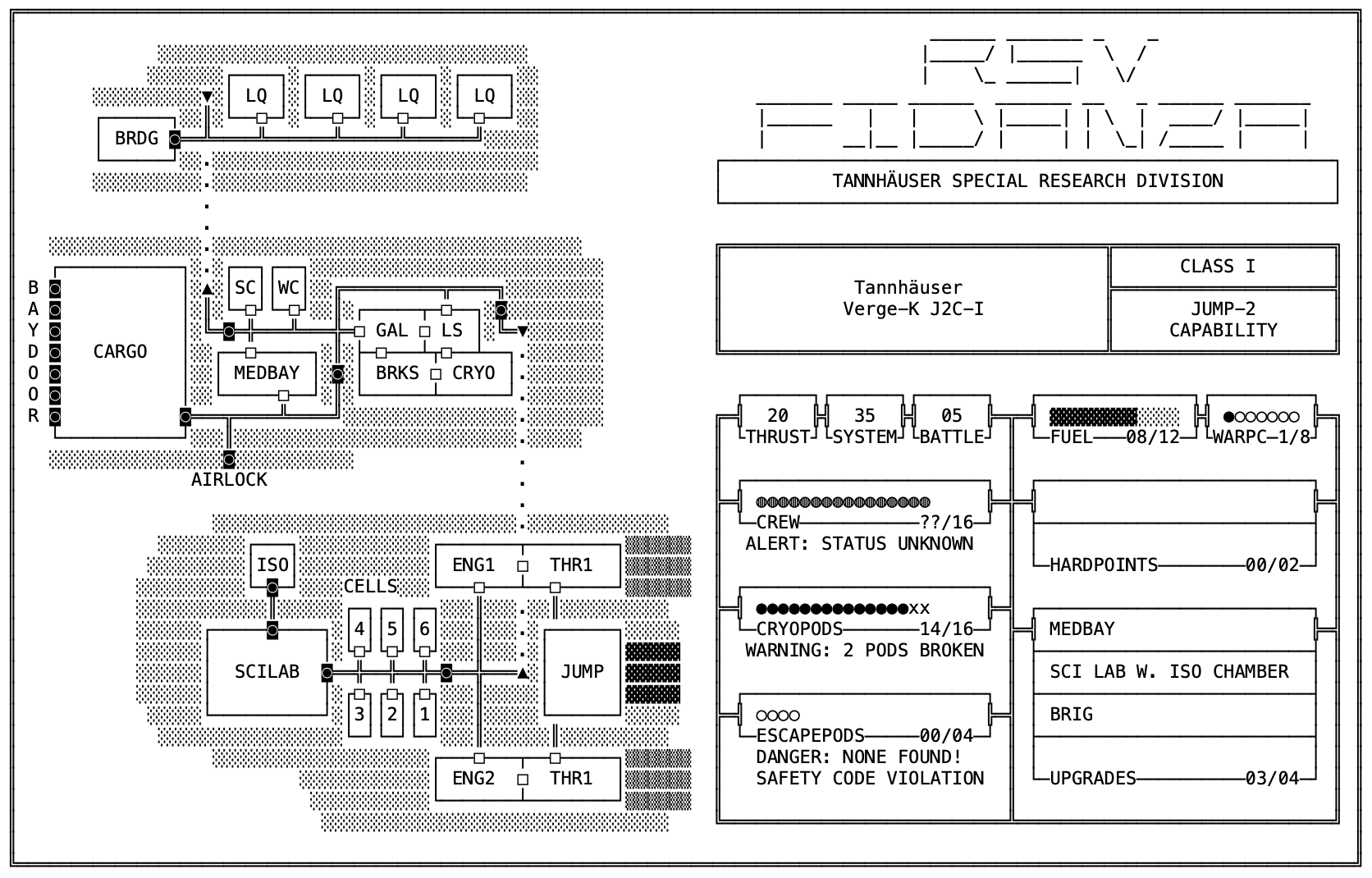
Interesting! I haven't tried opening it on a phone, but on my laptop the SHIP.TXT file works fine. I'll add the above SHIP.TXT.PNG to the downloads for anyone having this issue.
And thank you for the kind words!! Just so you know, the main thing I'm working on now is this: https://www.paradiso.zone/ooo-d23/ And also a big book of tables for Mothership: https://ultraparadiso.itch.io/100
Hi! Hmm looks like it's Apple's security being stringent because the app isn't signed with an Apple Developer certificate -- I'm working on getting my Apple Developer credentials going for Paradiso right now but until then try this:
- Open the DMG file you downloaded and drag tat.app to the Applications folder
- Open a terminal window (cmd+space, then type "terminal.app")
- In the terminal type:
xattr -c /Applications/tat.app
(If you put the tat.app somewhere else on your computer, change the "/Applications/tat.app" accordingly.)
This will remove the flag that's causing this warning and you should be able to open TAT as normal! This is a stopgap of course -- once I have my Apple Dev credentials sorted out this won't be necessary. Sorry for the hassle!
thanks for the report! i was finally able to get back to tat for some updates, and your reports have been very helpful. i've added a feature that should help with this in the latest release: https://ultraparadiso.itch.io/tat/devlog/853651/v030-release
the sounds list and the images list each now have an eyeball button that you can click to toggle their visibility. so if you click the eye on the sounds list, it'll hide the sound area visualizations and you'll be able to select images that were completely covered. there are a few artifacts still that i need to fix (the edit handles don't get hidden) but it should help with the issue you describe here.
thanks for the report! check out the new version (0.3.0), which has a scrolling sensitivity setting: https://ultraparadiso.itch.io/tat/devlog/853651/v030-release
let me know if this solves your issue, and what scroll setting feels good to you on windows!
hi! that’s interesting, i’ll contact EF and see about having them distribute the rest of the files with purchases of the book.
in the meantime, for you and anyone with a physical copy who doesn’t have access to all the digital files, shoot me an email at paradiso@paradiso.zone with a photo of the physical book or your purchase receipt and i’ll send you a download code directly :)