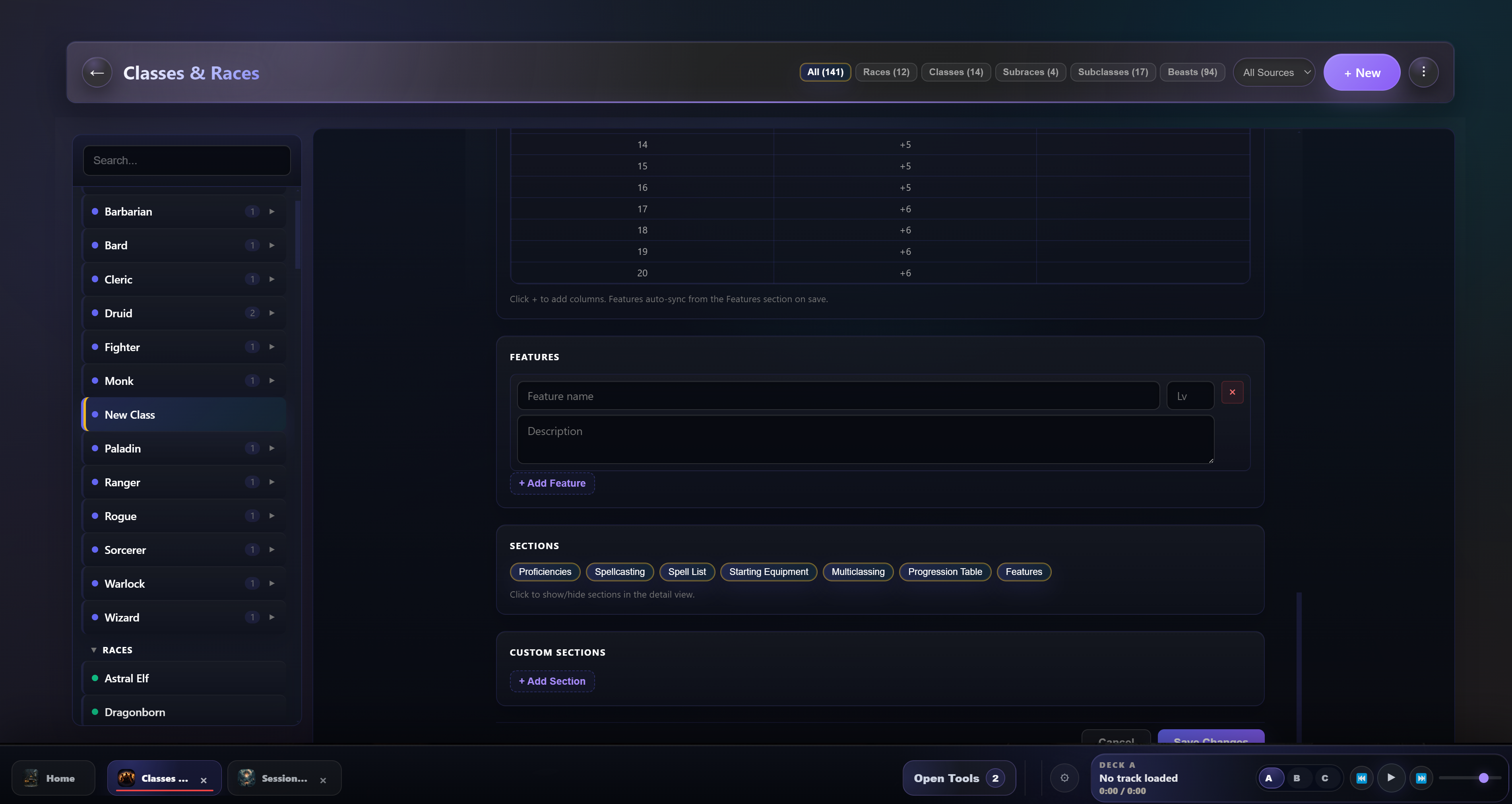
I installed the new version just as you described, but for some reason it’s not working the way you meant it to. No matter how I type the text or what I click on, it still remains as continuous text.
How exactly is it supposed to work? It’s quite possible that I’m doing something wrong.
And I apologize if I’m being a bother.
I’m just so fascinated by the app that I actually want to port my entire campaign right now.
Wow dude you are fast. Thanks for that fast response.
Could you tell me how to use the new text-editing features? I just added some new features, but it seems like I'm too clueless to use them.
Do I just need to download and install the new version, or is there anything else I need to keep in mind?
Also, at least in my case, it seems I can't change the size of the box. There is a drag icon in the lower right corner, but it only works for the description box, not for the others.
First of all, thanks for this cool tool. I’ve been a DM for almost two years now, and I’m currently having a blast exploring all the features.
One thing I’ve noticed is that I’m currently creating my homebrew classes and races in the app, and I wanted to ask if there’s a way to format the text fields for features and similar elements so that everything doesn’t end up as continuous text afterward. Especially with complicated features, paragraphs or bullet points would make things a lot easier.
At least I haven’t found a way to do this yet; if such a feature already exists, please let me know.