

Hi again dev i found another bug, when you search for the RNPC and fight them, you cant use the items and just show this.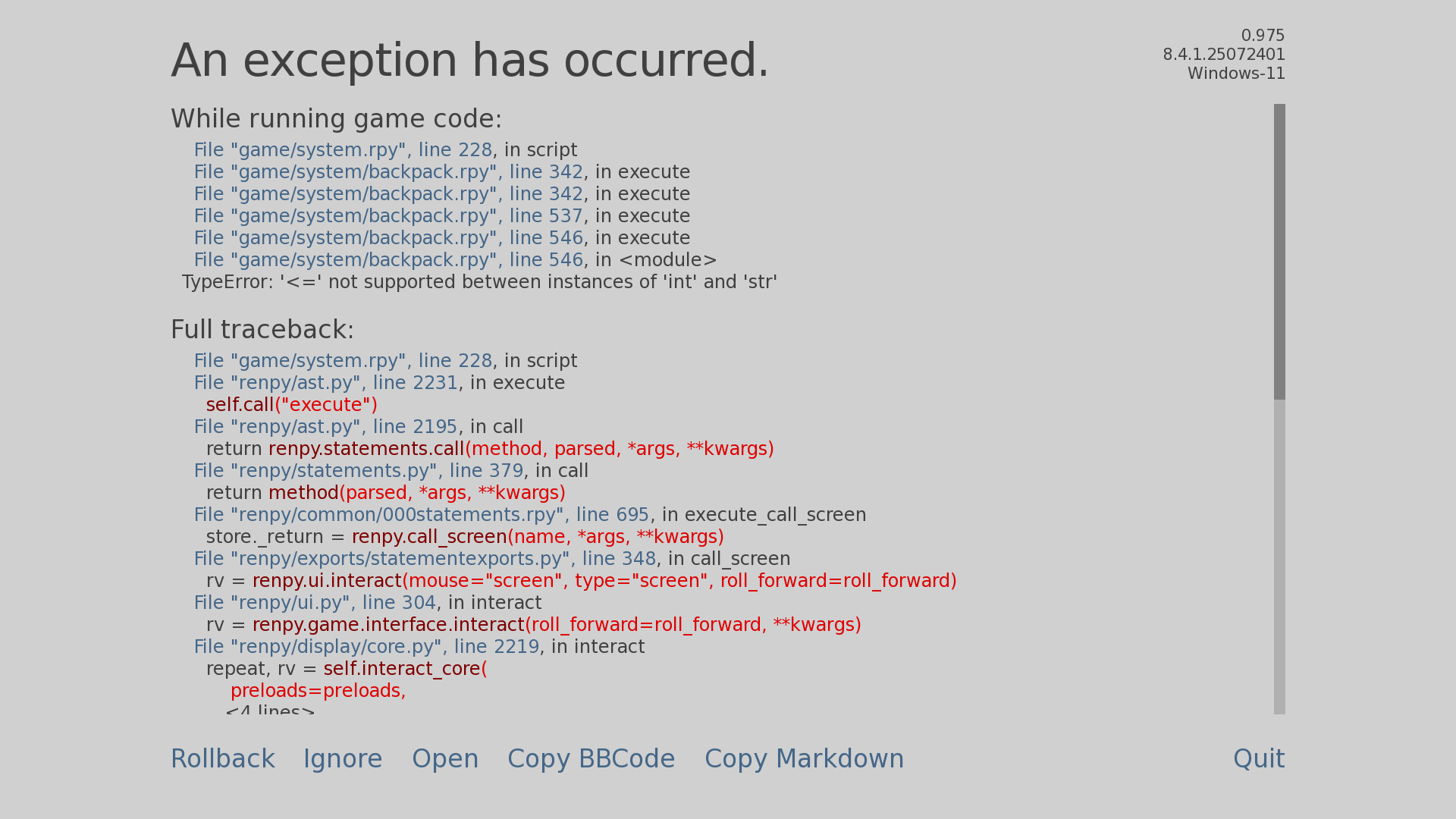
StoneOtter
7
Posts
1
Topics
1
Followers
10
Following
A member registered Jun 01, 2025
Recent community posts
School Game / Sandbox, Simulator, RPG comments · Replied to Kaito in School Game / Sandbox, Simulator, RPG comments
School Game / Sandbox, Simulator, RPG comments · Replied to Kaito in School Game / Sandbox, Simulator, RPG comments
Nice the job bug is fix but i encountered another bug Dev.
Seems like i cant use the person icon near the backpack icon bottom left. EDIT: also i found another thing idk if its a bug, the notes that you can write with the save file doesnt appear again after loading the game back.
I'm sorry, but an uncaught exception occurred.
While running game code:
File "game/system/menu_equip_for_mc.rpy", line 204, in script
File "game/system/menu_equip_for_mc.rpy", line 206, in execute
File "game/system/menu_equip_for_mc.rpy", line 206, in execute
File "game/system/menu_equip_for_mc.rpy", line 414, in execute
File "game/system/menu_equip_for_mc.rpy", line 441, in execute
File "game/system/menu_equip_for_mc.rpy", line 472, in execute
File "game/system/menu_equip_for_mc.rpy", line 474, in execute
File "game/system/menu_equip_for_mc.rpy", line 474, in keywords
File "game/system/menu_equip_for_mc.rpy", line 484, in keywords
File "game/system/menu_equip_for_mc.rpy", line 484, in <module>
KeyError: 'chain'
-- Full Traceback ------------------------------------------------------------
Traceback (most recent call last):
File "game/system/menu_equip_for_mc.rpy", line 204, in script
File "renpy/ast.py", line 2231, in execute
self.call("execute")
~~~~~~~~~^^^^^^^^^^^
File "renpy/ast.py", line 2195, in call
return renpy.statements.call(method, parsed, *args, **kwargs)
~~~~~~~~~~~~~~~~~~~~~^^^^^^^^^^^^^^^^^^^^^^^^^^^^^^^^^
File "renpy/statements.py", line 379, in call
return method(parsed, *args, **kwargs)
~~~~~~^^^^^^^^^^^^^^^^^^^^^^^^^
File "renpy/common/000statements.rpy", line 695, in execute_call_screen
store._return = renpy.call_screen(name, *args, **kwargs)
~~~~~~~~~~~~~~~~~^^^^^^^^^^^^^^^^^^^^^^^
File "renpy/exports/statementexports.py", line 348, in call_screen
rv = renpy.ui.interact(mouse="screen", type="screen", roll_forward=roll_forward)
~~~~~~~~~~~~~~~~~^^^^^^^^^^^^^^^^^^^^^^^^^^^^^^^^^^^^^^^^^^^^^^^^^^^^^^^^^^
File "renpy/ui.py", line 304, in interact
rv = renpy.game.interface.interact(roll_forward=roll_forward, **kwargs)
~~~~~~~~~~~~~~~~~~~~~~~~~~~~~^^^^^^^^^^^^^^^^^^^^^^^^^^^^^^^^^^^^^
File "renpy/display/core.py", line 2219, in interact
repeat, rv = self.interact_core(
~~~~~~~~~~~~~~~~~~^
preloads=preloads,
^^^^^^^^^^^^^^^^^^
...<4 lines>...
**kwargs,
^^^^^^^^^
) # type: ignore
^
File "renpy/display/core.py", line 2757, in interact_core
root_widget.visit_all(lambda d: d.per_interact())
~~~~~~~~~~~~~~~~~~~~~^^^^^^^^^^^^^^^^^^^^^^^^^^^^
File "renpy/display/displayable.py", line 432, in visit_all
d.visit_all(callback, seen)
~~~~~~~~~~~^^^^^^^^^^^^^^^^
File "renpy/display/displayable.py", line 432, in visit_all
d.visit_all(callback, seen)
~~~~~~~~~~~^^^^^^^^^^^^^^^^
File "renpy/display/displayable.py", line 432, in visit_all
d.visit_all(callback, seen)
~~~~~~~~~~~^^^^^^^^^^^^^^^^
[Previous line repeated 1 more time]
File "renpy/display/screen.py", line 503, in visit_all
callback(self)
~~~~~~~~^^^^^^
File "renpy/display/core.py", line 2757, in <lambda>
root_widget.visit_all(lambda d: d.per_interact())
~~~~~~~~~~~~~~^^
File "renpy/display/screen.py", line 514, in per_interact
self.update()
~~~~~~~~~~~^^
File "renpy/display/screen.py", line 715, in update
self.screen.function(**self.scope)
~~~~~~~~~~~~~~~~~~~~^^^^^^^^^^^^^^
File "game/system/menu_equip_for_mc.rpy", line 206, in execute
File "game/system/menu_equip_for_mc.rpy", line 206, in execute
File "game/system/menu_equip_for_mc.rpy", line 414, in execute
File "game/system/menu_equip_for_mc.rpy", line 441, in execute
File "game/system/menu_equip_for_mc.rpy", line 472, in execute
File "game/system/menu_equip_for_mc.rpy", line 474, in execute
File "game/system/menu_equip_for_mc.rpy", line 474, in keywords
File "game/system/menu_equip_for_mc.rpy", line 484, in keywords
File "renpy/python.py", line 1292, in py_eval
return py_eval_bytecode(code, globals, locals)
~~~~~~~~~~~~~~~~^^^^^^^^^^^^^^^^^^^^^^^
File "renpy/python.py", line 1285, in py_eval_bytecode
return eval(bytecode, globals, locals)
~~~~^^^^^^^^^^^^^^^^^^^^^^^^^^^
File "game/system/menu_equip_for_mc.rpy", line 484, in <module>
KeyError: 'chain'
Windows-11-10.0.26200-SP0 AMD64
Ren'Py 8.4.1.25072401
School Game / Sandbox, Simulator, RPG comments · Posted in School Game / Sandbox, Simulator, RPG comments
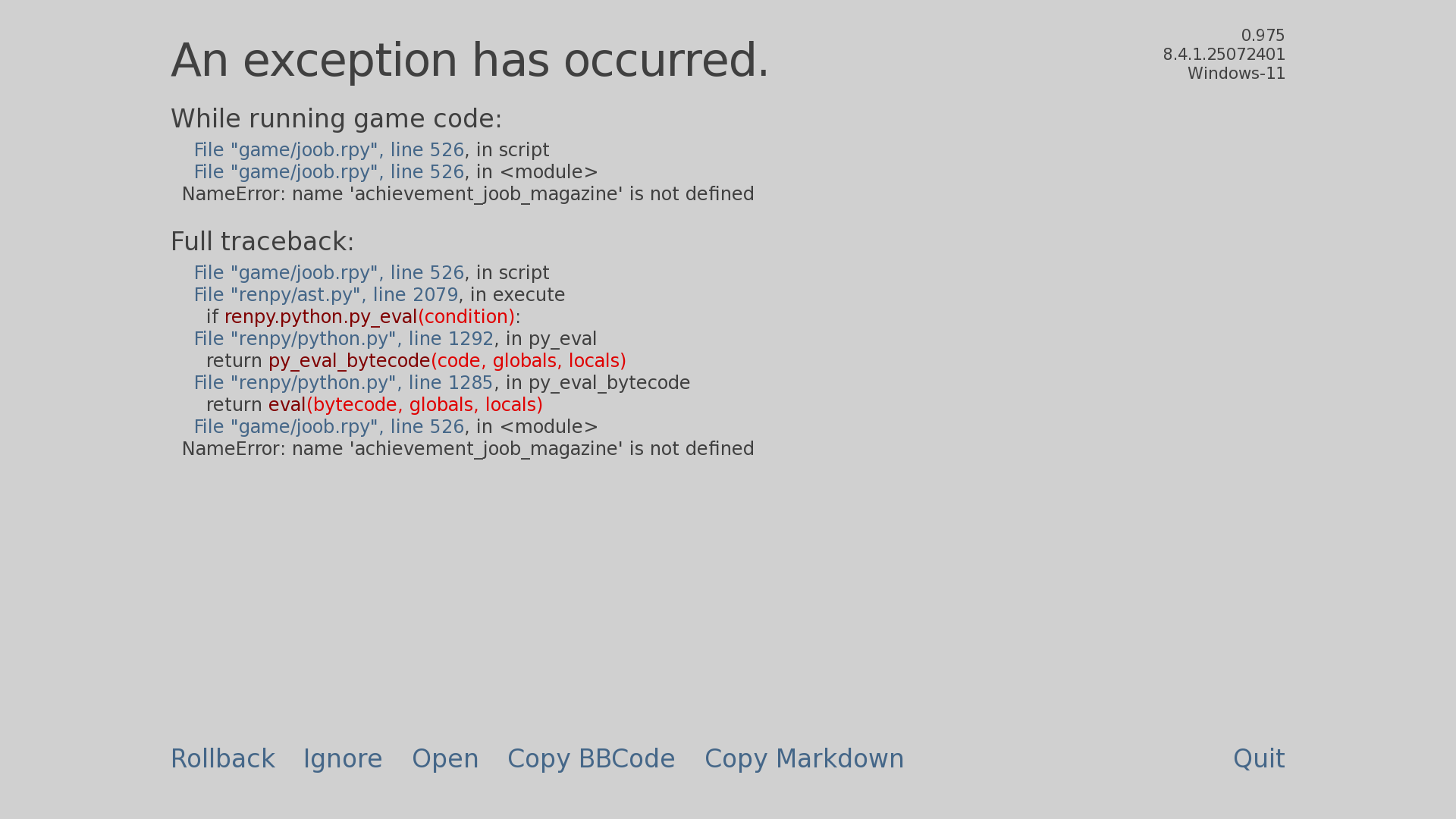
School Game / Sandbox, Simulator, RPG comments · Posted in School Game / Sandbox, Simulator, RPG comments
!Ω Factorial Omega: My Dystopian Robot Girlfriend community · Created a new topic The game closed while playing
I'd like to play the game, but sadly, it keeps crashing for some reason. I also tried to save the game during a few cutscenes, but when I pressed the settings, I couldn't save. I wanted to have a save to come back to, but alas, I tried many times to finish the intro, and it keeps crashing. By the way, my phone is at full capacity 16GB RAM (Infinix Note 12 G96). From what I know, it's probably because of the post-processing. I also tried changing it in the rendering options, but the game crashes