Alrighty. I'll give it a go when I get the chance. When I was trying it last night it'd keep displaying the first enemy even though I set the category id correctly.
Not urgent but I was curious if there was a way to give custom entries their own subcategory? I might have overlooked the help section but figured I'd drop this and could get an answer.
Just for context, I wanted to put character profiles in subcategories that are different towns/factions/etc. I am also not using ANY of the main categories only the custom to provide a character pfofile section. I have a strong feeling I missed something in help but hoping you could help!
Now I've ran into another issue that I fear might be a simple fix but might as well ask.
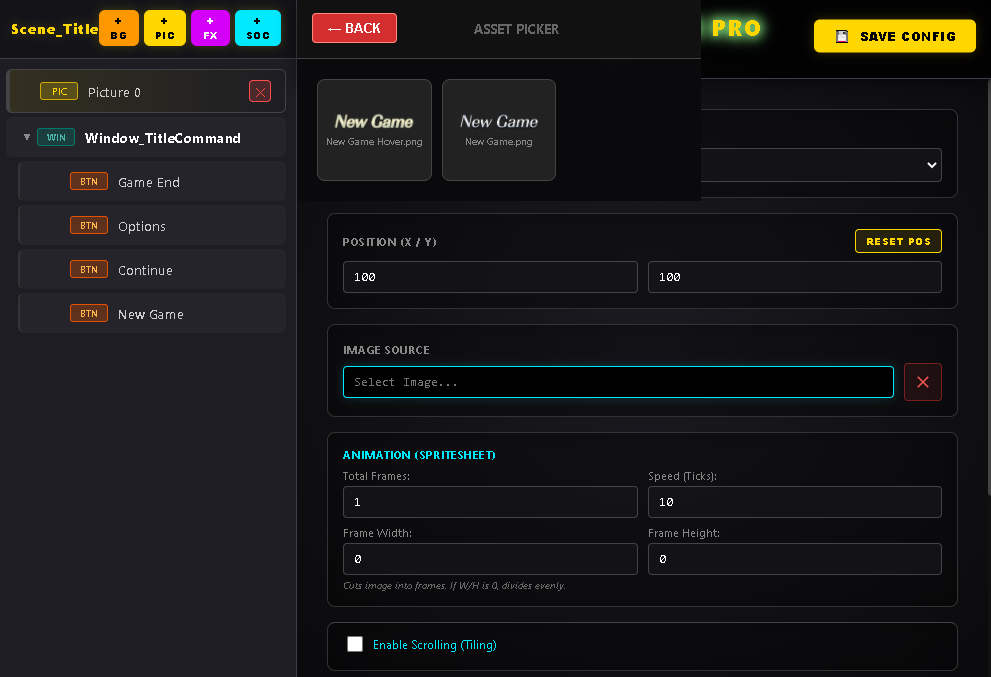
Now when I select an image it doesn't spawn onto the game like it would for the others. Is there a specific size i have to follow or image format, etc? I know my buttons are currently png and 900 x 174.
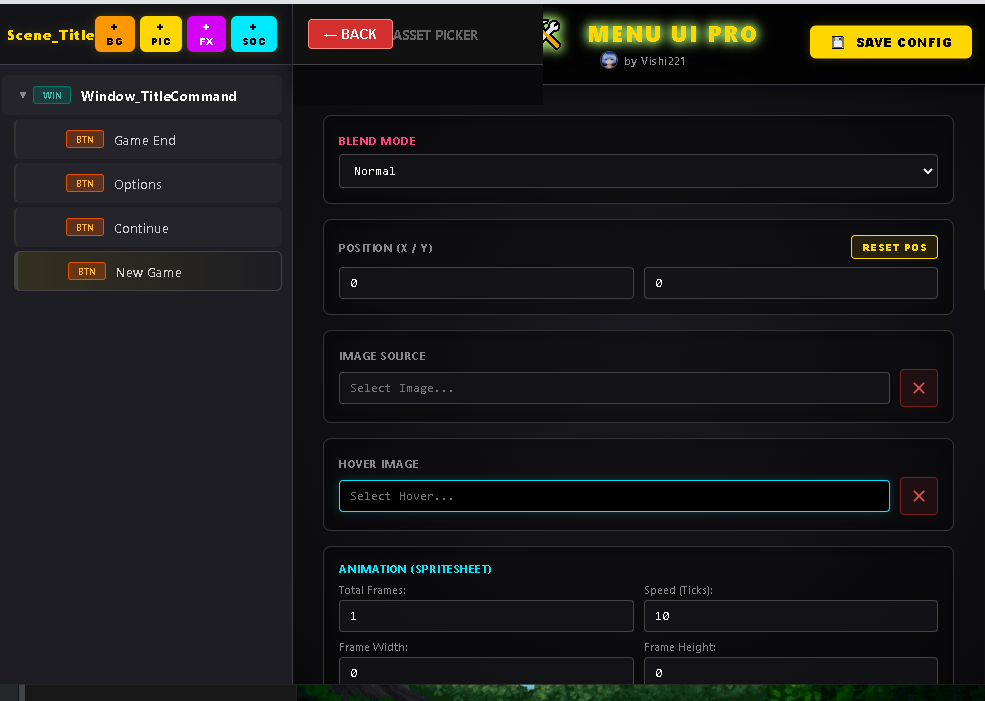
Not sure what coulda caused it but whenever I try to open the asset picker for the main menu buttons a very tiny window pops up but doesn't show any assets. However, if I add a BG the assets do load and allow me to select.
In the end I can't change the menu buttons because of this. Any insight can help while I try to figure out the cause. Thanks.