

Thank you so much for this incredibly detailed experience. I'm really happy you're already seeing so much use from it even after adapting it to the engine and LLM you want to use! This has been amazing feedback for me, thank you so much.
And I completely agree, AI should never be a replacement for human skills and creativity but a supplement for us. That's the entire premise I formed this around. For local LLMs I'd agree with the same caution and having to add even more specificity to prevent drift, especially if someone can only use a small model around 14b or so. That could be a topic to work on, though, since Qwen3.6 has been improving quite a lot!
Please let me know how your game goes and how Gemini continues working with it! That's probably my favorite part of a conversation LLM is that you can mid-module change up how you want to learn. I've done it a few times with concepts I wasn't very familiar with in what I'm making.
A member registered Sep 09, 2021 · View creator page →
Creator of
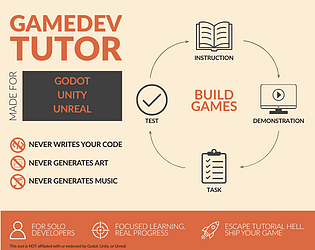
Escape Tutorial Hell. An AI tutor that adapts to how you learn, never writes your code, and helps you finish.