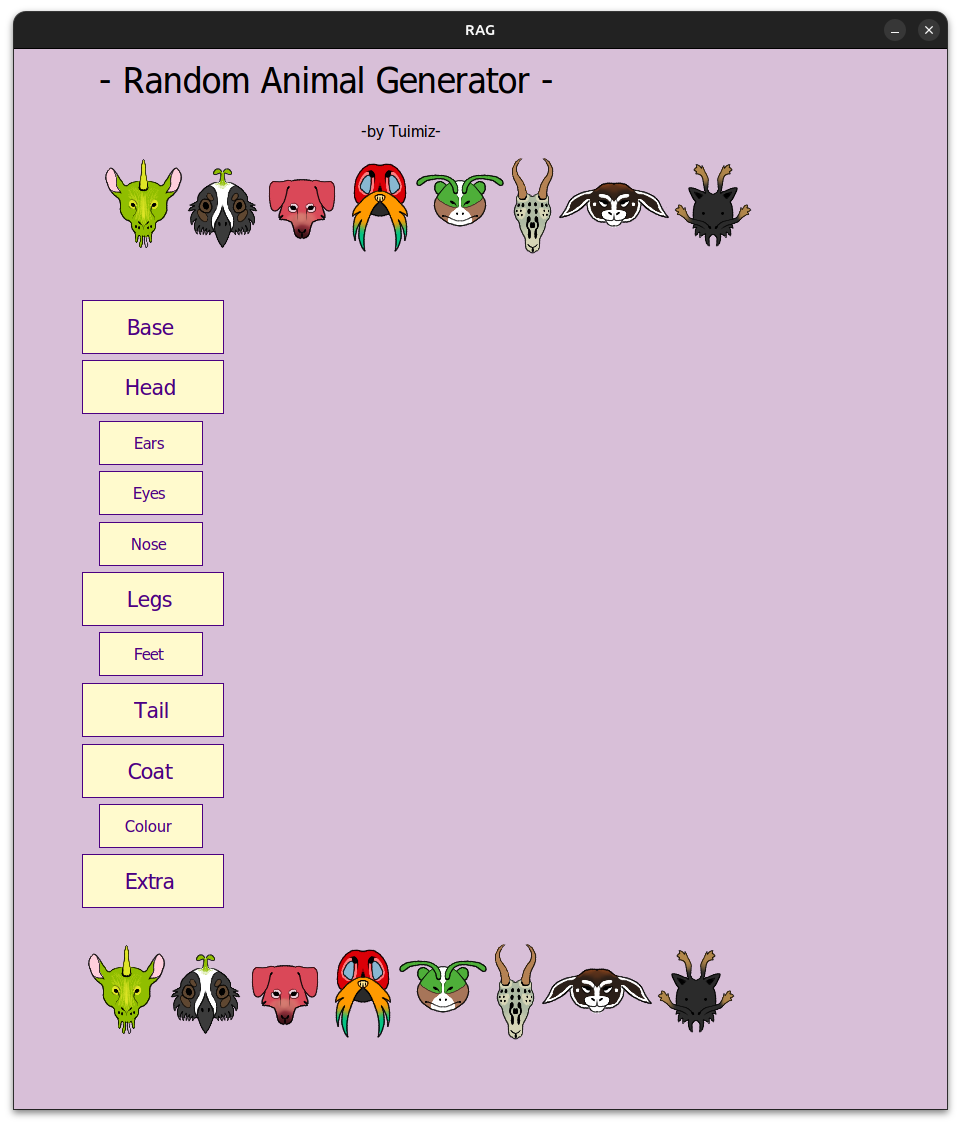
I am using Ubuntu for this but it should not matter what distro you use.
You will need Bottles. It will create an isolated Windows running bottle which we will use to run the program. Here is where you get bottles: https://usebottles.com/
Download and extract the animal generator zip. Starting from your downloads folder you only need the last one > downloads/RAG/RAG/bin/Debug/net8.0-windows
Assuming you installed Bottles open it up and create a new bottle.
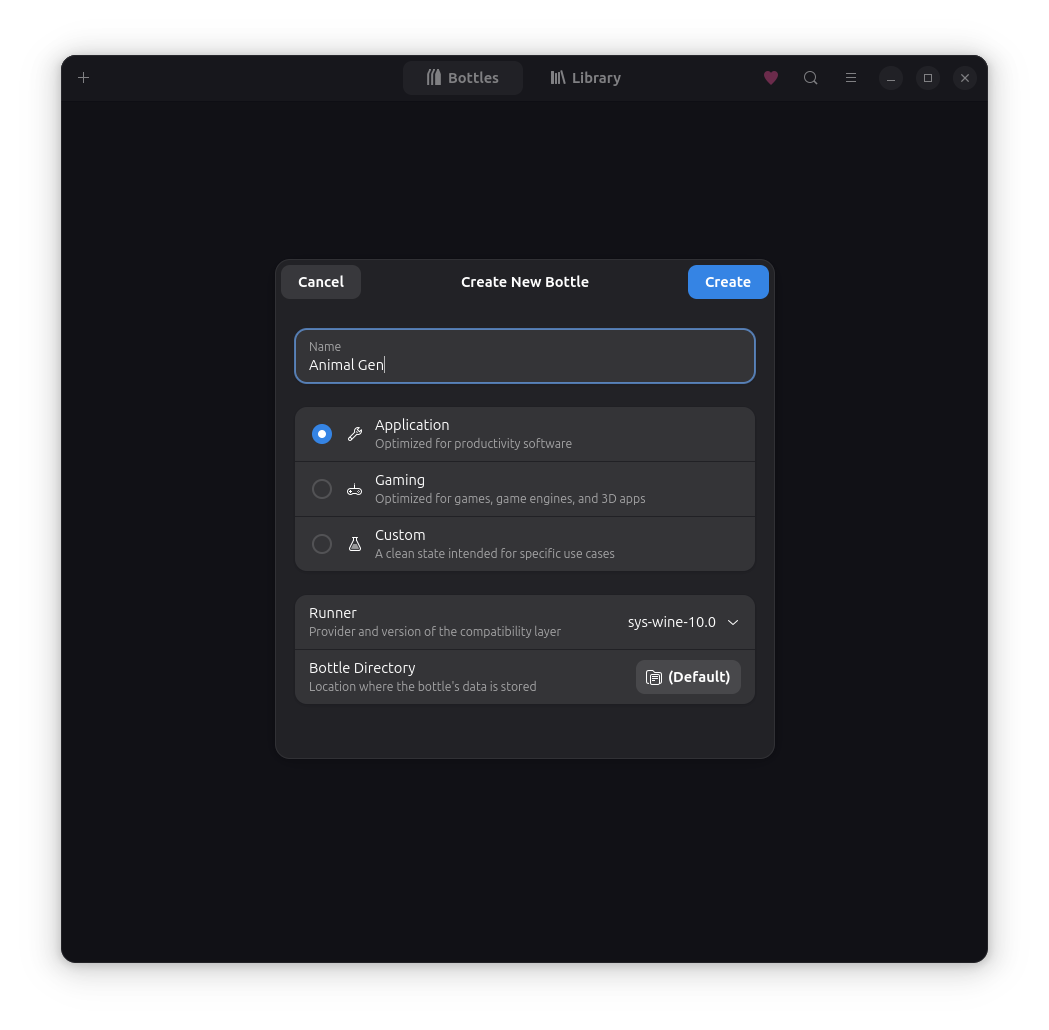
It doesn't matter what preset you use. Application is just fine. make sure to change the runner from soda to sys-wine. You can also modify the bottles directory if you wish. I will be keeping it default. Create the bottle and let it load. Name it however you want as long as you can easily find it.
Open up the Bottle you just created.
Open the very badly highlighted "Dependencies" tab.
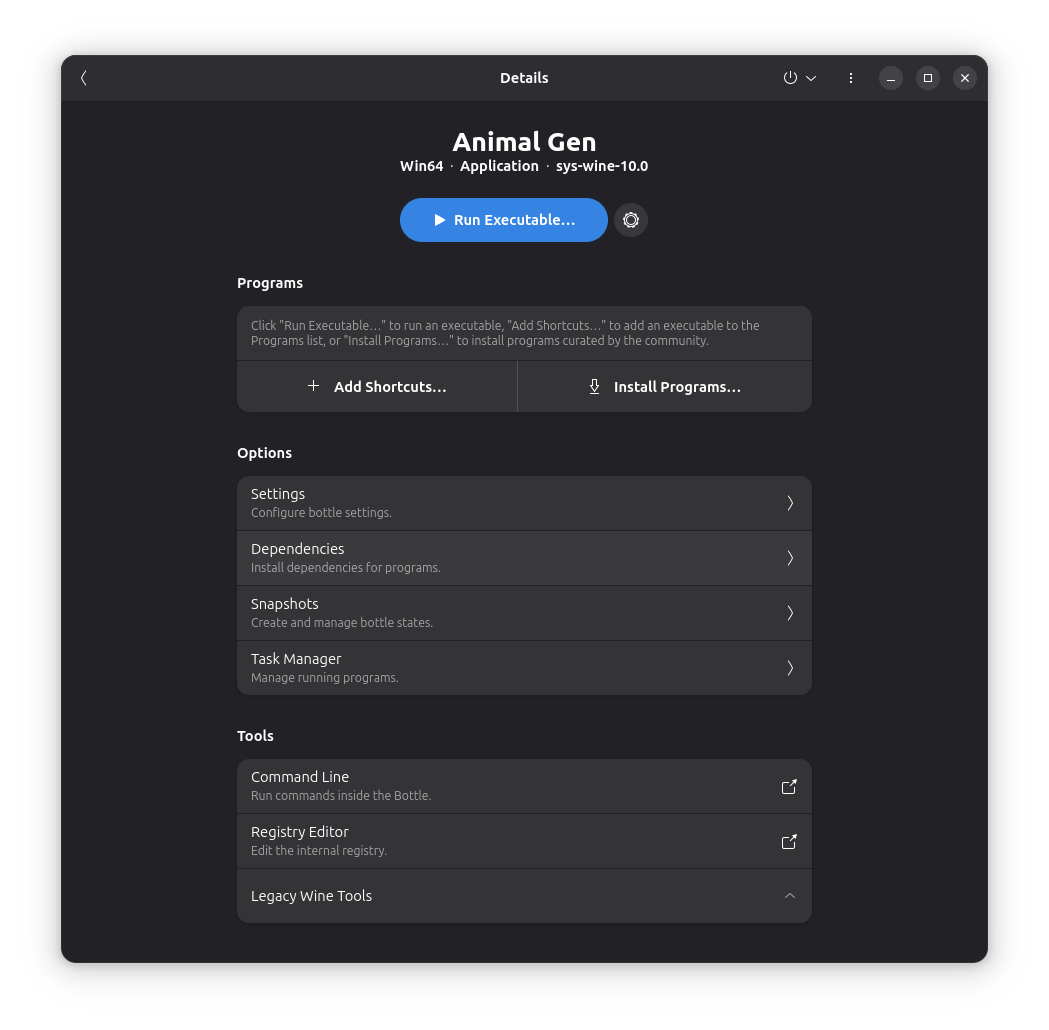
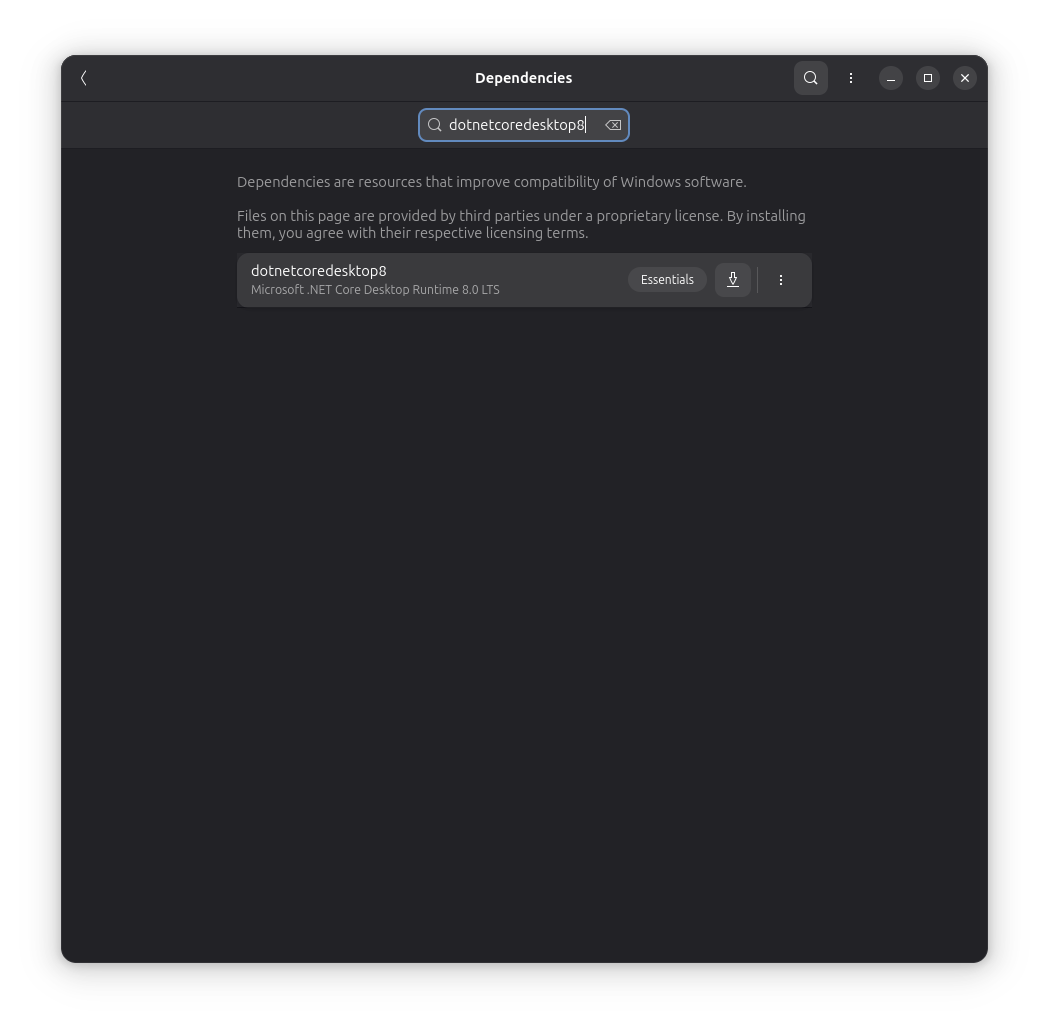
Download "dotnetcoredesktop8" and let it install. We need this dependency or it will throw us an error when trying to run the program.
Go back to the main view of the bottle once done.
Take the net8.0-windows Folder from the very beginning and move it into your bottle directory. I like to move the folder just into the C drive. my path looks like this: /home/username/.var/app/com.usebottles.bottles/data/bottles/bottles/Animal-Gen/drive_c
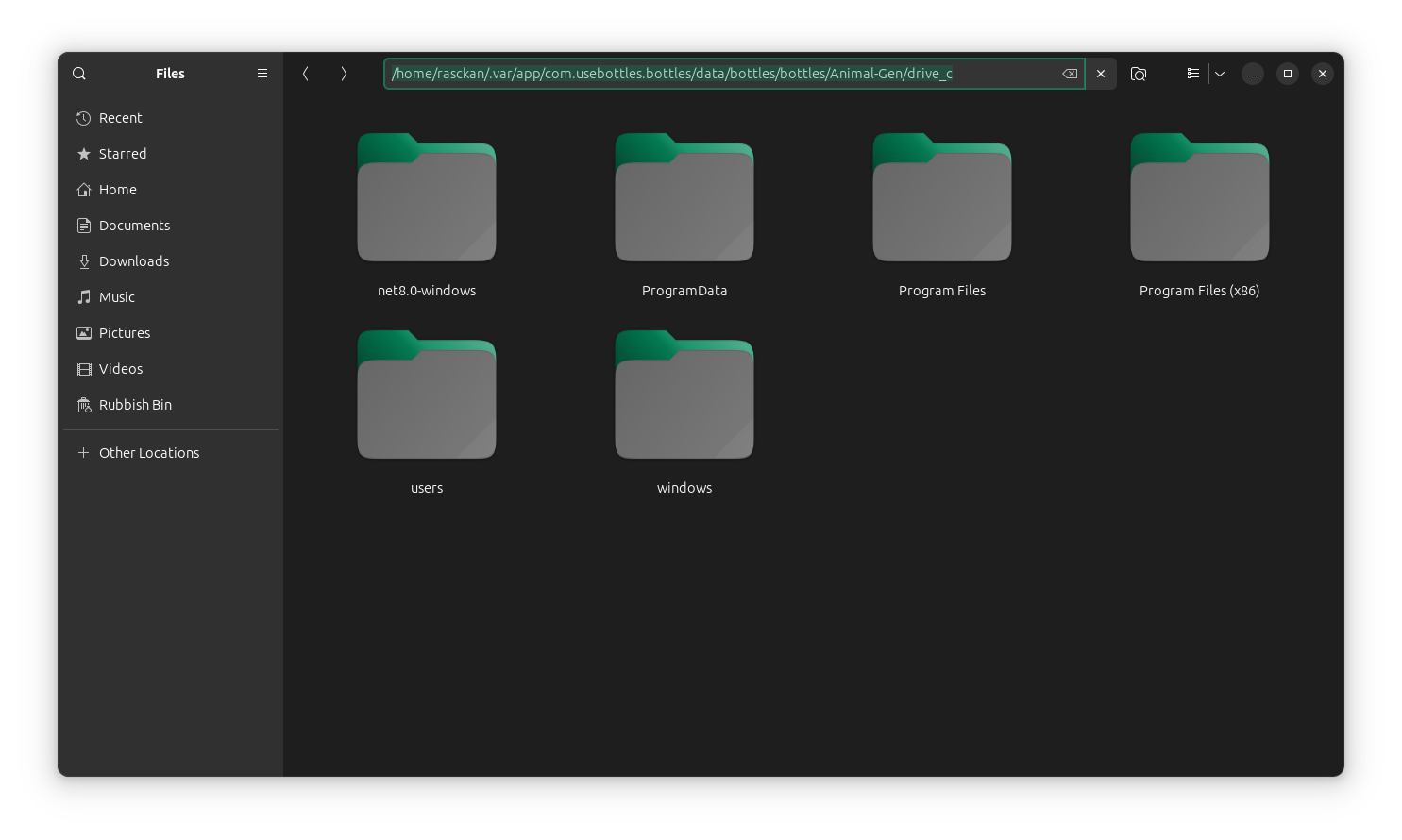
The folder is in there now lets go back to bottles.
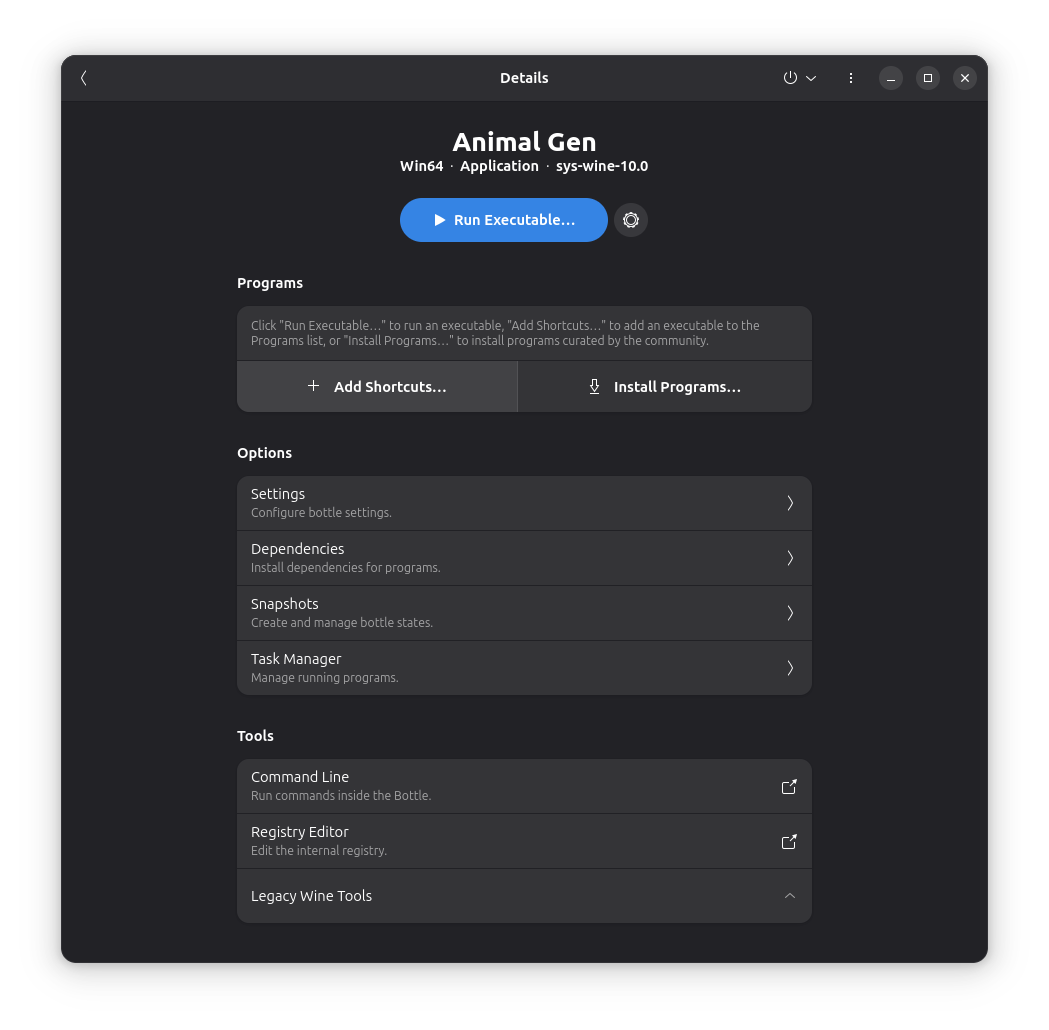
Click the badly highlighted "+ Add Shortcuts..." button.
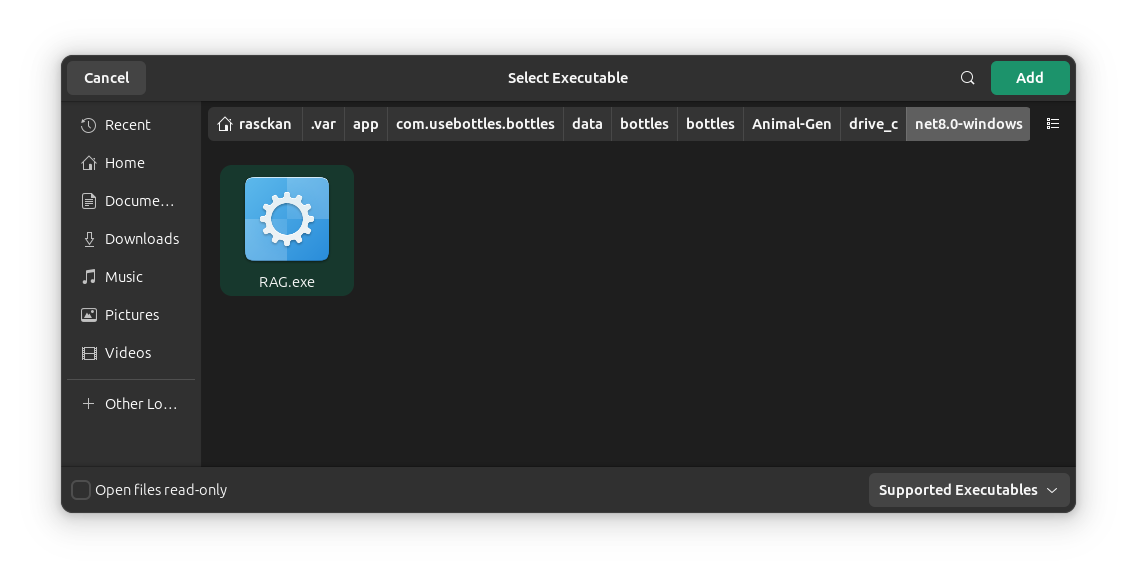
 A window will appear. Navigate to where you put the folder we moved into the bottles directory and select the RAG.exe and click Add.
 The window will close and you will see that the RAG.exe has been added to the list. Please read whats below this image to avoid confusion.
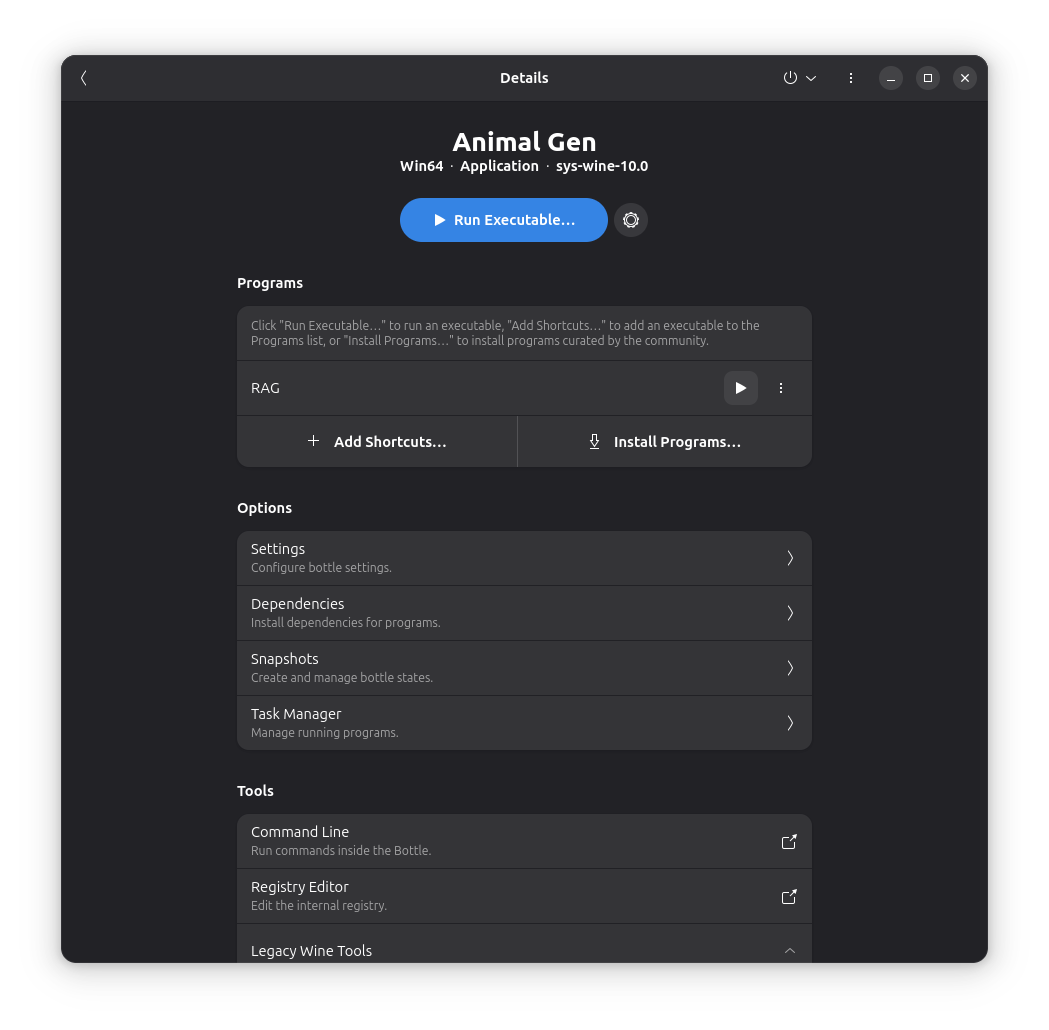 Do NOT click the huge blue "Run Executable...." button. You instead need to use the badly highlighted play button to the right of the file in the list.
The Program should open when clicked.
Do NOT click the huge blue "Run Executable...." button. You instead need to use the badly highlighted play button to the right of the file in the list.
The Program should open when clicked.