Thank you :3
A member registered Nov 16, 2020 · View creator page →
Creator of
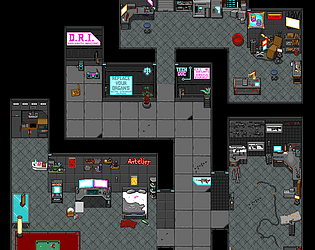
Pixelart-Tilesets to create your own dark future
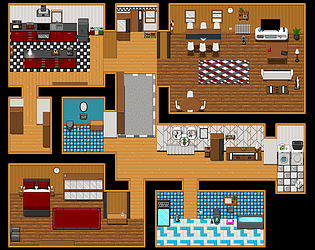
Pixelart-Tilesets to for modern citys
Battle-Animations to destroy your monsters!
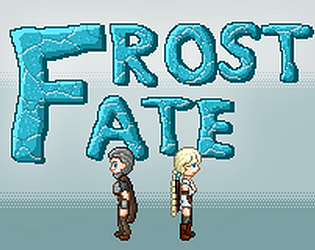
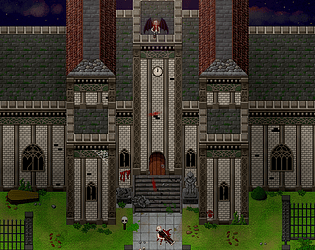
Pixelart-Tilesets to create towns, wild lands and forests
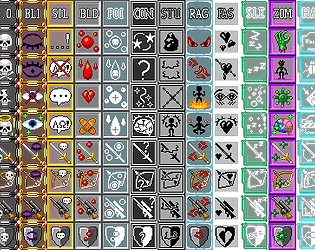
Window skins, weapons and other systems or unusual graphics
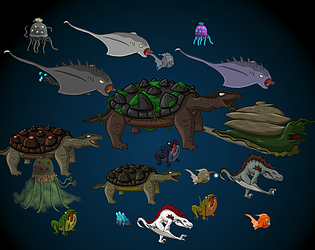
Deep in the sea and at the shores of rivers and ozans lives fantastic creatures and animals
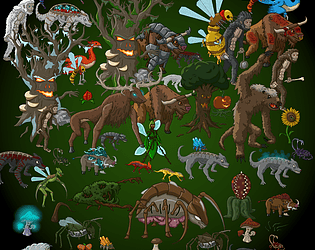
On the wide fields and in the endless forests lives wild and strong monsters
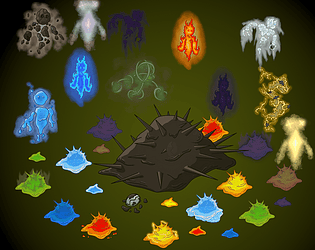
Many Dungeons are filled with sticky slimes and magical elements
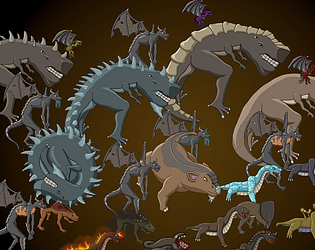
In the deepest caves and mines are creatures from acient times waiting....get these 2D Earth-Monstern!
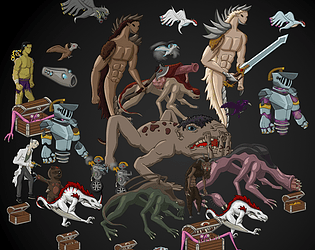
In all fantasy-worlds live different forms of monsters in all shapes and colours
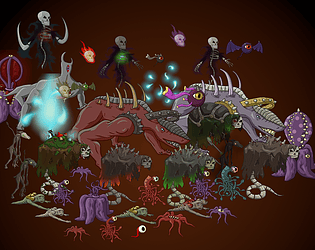
Be careful, for the Creatures of hell are released to consume your Soul! Get terrifying 2D Demons and Ghosts
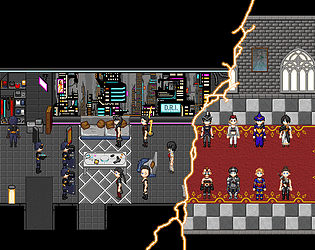
Different Orks, Humans and Samurai
Recent community posts
Rasaks Pixelhölle: Demons and Ghosts comments · Replied to Lewyy in Rasaks Pixelhölle: Demons and Ghosts comments


Rasaks Pixelhölle: Fantasy-Tileset comments · Replied to fdfdasa in Rasaks Pixelhölle: Fantasy-Tileset comments
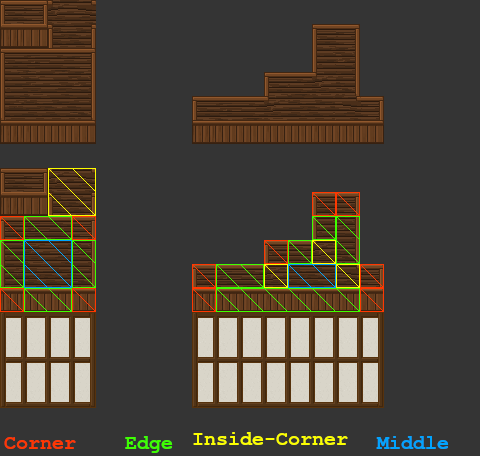
Ah, okay. The corner pieces contain everything needed and work similarly to the wall tiles. I made a graphic to show how these are cut.
-The 24x24 pixel pieces in the corners are the actual corners (red).
-The 48x24 pixel pieces between the corners are the edges connecting the corners (green).
-The middle 48x48 pixel piece is used to fill the space between the edges (blue) and can be cut in 24x24 pieces.
-The upper-right square contains the inside corners (yellow). 24x24 pixel for each corner.
RPG Maker uses the upper-left corner for the preview in the editor.
On a map it works like this:
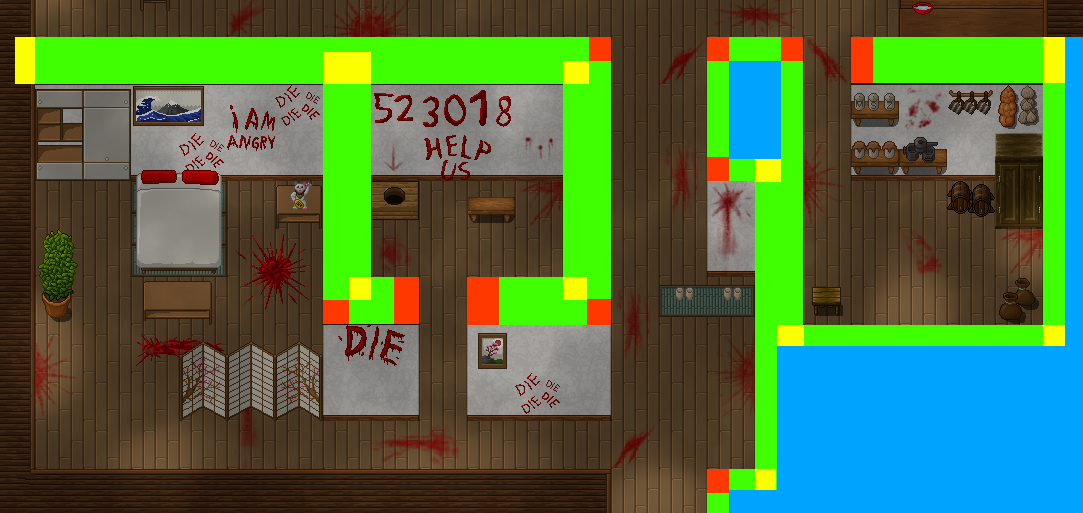
And thank you very much! Hope this helps and have fun with the tilesets :3
Rasaks Pixelhölle: Fantasy-Tileset comments · Replied to fdfdasa in Rasaks Pixelhölle: Fantasy-Tileset comments
Hi! Sorry for the late reply. If I understand you correctly, you have problems with the walls of the A4-Tilesets?
The centers of the tiles repeat, thus forming the wall to connect the corners. RPG Maker automatically repeats this part of A4-tileset when they are placed in the A4 slot in the Tileset-Options. For other Engines you may adjust the graphic.
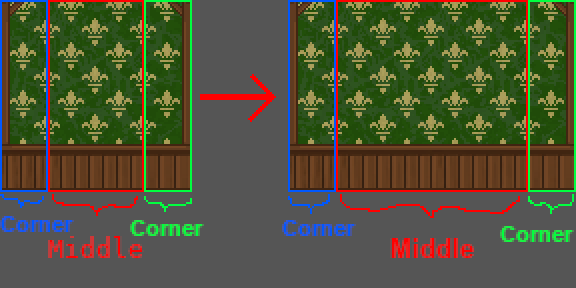
Width of the Corners: 24px. Width of the Middle: 48px.
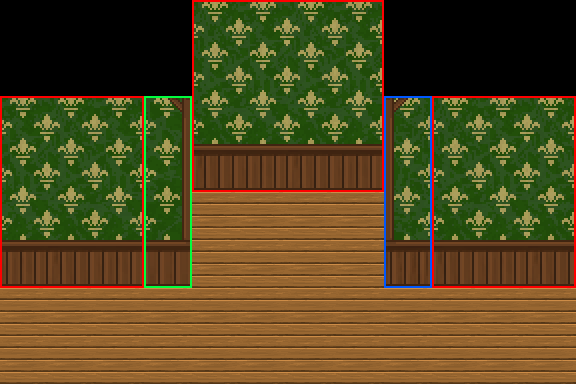
Same goes with the height of the Wall. The "roof" works similar.
I hope this helps. If not—or if I misunderstood the problem—please let me know.
Rasaks Pixelhölle: Forest and Grasslandmonster comments · Replied to RapturedPixels in Rasaks Pixelhölle: Forest and Grasslandmonster comments