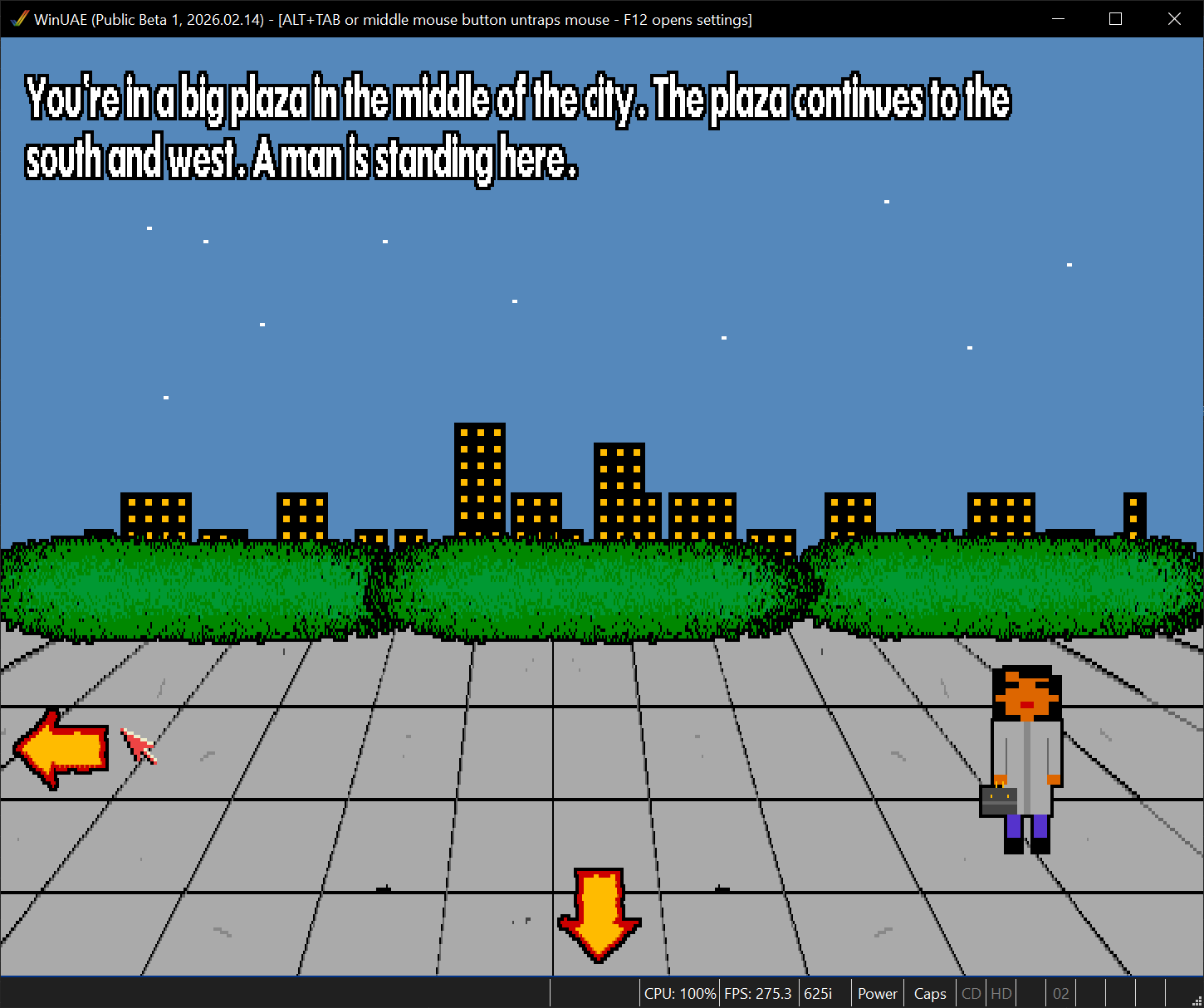
im finding the mouse cursor will not allow me to go to the edge of the left side of the screen therefore not be able to press the left arrow to move left?
I am getting squiggly lines, possibly a vsync issue with windows version (Which uses FSUAE) of course... not sure how i can fix that in the Default.fs-uae file?
This problem doesn't exist with WinUAE..
Also with my XB1 Controller in Windows version it wont work unless i alwasy manually select joystick instead of cd32 pad and or changing these line like this below in the default config fixes it
Congratulations on making this game. I see the anount of work that has gone into it, and the dedication you have given to it over the last few months...
The finish line is near, and im ooking forward to playing the full game...
Fantastic game Tigerskunk! Your game presents a captivating blend of awesome pixelated graphics and very good sound design. It's got challenging gameplay and engages the player