DO NOT DELETE THE BALDI DATA FOLDER BECAUSE IT HAS THE FILES IN THERE instead copy the folder (if it has baldi data on it) and do not delete the folder go to ur game folder and go to ur current baldi data and streamingassets and create the folder called modded and put the folder in there. the folder im talking about is like alexbw145.baldiplus.pinedebug
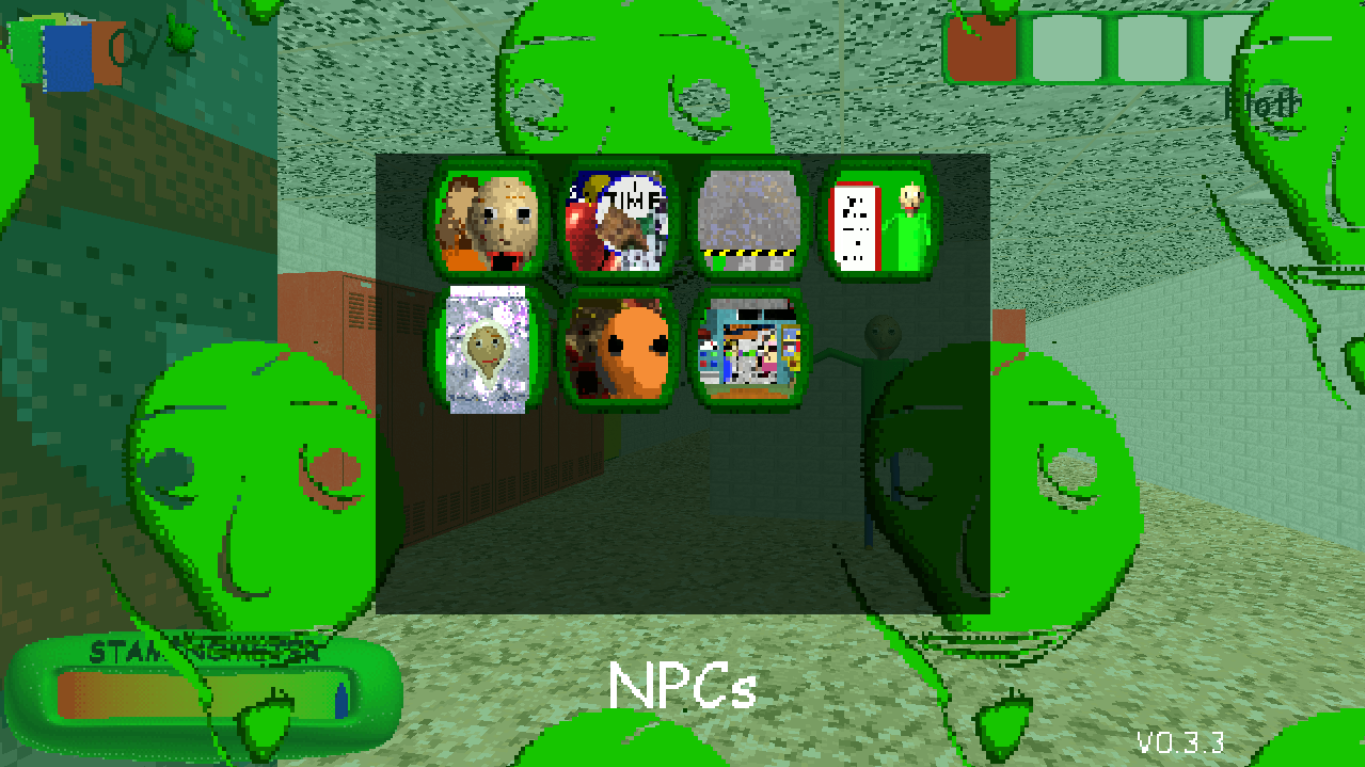
oh i can help you. launch the game and create a lvl and then press tab and click modmenu and settings and general and then tap mod menu key and press anything on ur keyboard. me i set it into F1
BRO the api is important because when you download a 0.14.X api well... uhhh when you start a lvl then its just pure white so uhh you might wanna download baldis basics plus here... baldis basics plus with mods by matvey12v278
uhhh maybe ur just doing wrong steps because SWAP means that your supposed to copy the alexbw145.baldiplus.pinedebug.bcpp and alexbw145.baldiplus.pinedebug.bcpp and paste it into Baldi's Basics Plus\BALDI_data\Streamingassets\Modded (if you dont have this folder then create it)and paste the 2 folders there. NExt Install BeplnEx and put it on ur games folder and paste it there with the files next run the game and exit and copy the 3 files in the pinedebug folder (C:\Users\Ur acc name\ downloads\PineDebug_Beta_02-20-2026.7z (whatever name it is) and BeplnEx\Pinedebug and copy the files there then go to the Plus folder and BeplnEx\plugins and paste the files there