
Indie game storeFree gamesFun gamesHorror games
Game developmentAssetsComics
SalesBundles
Jobs
TagsGame Engines

qwer7000

2
Posts
1
Topics
A member registered Apr 21, 2021

Recent community posts

(4 edits)

Thanks for the reply. This is really a great feature, I already tried it. 

It seems that the new model overrides the previous one. I don't want to overload you, but when you find time for this, is it possible to also add a few more slots there, so I could connect hat, frame for glasses and lenses together to the same locator, instead of merging them with character model? it's just that right now I have to create a lot of almost identical models and change them in the scripts just to make this equip/unequip feature possible. Also, it would be great if we could set not only position, but rotation for this tied object. I don't insist, if this is something difficult to do.
(1 edit)

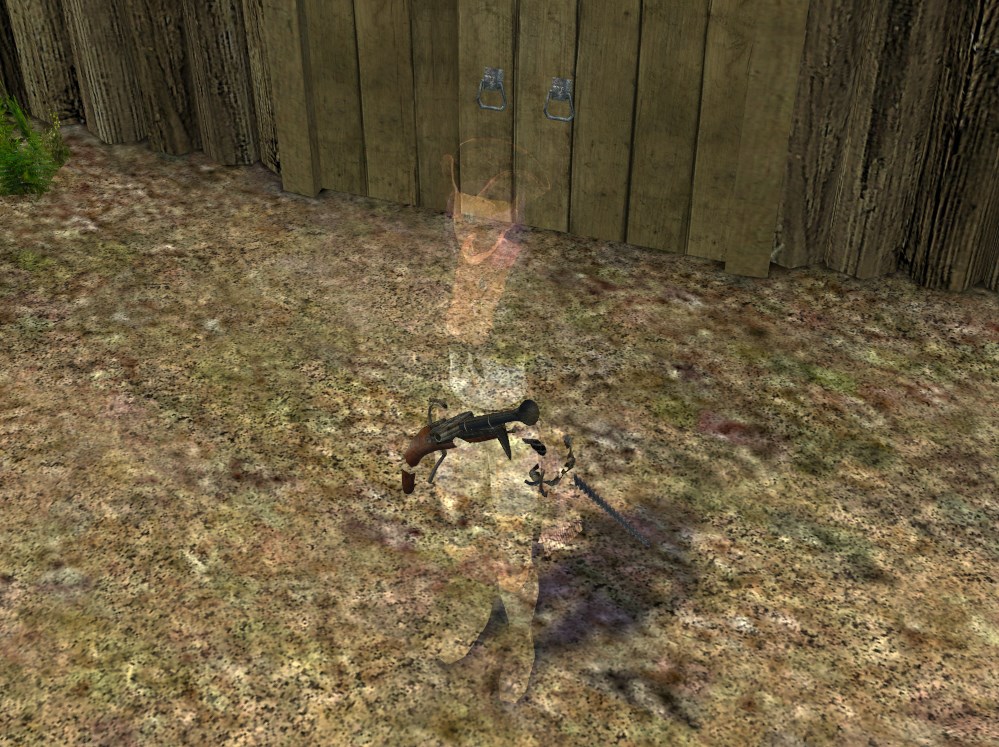
Hi. I'm trying to add semitransparent glasses for my character, but have a few difficulties with this. 
These commands can make the target effect, but they require an object. And this is the only function i found that could get it.

object GetCharacterModel(ref character)
{
object model;
SendMessage(character, "le", MSG_CHARACTER_GETMODEL, &model);
return model;
}
object persRef = GetCharacterModel(pchar);
SendMessage(persRef, "ls", MSG_MODEL_SET_TECHNIQUE, "DLightMark");

Problem is, this makes my whole character semitransparent, because this function will only target everything on the character model, not the specific part. And I found no way to get objects of equipped items, like gun or blade.

Can you make a method, that will give us an option to target a specific part, instead of whole object? I can make my lenses a separate model and connect them with TOOL. Is it possible to send in the message name or number of this part and use the effect only on this area?  

Or maybe you know any other way how to  do it? I tried to make glasses as a questmark at first, but they just din't show up.