
Indie game storeFree gamesFun gamesHorror games
Game developmentAssetsComics
SalesBundles
Jobs
TagsGame Engines

coyote

9
Posts
8
Following
A member registered Nov 21, 2015 · View creator page →

Recent community posts

(1 edit)

I apologize so much for the delay in my response. I had seen this while I was at work and thought to myself, “I’ll do this when I get home, I’ll remember to!” and then promptly forgot </3

I think I’m on a slightly different version of Windows 11 than you are, so I just went ahead and wrote down my specs for convenience!

Windows 11 24H2 (build 26100.3476)
AMD Ryzen 7 7700 8-Core Processor
32GB RAM
NVIDIA GeForce RTX 3060, 12GB VRAM
500GB SSD (main/OS drive), 2TB SSD (program/game drive)
(3 edits)

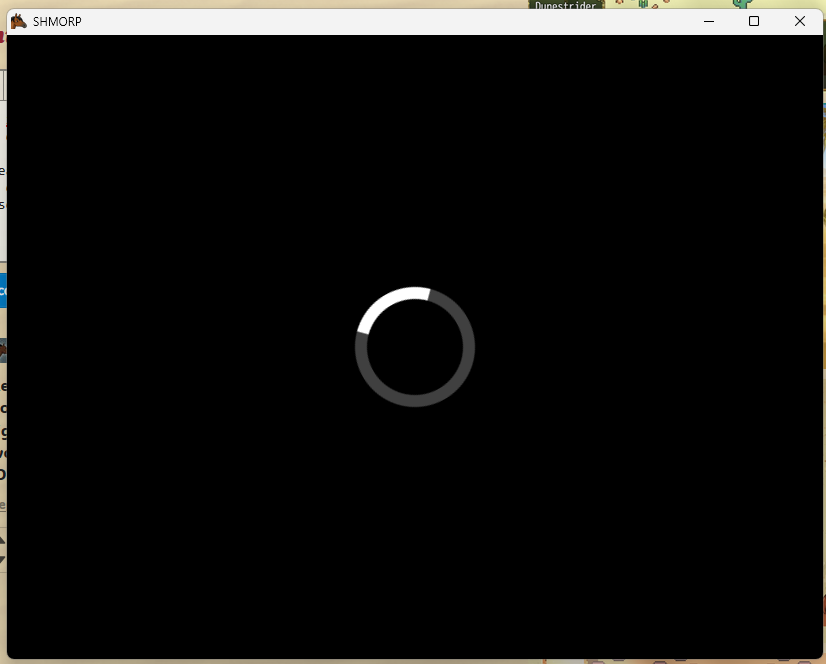
it did work!!! however it takes a lot of trial and error to get the game to load to completion. i was having a lot more success by minimizing the game for a few seconds! is there any possible way to generate a log that might help you better understand why it happens/fix it?

also just saw there was an update pushed and it unfortunately still occurs on 0.3.2!

hey, just wanted to give an update that the issue still happens on the 0.3.0 test build D: i was able to create an account but once i hit the “enter” button it gets stuck in that endless loading loop once again. i tried seeing if clearing my userdata folder (since i hadn’t since i tried the game last) would do anything different but alas…

this issue kept popping up no matter how many times i tried to run the game, so ill just keep an eye out and try again once 0.3.0 releases! thank you for the response :>

howdy!! im really interested in playing this one but for some reason, it just endlessly loads no matter if i download straight from itch.io or use their launcher, and i can’t close it through the window bar, only by right-clicking on the taskbar and selecting “end task”. im trying to launch it on windows 11 24h2. let me know if you need any more info to help debug this!

ive missed cereal soup so, so much, so finally being able to access the editor again after so long is fantastic!! thank you for putting this out there :>

This is due to WolfQuest's funding being ceased a few years ago. Without donations and support from fellow players, this update would've not been possible. You should be glad.

First download the free trial to check your computer's requirements. If the trial does lag, even at the lowest quality, it is recommended you do not purchase the full game. If it runs smoothly, ask your parent to buy you the game unless you have a credit/debit card of your own, and the rest should be self-explainatory.

Lower your quality settings to the fastest. Close any other open programs. Check Task Manager and close any background processes that are unwanted. (If you are not sure of a program, leave it open. Ones such as "explorer.exe" in Windows are vital and must stay opened.) Even uninstalling some unwanted programs can help.