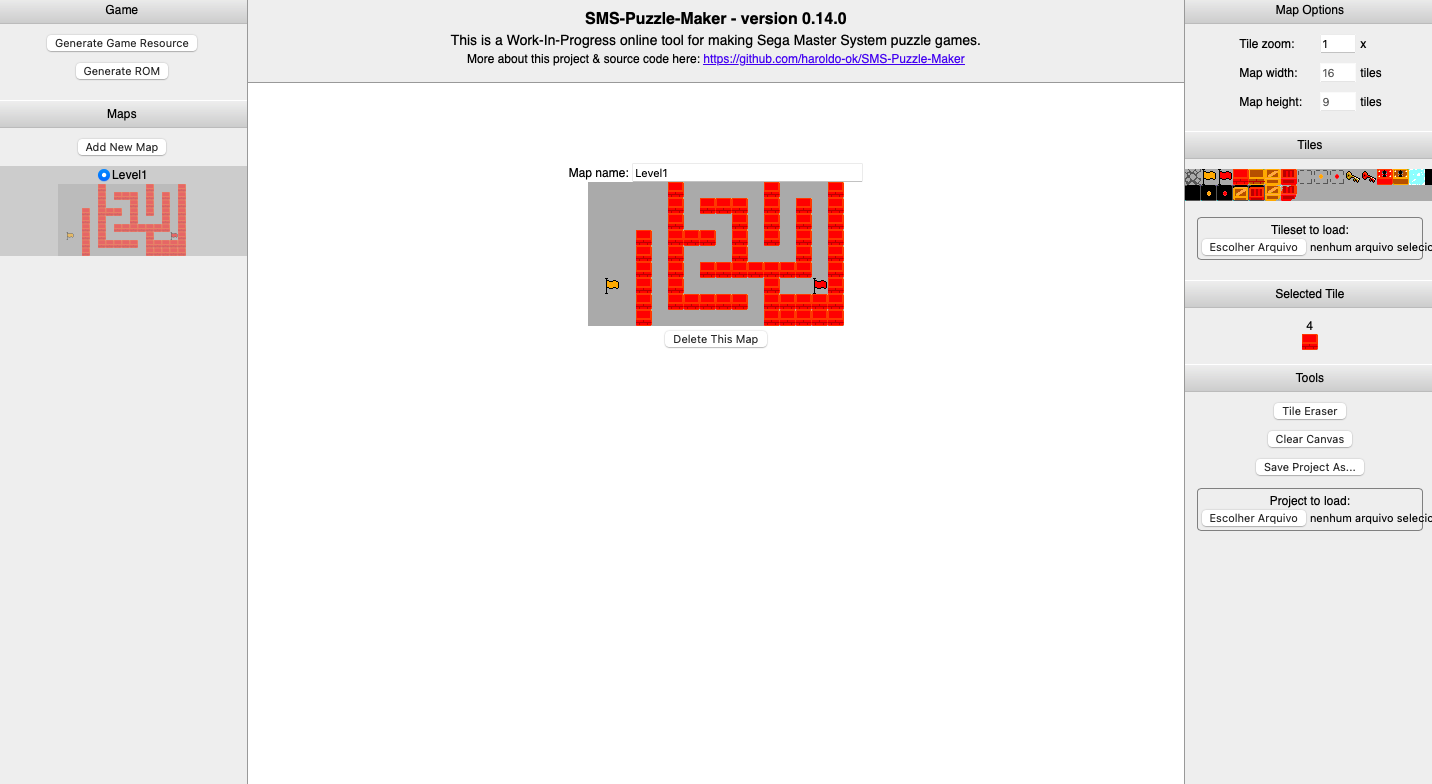
I embed the game using EmulatorJS. You can generate a .zip online with the .html and the ROM file, which can be put on itch.io.
Pixel Dimension
Creator of
Recent community posts
Hi, thanks for the feedback! ^_^
I tried testing it on dolphin, with the files for Wii and a designated .elf file for dolphin, but no luck. I only managed to run it on real hardware, by loading the game folder into apps/ on the SD card, and running it on the homebrew channel. I think you can try porting it to PC by changing the input method (from love.wiimote to love.keyboard), removing the rumble functions, and changing the aspect ratio (love.window.setMode).
The button you press to jump is '2', because the game was designed to hold the wiimote horizontally.
When I was trying out WiiLÖVE, I did not know how to use fonts, so I thought there was no way to put text.. Then sometime later, after testing the love.graphics.print() function alone, it worked, but you have to tostring() every single variable, and I think that would be a little bit messy. But, who knows, maybe I might remake this tool one day, and make better physics and optimizations.
Hey, thanks! ^_^
I think that the documentation for WiiLÖVE won't ever be released, due to it being a really old project on GitHub.
The main.lua file is crunched up because I used Turbowarp to make this, and I used the 'Files' extension to read and download files. Because of that, I first coded the platformer template for pure LÖVE2D (so I could test it on my computer), modified it to code compatible with WiiLÖVE, then copied it to Turbowarp, which removed all of the newline characters.
It would be a pain to add all the newline characters again, because I would have to put
(join (line_of_code) (newline character))
for every single line of code. And even then, I would still have to indent it. Manually. With spaces.
Nice, thanks! Also found another issue. I was trying to make my new game (GD2600, essentially a port of GD for the VCS) and sometimes when I just moved around the <div> placing block board, the sprites' frames were reset to default and the backgrounds auto-deleted themselves, only remaining the default background. But the code (thankfully) didn't get deleted along with everything else. But I think you should also fix this issue.
ok, thanks! also, seems that because i left the tool alone for a while after crashing, it deleted the entire code. i think you should keep that in, but maybe make so that when you open the tool it will make a backup file, make you download your old progress without the () x () or a block that potentially crash the tool, and then you can resume from there. Maybe there could also be a detector for potential crashes that won't run the project but gives the person a warning.
i was making my game and I placed an empty () x () math block to make a sprite's speed go negative. when I placed the block, the program completely crashed, and I am now not able to use it :< maybe try making so that the emulator only runs when it is told to, not when it detects any sort of click or change