

Running quit well on MAC and LINUX (both using CrossOver). A How2 video is quit a good idea.´
I think it's a quit good idea to celebrate version 1.0 when ready. :)
Or the fist BETA ;)
A member registered May 02, 2019 · View creator page →
Creator of

Lots of escaped aliens, no weapons, and only 2 medkits to treat alien bites.
Pong with gravity
Recent community posts
C64 Dev Machine V099.92 PRO+LITE - C64 ULTIMATE Ready! comments · Posted in C64 Dev Machine V099.92 PRO+LITE - C64 ULTIMATE Ready! comments
That's a cool tool!
Bought it today, even if I was not sure if it will run on my Mac and Linux. It's a Windows tool and I, as a Linux and Mac user, have no real Windows.
The good news: -- It's working... but...
Here is the magic. On Mac and Linux (Mint) I use Crossover (an enhanced Wine tool). It emulates the core Windows stuff, without the need of an Windows license.
- Download the ZIP of C64 Dev Machine!
- Open your bottle (not beer!) - The "Windows bottle" from Crossover.
- Then open the C: folder and Program (Program Files or Program Files (x86)) folder.
- Copy the C64 Dev Machine to the Program folder.
- But stop! There is something more to do (no fun with some work)!
The Vice coming with C64 Dev Machine won't work with Crossover (and Wine). But there is some more magic!
- Download SDL2VICE-3.10-win64.zip from VICE!
- Extract the ZIP to your Download folder.
- Now navigate to the Crossover C: Program folder
- Go to the C64 Dev Machine folder / Vice
- Delete everything there (OMG... Yes! Delete it!)
- In the Empty Vice folder create a bin folder.
- Copy everything from the SDL2VICE-3.10-win64 folder (in Downloads!) the the C: Program / Vice / bin folder.
Ok... Call you self a wizard and start the C64 Dev Machine in Crossover on your Mac or Linux machine.
OMG... You will get some errors. Seems like C64 Dev Machine will not start...
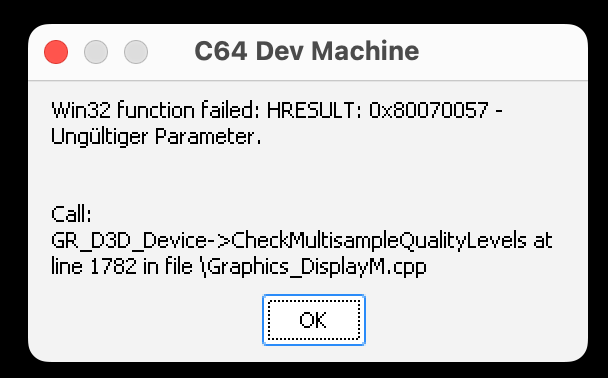
Keep calm! No Problemo! A bit strange, I know, but it seems that the tool likes to start in full screen mode, which crashes in Crossover...
Do Not Panic! Just click the messages 4 times away and this wonderful tool runs.
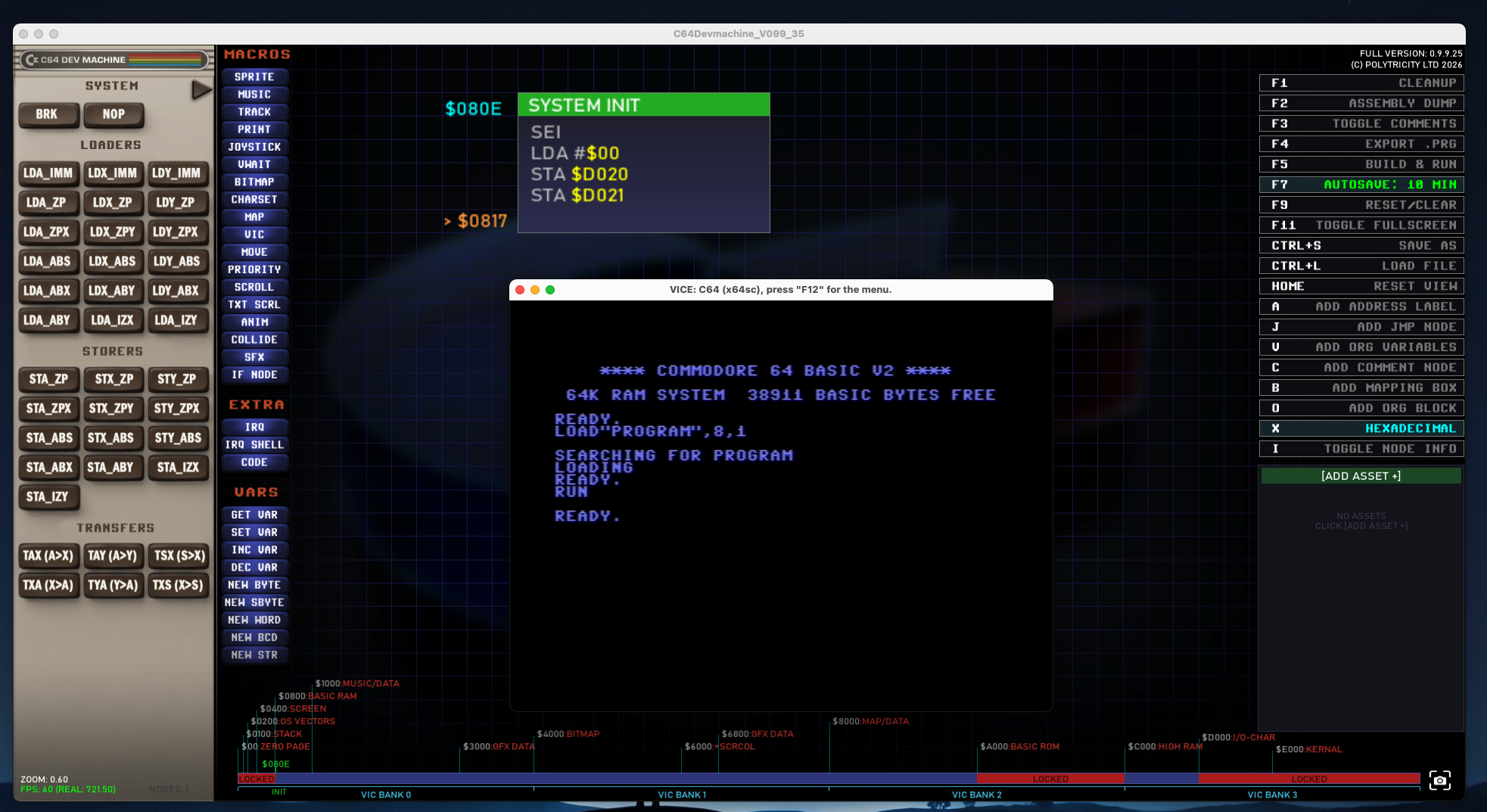
Moment of truth... Will It Blend? ...
Yes it will!
The default program is a black Border and a black Screen. (F5) or better click on "Build and Run", mighty User!
CharPad C64 Pro + SpritePad C64 Pro comments · Posted in CharPad C64 Pro + SpritePad C64 Pro comments
Hi, what a great tool! I used the PRO version since years and I'm happy.
But, there is one thing what I totally miss in the ASM export.
A real simple ASM code example. I totally struggle with Bitmap HR - Per Char.
Why do you don't serve a real ASM example (complete code), or an example in the documentation?
Would be great ;)
Thanks mate!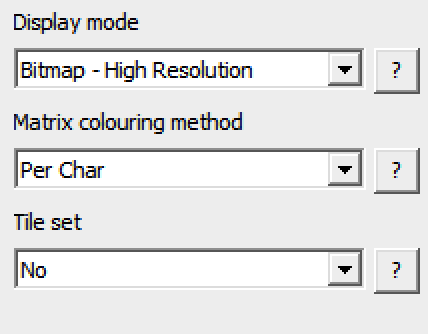
PixelOver community » Report · Replied to Deakcor in macOS Crash while try open a color palette picture
PixelOver community » Report · Created a new topic macOS Crash while try open a color palette picture