

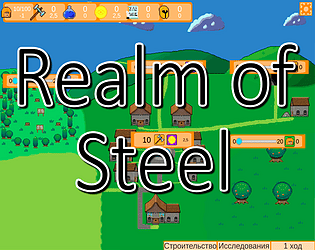
Looking interesting, but would prefer there would be manual retreat button and some more consistent upgrades (beating wave 10 required some attempts with full upgrades because soldier's passive didn't proc and medic is quite useless right now)
A member registered Jul 16, 2023 · View creator page →
Creator of
Recent community posts
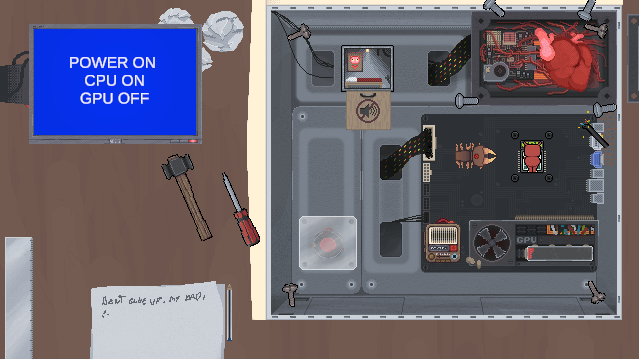
What am i supposed to do?
I can't find anything that would do something other than radio and screwdriver stop sparkles of a cable (and said screwdriver not work at all on screws near fan and cpu). Only thing that have some interaction is red guy behind mute sign and bug's body, moving it seems to move it left a little. I thought it's supposed action but now it seems like a bug (this little guy still doing sound of eating PC).
