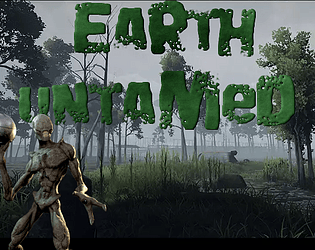
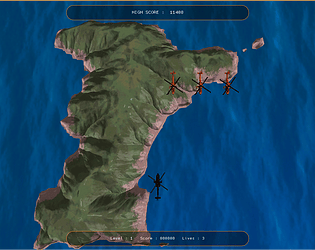
I’ve already re-tuned the wall jumping, and I’ll post the update as soon as the jam is over. Enemies are also in the works for future versions... I kept things simple for this jam so I wouldn’t feature-creep my way into an unfinished game.
NxtDevGoat
Creator of
Recent community posts
You’re absolutely right about the wall jumping. I actually already have a tuning system built for it, but I didn’t quite get it dialed in before the deadline, which made reaching some of the larger coins more difficult than intended. That’s 100% on me.
I’m planning a follow-up release with a lot more polish, and wall-jump feel and accessibility are high on that list. Thanks again for the encouragement
I absolutely loved this one.
Developer feedback:
-
Level layouts felt intentional and were very well designed.
-
The retro sound effects fit the game perfectly and added a ton of charm.
-
The visuals were spot-on for what the game is aiming for—cohesive and clean.
-
The ice blocks were a great mechanic choice and felt very deliberate.
-
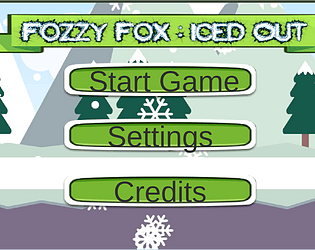
Simple animations paired with tight gameplay are especially impressive for under 18 hours of development time.
-
The intro and loading animations were excellent and set the tone immediately.
-
Even without a menu or settings, this is a great example of a game that doesn’t really need them.
Frustrating in all the right ways—in a very satisfying sense.
Personal highlight: I’m also working on a 2D platformer with a fox for this same jam, so the coincidence made this one extra special for me. 😄
Overall, the game feels polished, confident, and thoughtfully put together. Fantastic jam entry.
The Problem
This week, I ran into a nasty bug in our ranged combat: enemy projectiles didn’t reliably respect teams. Sometimes enemy shots sailed straight through the player with no damage. At other times, enemies would accidentally nuke their own allies, rendering fights trivial. From a player’s perspective, it felt like the rules of combat were random—sometimes you take damage, sometimes you don’t, for no clear reason.
Under the hood, the issue came from how we handled teams in code. Our BaseEnemy had its own TeamIdValue, while Unreal’s built-in IGenericTeamAgentInterface expected team data from GetGenericTeamId(). Some systems examined our custom value, while others scrutinized the engine interface, and projectiles attempted to extract team information from this chaos. Because those two concepts weren’t fully synced, projectiles were making team checks against inconsistent data and applying damage incorrectly.
The Solution
The fix was to make **one source of truth** for team information and route everything through it.
First, I properly hooked BaseEnemy into IGenericTeamAgentInterface, implementing GetGenericTeamId / SetGenericTeamId and backing both with our existing TeamIdValue. That made TeamIdValue the single, authoritative team ID instead of a parallel custom system. I then updated SetTeamId(uint8) so that any Blueprint-driven team changes go throughSetGenericTeamId, ensuring the engine and our code always agree.
Next, I synced the enemy’s team to its controller on possession and controller changes, using GetGenericTeamId() instead of manually poking values. Finally, when an enemy fires a projectile, the projectile now copies the shooter’s team at spawn and uses a simple “same team = no damage, different team = apply damage” check in its hit logic.
Result: projectiles now consistently hurt the player when they’re supposed to, no longer grief their own team by accident, and the visual feedback (hit VFX/SFX, health bars) matches the actual damage being applied. Combat feels fair and predictable again, instead of glitchy and random.
The Problem
This week I hit a deceptively simple problem: the main menu music played perfectly in the editor, but in the packaged build it refused to start. No crashes, no warnings, just a completely silent main menu on a fresh install.
From a player’s perspective, that’s a terrible first impression. You boot the game, land on a silent menu, and it feels like the game is either broken or unfinished. Since our audio is routed through a central AudioManager subsystem and the main menu is its own level with a UI widget that transitions into the game, this wasn’t just an isolated bug—it meant our entire audio boot process wasn’t reliable outside the editor.
Under the hood, the problem was an initialization race. The menu music trigger lived in the GameMode, which is created as the world comes online. Our audio system, however, is a world-bound subsystem: if there’s no fully initialized world, there’s no AudioManager. In the editor, startup is slow enough that the subsystem exists by the time the music call happens, so everything “just works.”
In the packaged build, the world comes up faster. The GameMode fires its “play menu music” call before the AudioManager is ready, the request goes nowhere, and there’s no retry. No subsystem, no music, no feedback....just..... silence.
The Solution
I considered a few options:
-
Constant boolean polling: keep checking until the
AudioManagerexists, then fire the music. That works, but it means running a check every frame (or on a timer) just to solve a one-time startup problem. Unnecessary overhead and more moving parts than I want. -
Single-fire boolean gate: check periodically, fire once when ready, then stop. Better, but still more state tracking and edge cases (what if the world resets, what if someone forgets to clear it, etc.).
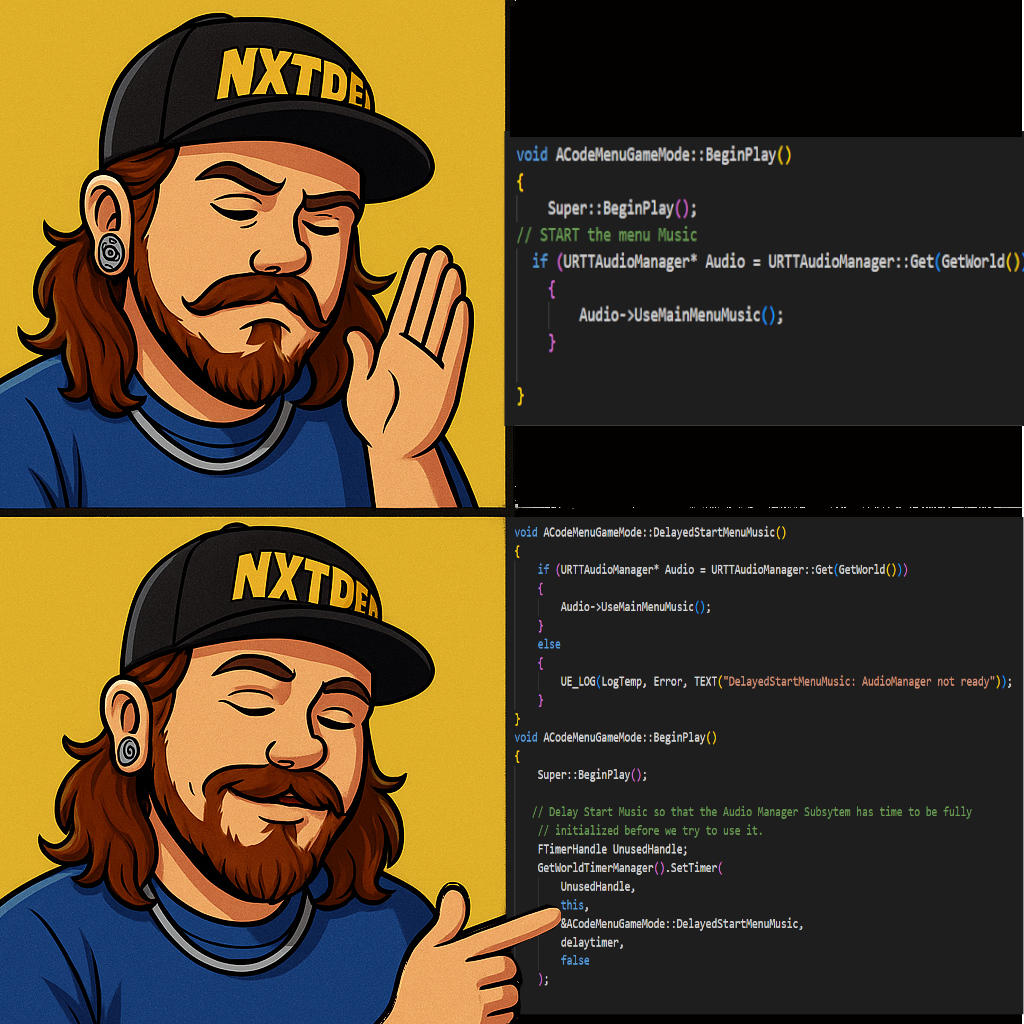
In the end, the simplest solution was the correct one: delay the call slightly and make the audio request only after the subsystem has had time to come online. I wrapped the music start in a private function and invoked it via a small delay (about half a second). That’s short enough that no player notices it, but long enough to guarantee the subsystem exists before we ask it to do anything.
The Problem
This week, I discovered a stubborn issue in our enemy melee system that completely broke the combat loop. Whenever an enemy triggered its melee attack animation, the animation would play correctly—but it never exited. Instead, the enemy would get stuck in a repeating cycle where the attack montage fired endlessly. The AI continued moving normally, so enemies would slide around the map while machine-gunning punches into the air. Funny the first time, unacceptable for gameplay.
The core problem was that the animation system believed the enemy was still performing a ranged attack, even though ranged combat hadn’t been implemented yet. A boolean inside the animation instance (isRangedAttacking) was being set when the shared attack animation began, but because there’s no ranged pipeline in place yet, the notify that should have cleared that flag never fired. With the boolean stuck on “true,” the animation state machine locked itself into a loop.
The Solution – “Unwiring the Ghost Notify”
Once I traced the issue back to that stale boolean, the fix became clear. I separated melee and ranged attack states, rewired the animation notifies so that attack completion is always reported regardless of which animation version is used, and ensured that the animation instance properly resets all attack flags when the montage ends.
After correcting the notify and boolean logic, the enemies finally returned to their normal behavior flow—attack, recover, and continue through the behavior tree as intended.
While solving this, I also improved our ability to debug melee collisions. Since team affiliation wasn’t fully implemented yet, it was hard to confirm whether hit windows were firing correctly visually. I added two console-callable debug tools:
• one that draws the melee hit shapes and timing windows directly in-world, and
• one that repeatedly pulses the collision logic so impact behavior can be tested even without enemy motion.
These tools took all the guesswork out of tuning the collision timings and validating the melee component’s behavior.
With the animation notify fixed and the debug tooling in place, the melee system is far more stable, predictable, and easier to tune as we continue refining combat for Ryssa Through Time.