Indie game storeFree gamesFun gamesHorror games
Game developmentAssetsComics
SalesBundles
Jobs
TagsGame Engines

noangelsinsight

6
Posts
1
Topics
1
Following
A member registered Apr 25, 2025

Recent community posts

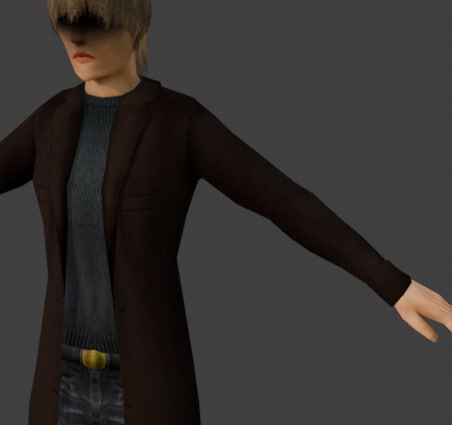
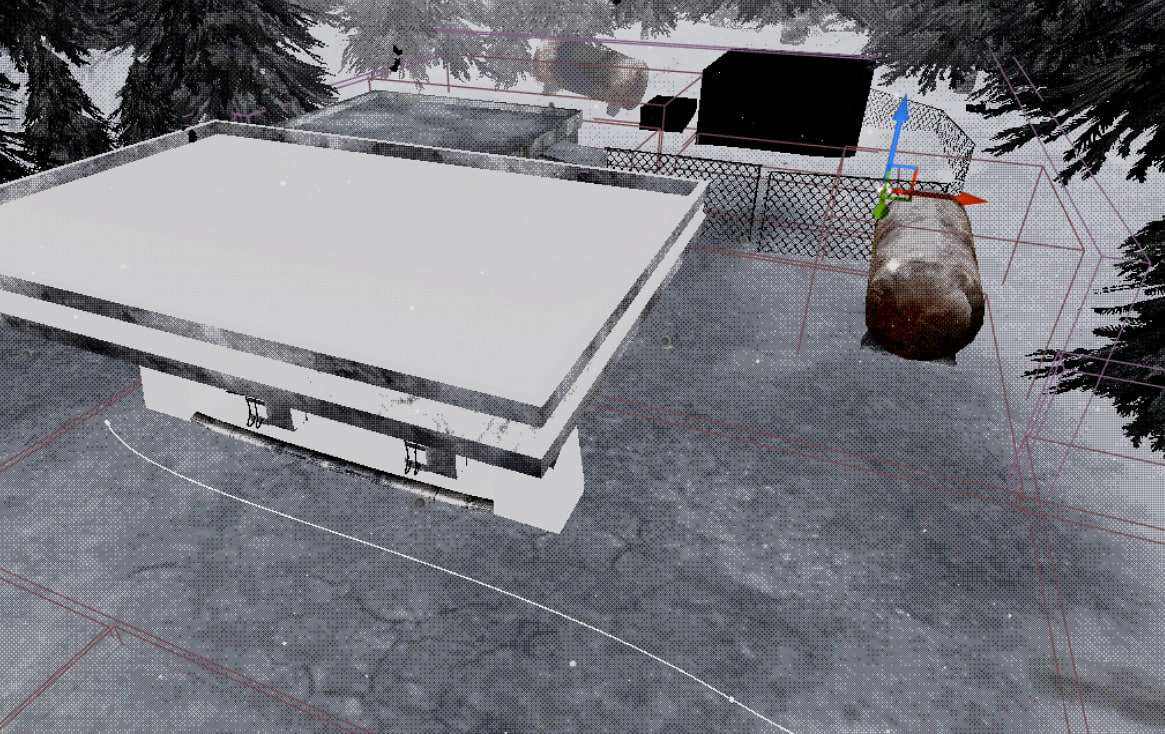
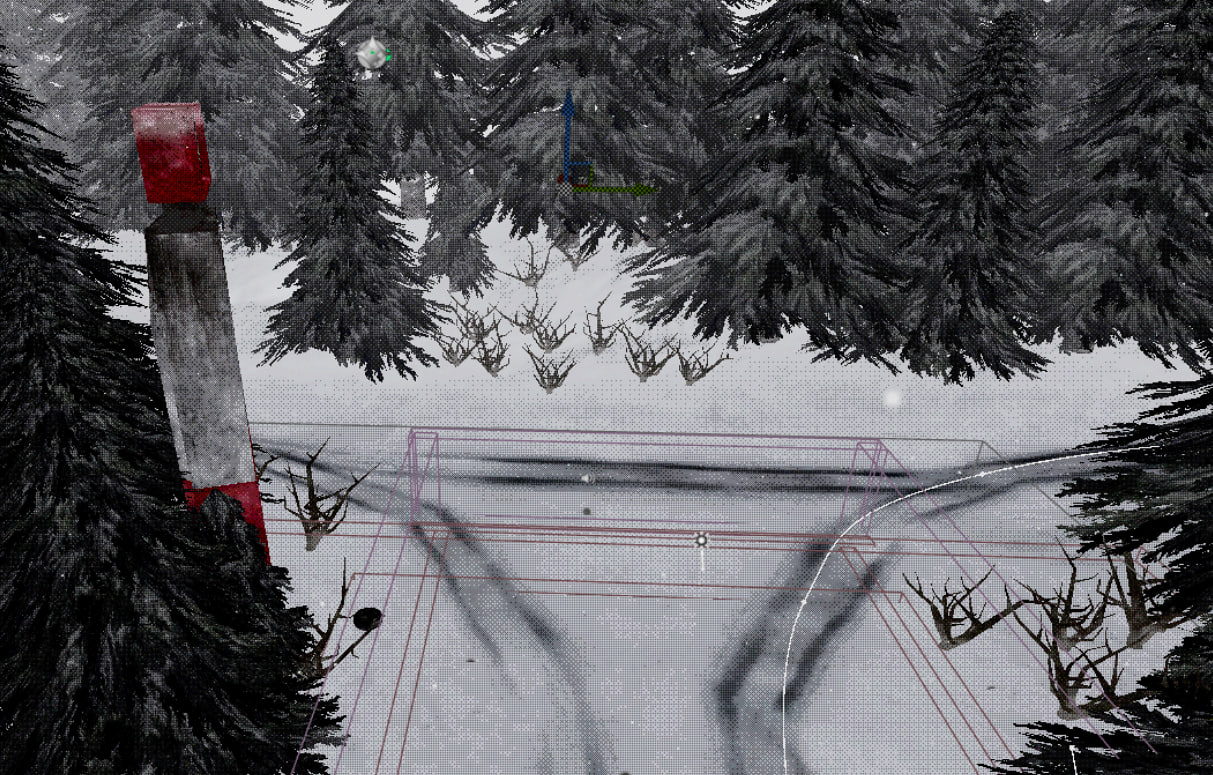
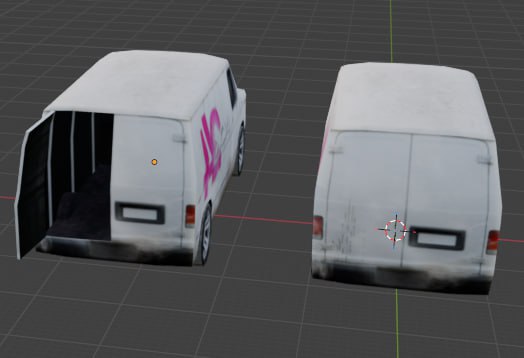
Required skills: experience working with the engine, creating blueprint logic and mechanics, animation blueprint. Below I have left screenshots of the game. We are experiencing difficulties with implementing mechanics and features inside the engine. If you are interested and suitable, please contact us. 

telegram: @evtapiy
mail: compatryk320@gmail.com


video:

https://vimeo.com/1173721323?share=copy&fl=sv&fe=ci
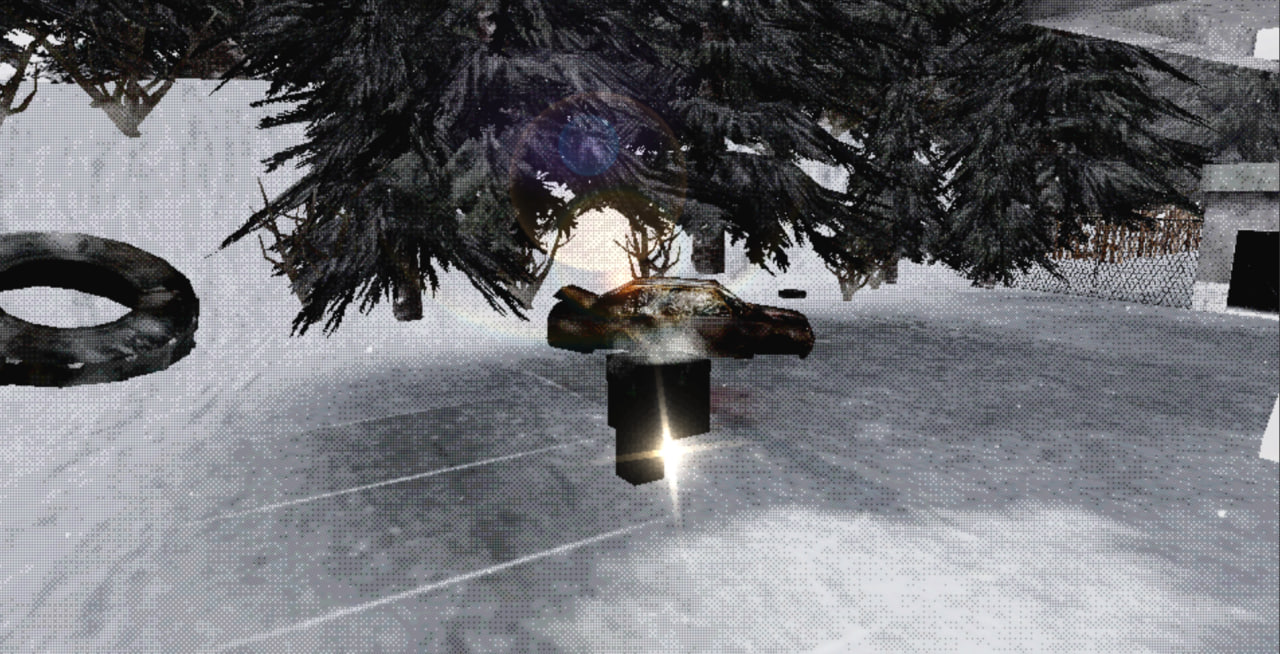
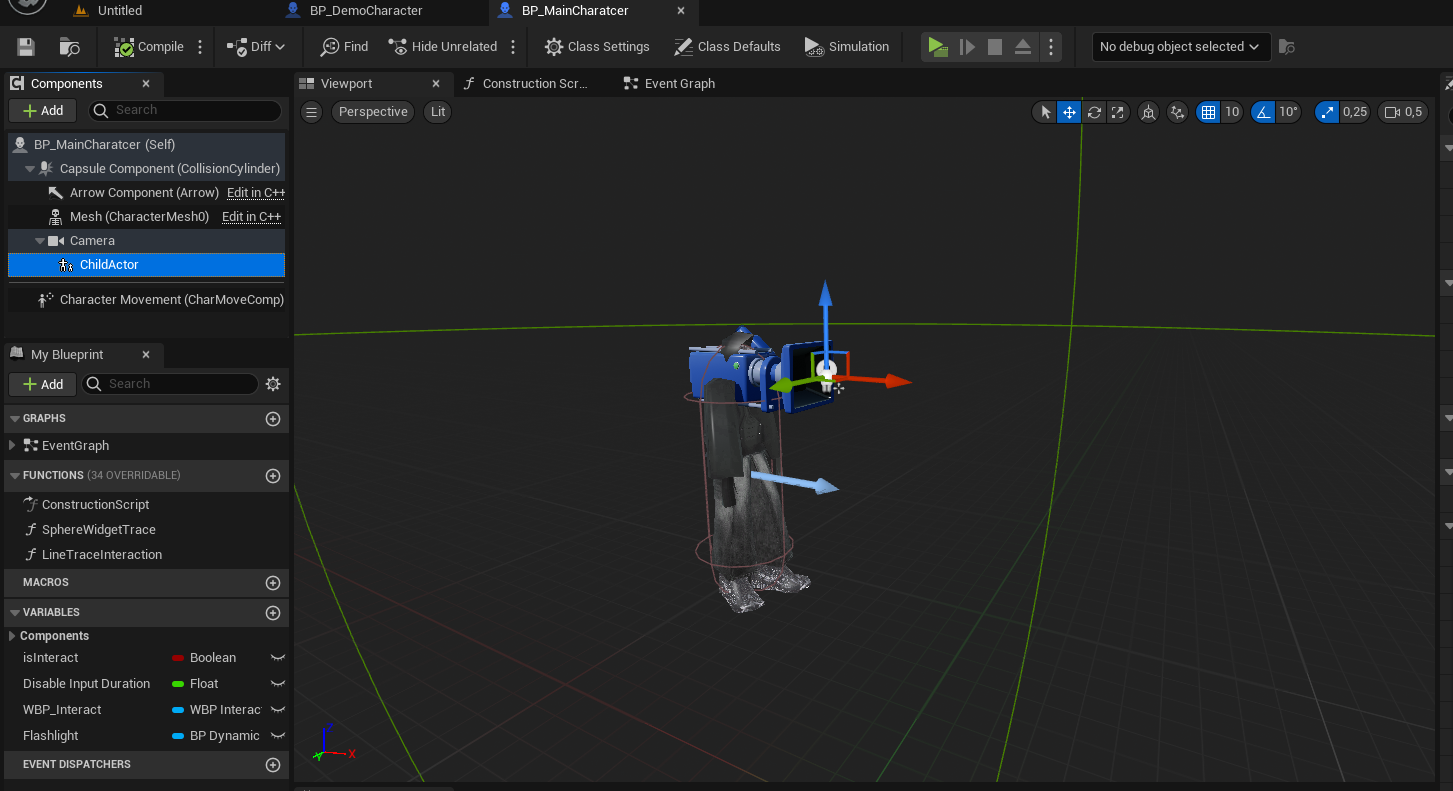
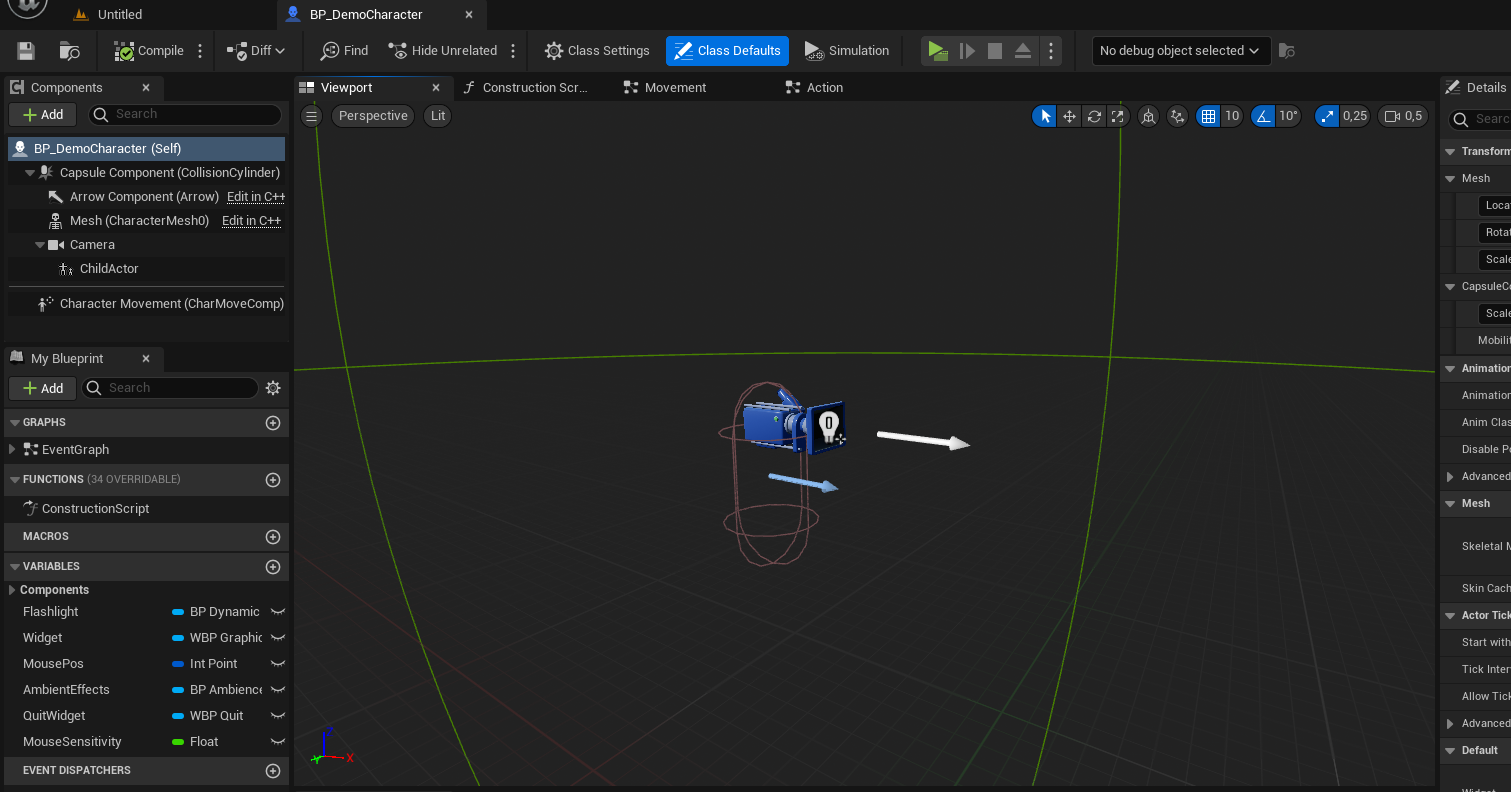
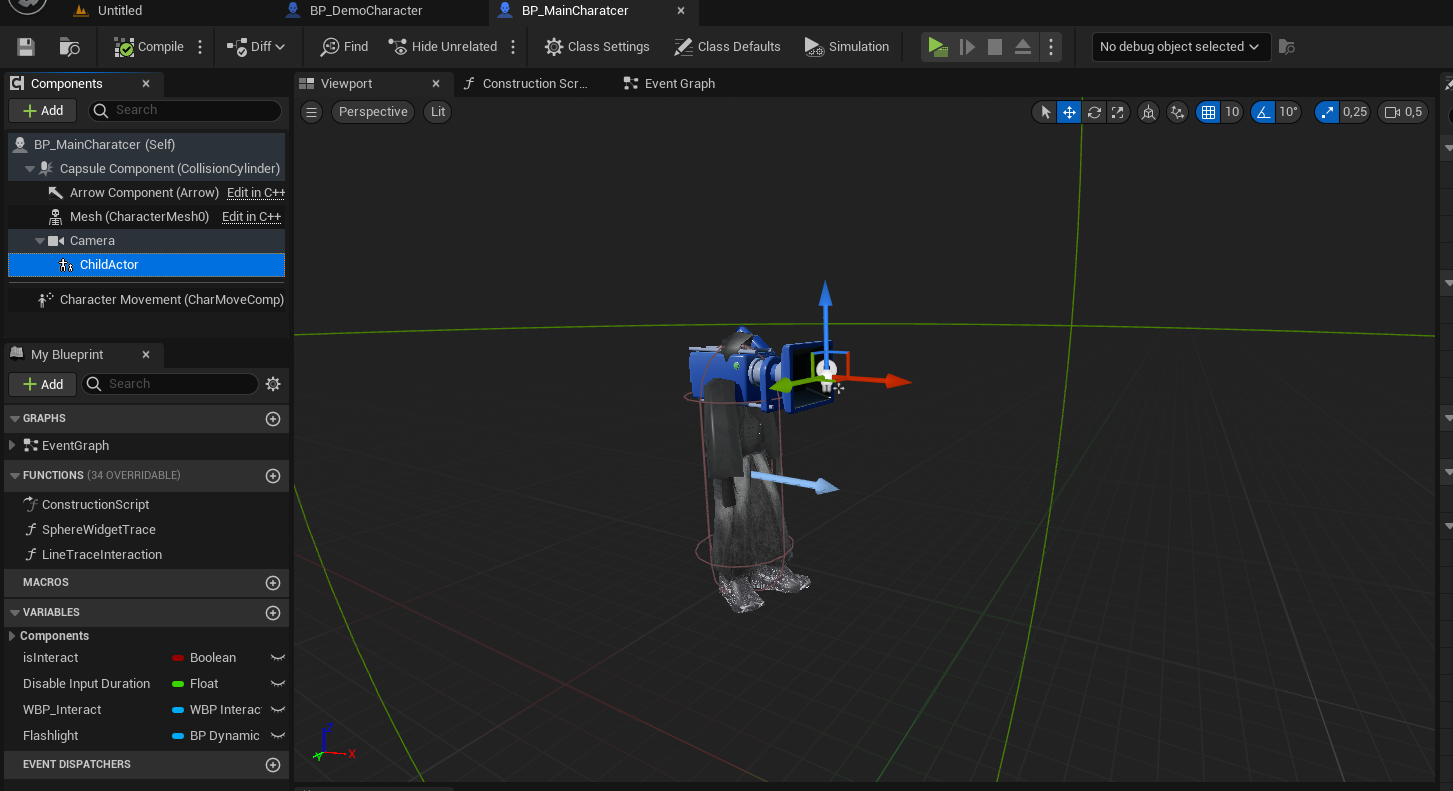
Hi! During this time, I have figured out the plugin settings and am very grateful for your feedback. I noticed that a test card is attached to the plugin, which helped me a lot in solving some problems. I had a problem: I wanted to make a lantern for my character, looked at how you did it on the test card, and copied it. Everything is working, but my flashlight is shining down. I see a white arrow in Child Actor on the character diagram in the demo, I think this arrow has something to do with the direction of the flashlight. I tried to add this arrow to my character, but without success. I would be very grateful if you could help me with solving this problem, I have attached screenshots.

Thanks for the answer, everything worked! But I change the fog parameters in the mpc_retrographics file, but I don't see it. Maybe I need to add some object to the scene so that I can see the fog?
Hi! I just bought this plugin, I like it very much, I followed the instructions of the video "How to use PSXFX - PS1 Style Asset Pack for UE4", but I encountered the following problem: after I set the values I like in the Editor Utilty Widget, I run the project, but my changes are not applied, I can see them only in the Editor. I will be glad if you help me solve this problem, thanks in advance.