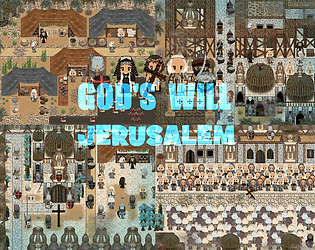
Thanks for the comment. I didn't know he made Christian video games. Of course I know Five Nights at Freddy's, but I don't have one, I play something else. Although originally this pixel set (God's Will - Jerusalem) was created with the focus on creating various desert marketplaces or cities in the desert. About halfway through the set I decided to change direction more towards the year 1000-1200. I was led to this by a movie I've seen about 5 times (Kingdom of Heaven 2005) :)
NeonPixel
Creator of
Recent community posts
Thank you for the comment elkong .
I have no plans to make schools or companies in the near future, but the closest thing, I could create is a research laboratory+servers set as one set. But it won't be this year. Because creating RPG Maker MV/MZ sets is a real passion for me and I really like pixel art.
The only problem is that creating a pixel set takes a lot of time, like 4-5 weeks, I spend a lot of time on it and practically for free. There are only a few people who create pixel games and a few people who buy a pixel set.
Now I have to work on other things to survive. When I have time, I will continue to create pixel sets as a hobby.
Kind regards
Hi Louro
I would be happy to answer your question.
You will only get sets like in png+all what is in set
I wanted to add it to the ALL IN ONE COLLECTION but no one ever asked about it.
Within a few days I will upload Sample projects in MV/MZ to All IN ONE COLLECTION and also in a single set.
If you have any other questions, don't hesitate to ask.
THX
Hi
Thanks.
I'll have more sets ready in the near future, although I don't know how long it will take me(a couple of weeks). I'm doing two sets at the same time.
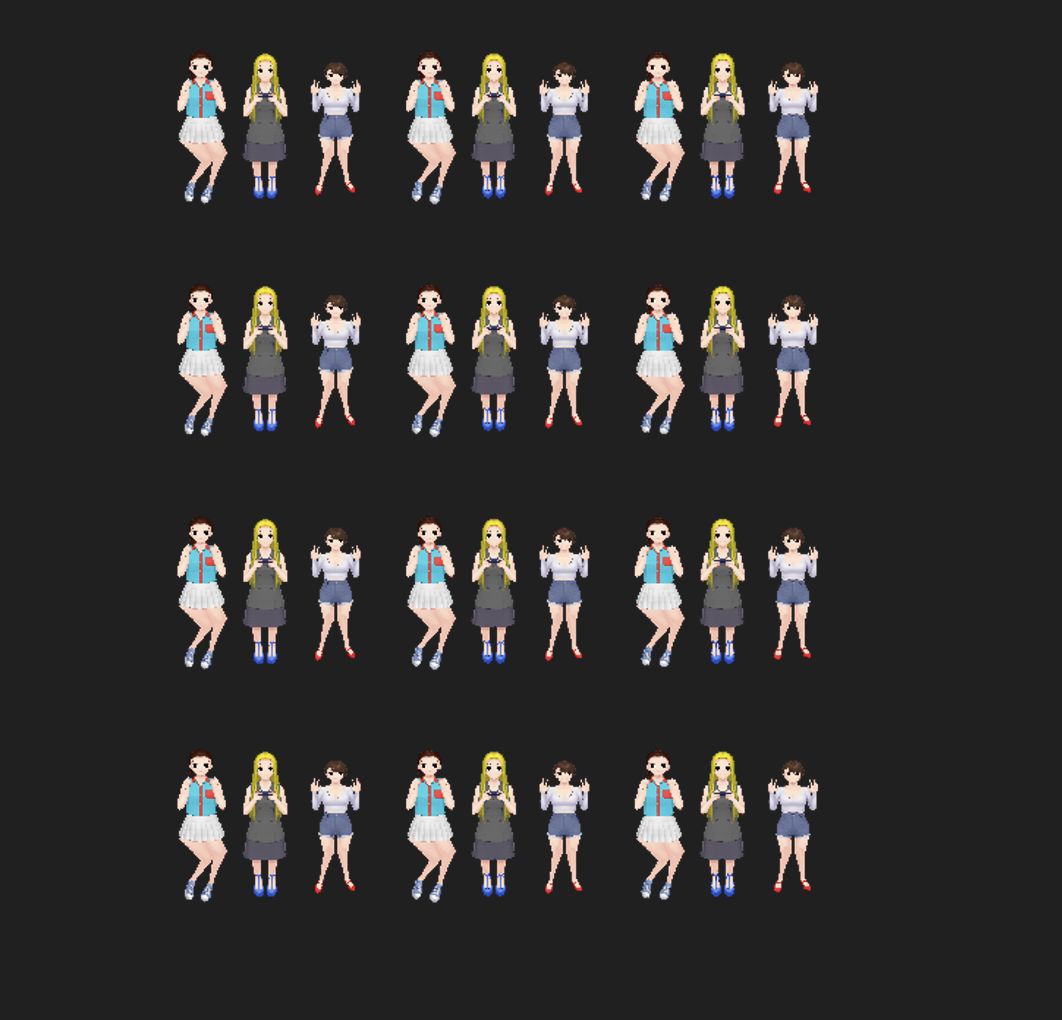
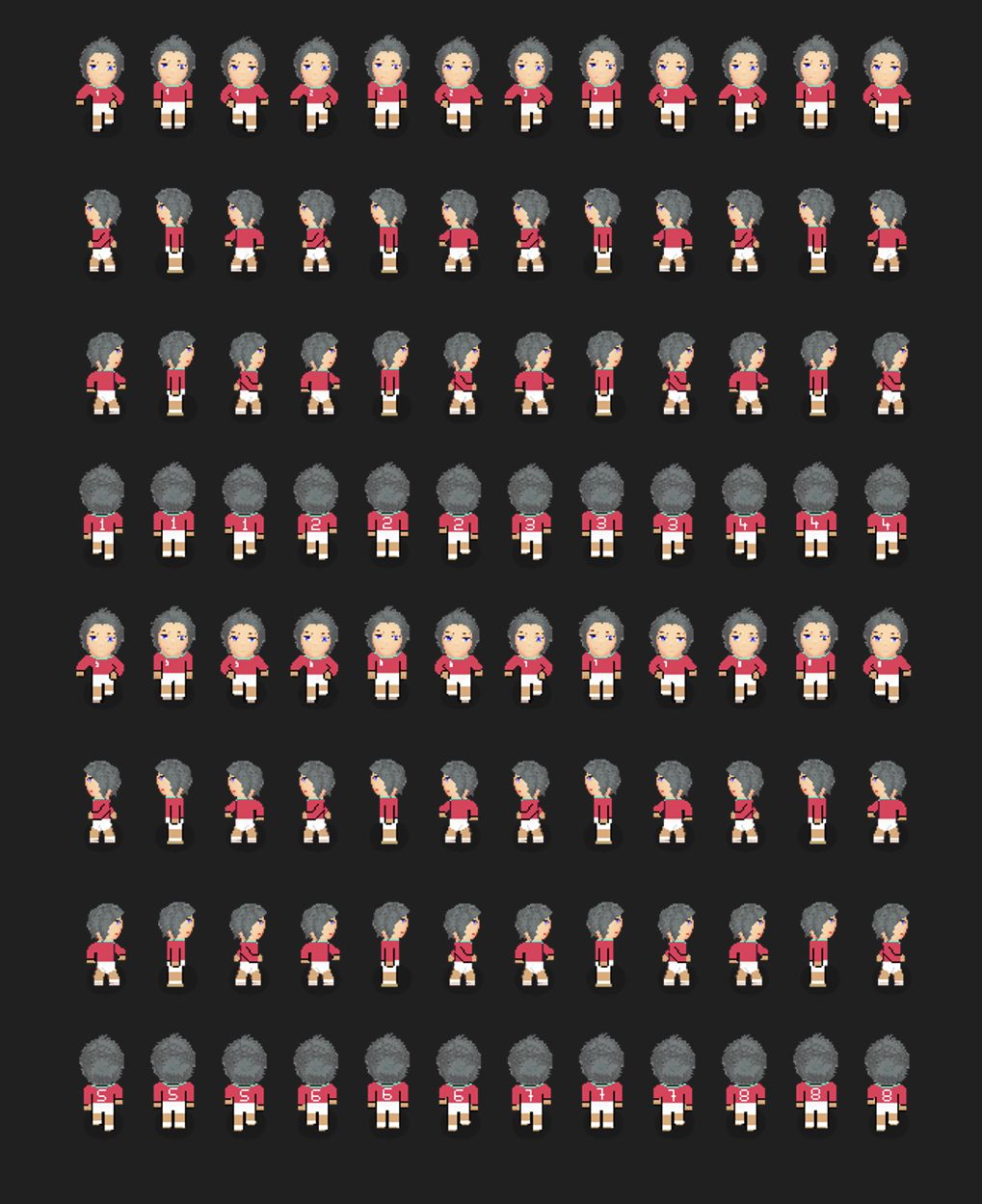
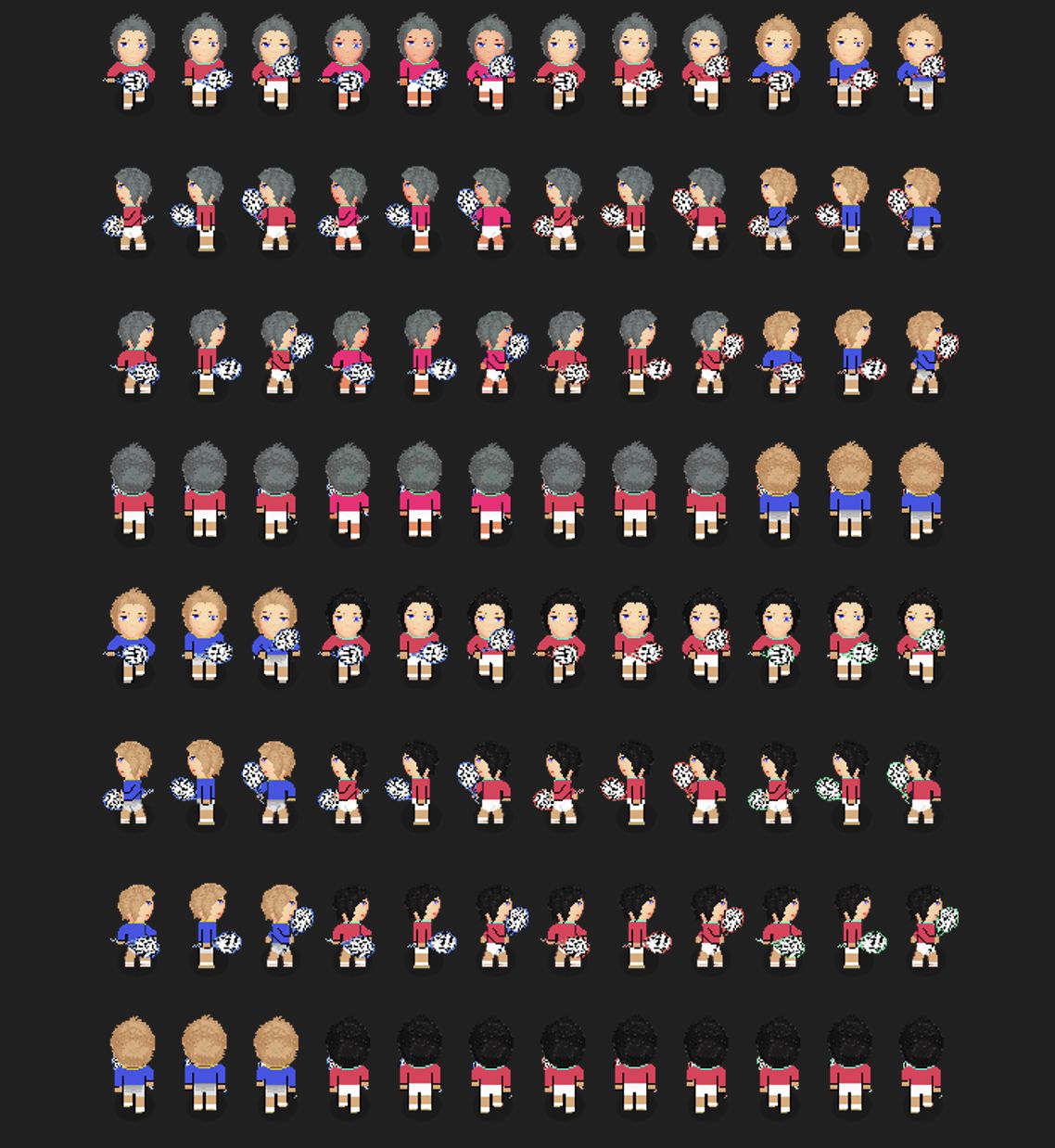
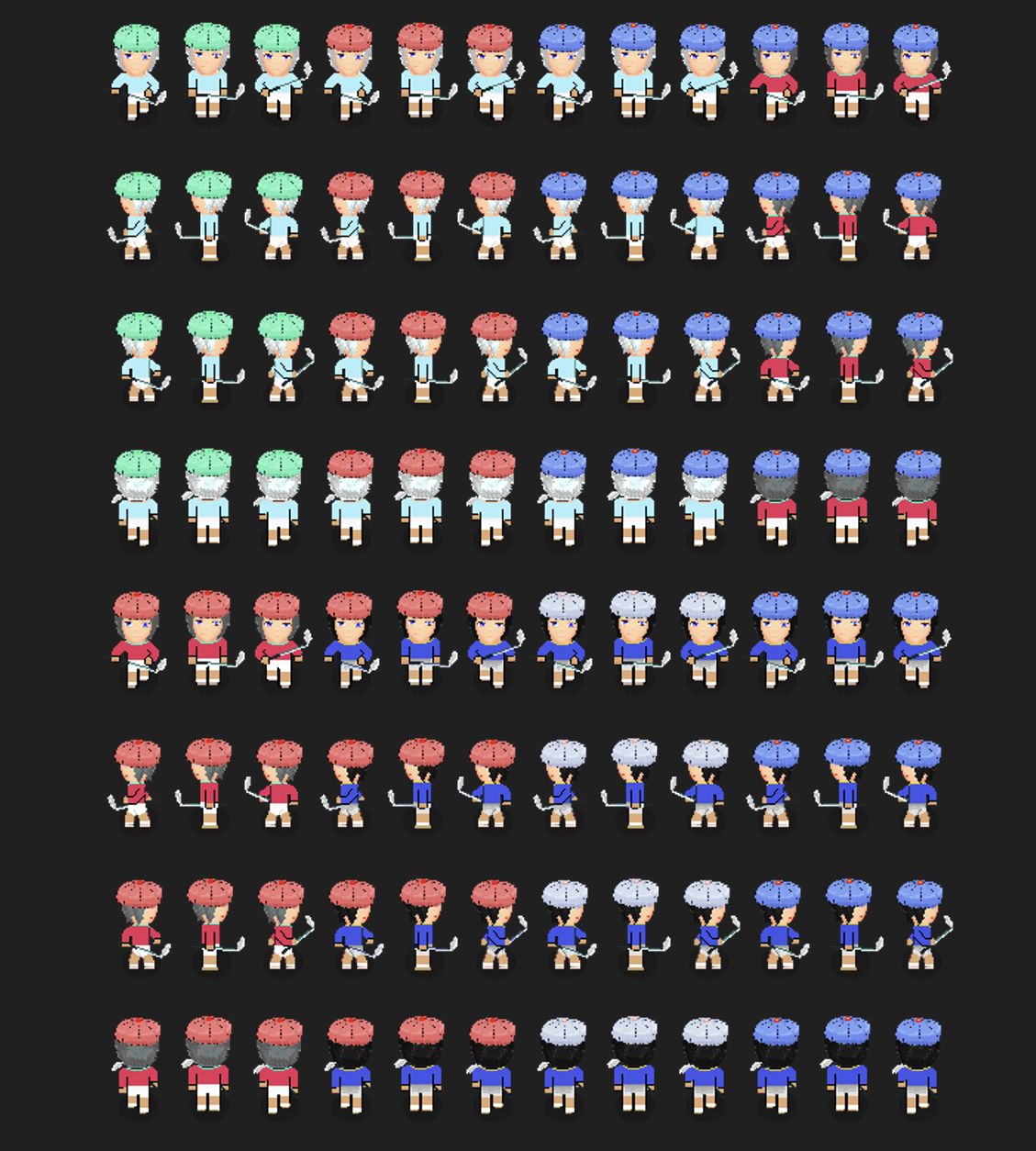
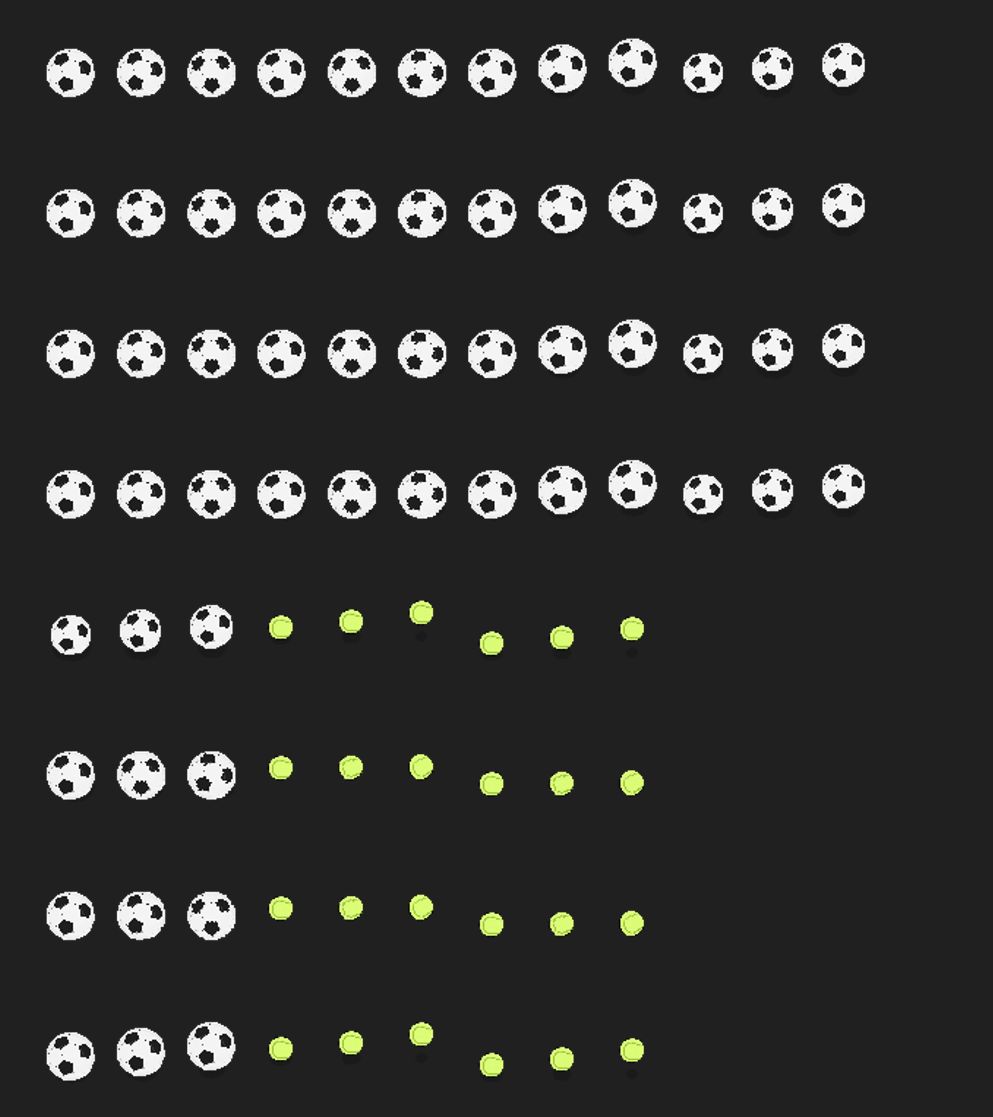
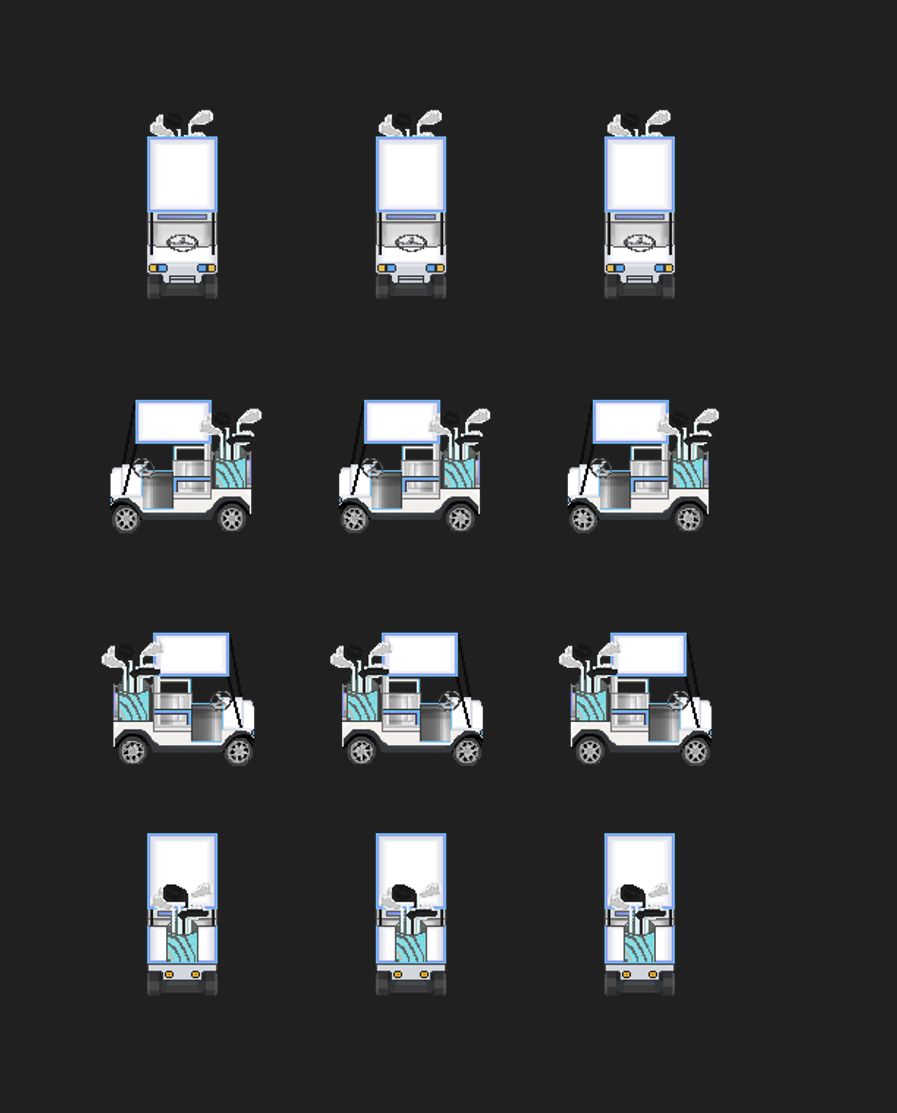
Just the working title is : Architecture Europe. The set will focus on London and Paris buildings props and the other set I'm doing alongside it is focused on sports like football stadiums, tennis, golf but that set is being done more slowly. Because there are various problems that arise :), such as creating a football playground in the A2 set.
Of course, future sets will be part of the All in one collection.
Hi Mind
To your question:
The best fits together-Anime tree of life
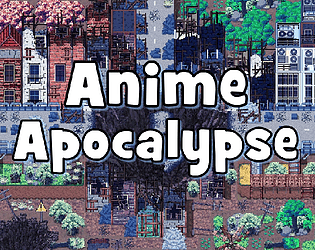
-Anime Apocalypse
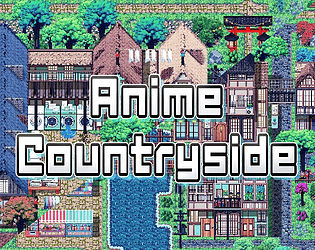
-Anime Countryside
-Expedition One
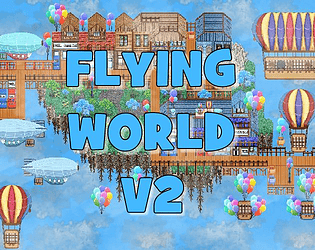
-Flying World -V2
These tilesets are done with the same style or similar.
But all the other tilesets are only different from having more details or having other shades and also can be combined without a problem like Grounds are used from one pack and props from another pack.
If you have any questions, don't hesitate to contact me.
Thx.
Hi
I don't have a patreon. But of course this set will have a future upgrade. I have a few small things ready for it, but now I mainly have to finish the sets I started. Like expedition one and two. Which are larger sets. Then an upgrade would be in the plan, I want to add a zeppelin to the set, maybe a balloon. So please be patient :)
Hi ellebell
I uploaded Sample maps in RPG Maker MV for better understanding.
You can download them.
The first gif animated image is composed of
FW_A2_V2 SUMMER-for ground
FW_A3_V4 SUMMER -for walls
FW_A4 -walls as well.
FW_B_SUMMER -for trees,grass
FW_C_SUMMER -for props and that (A2 + C_SUMMER rocks)
FW_D_SUMMER-for windows and house
When creating an island, always start like this:
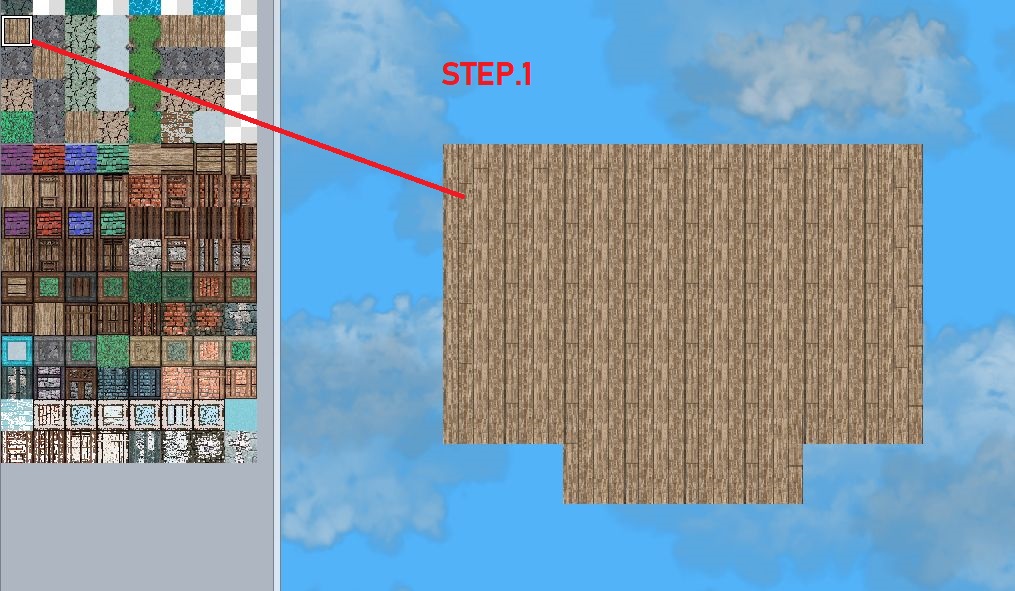
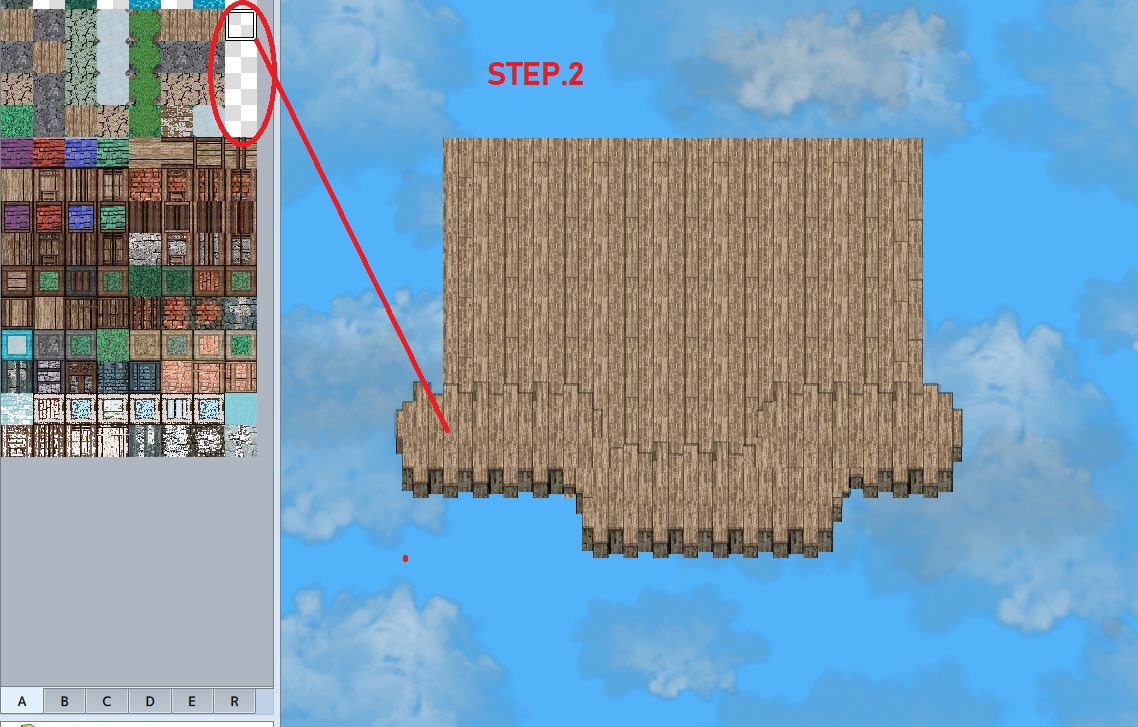
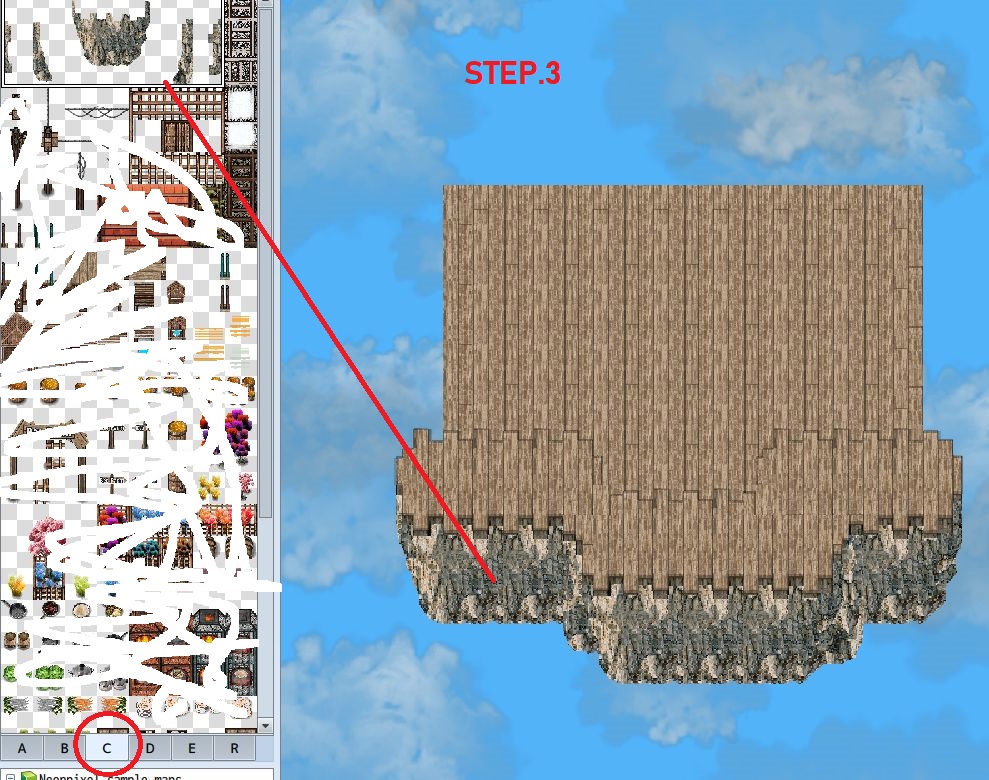
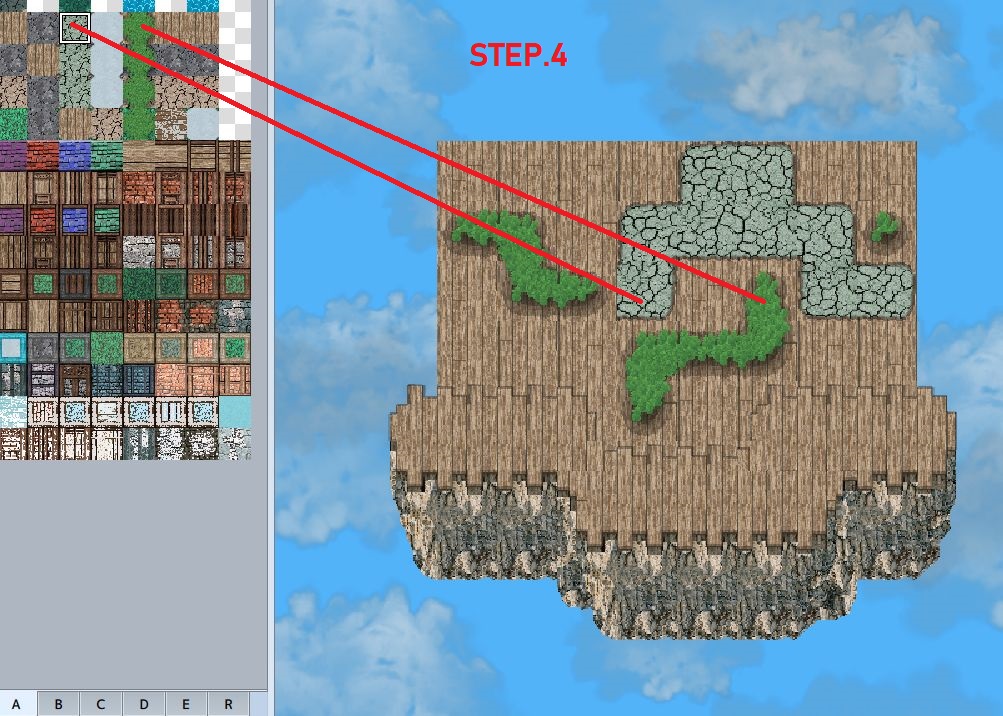
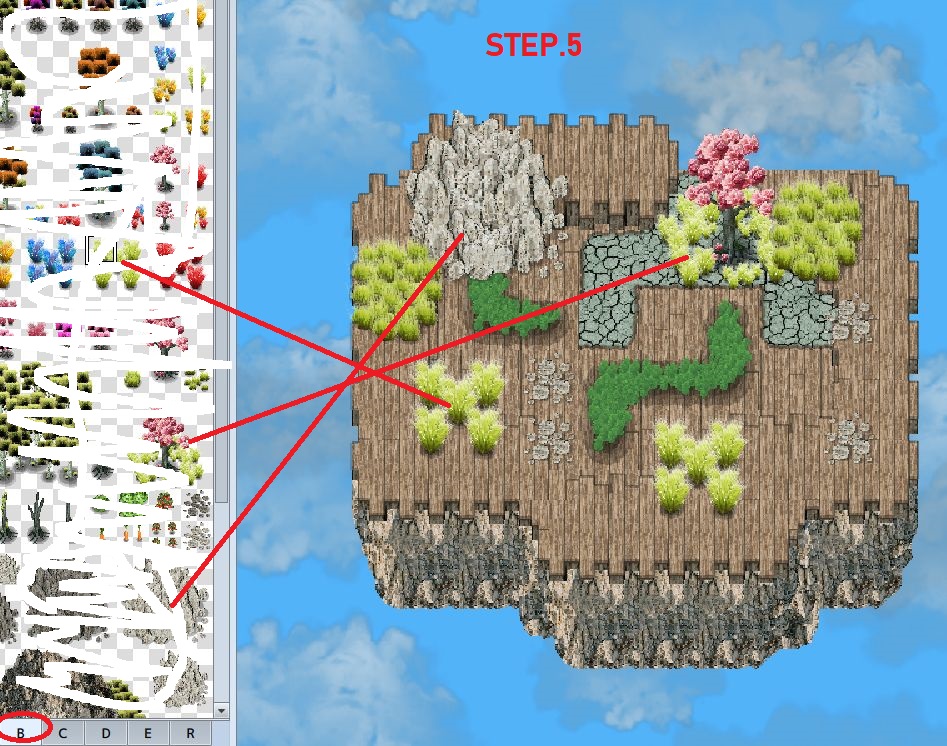
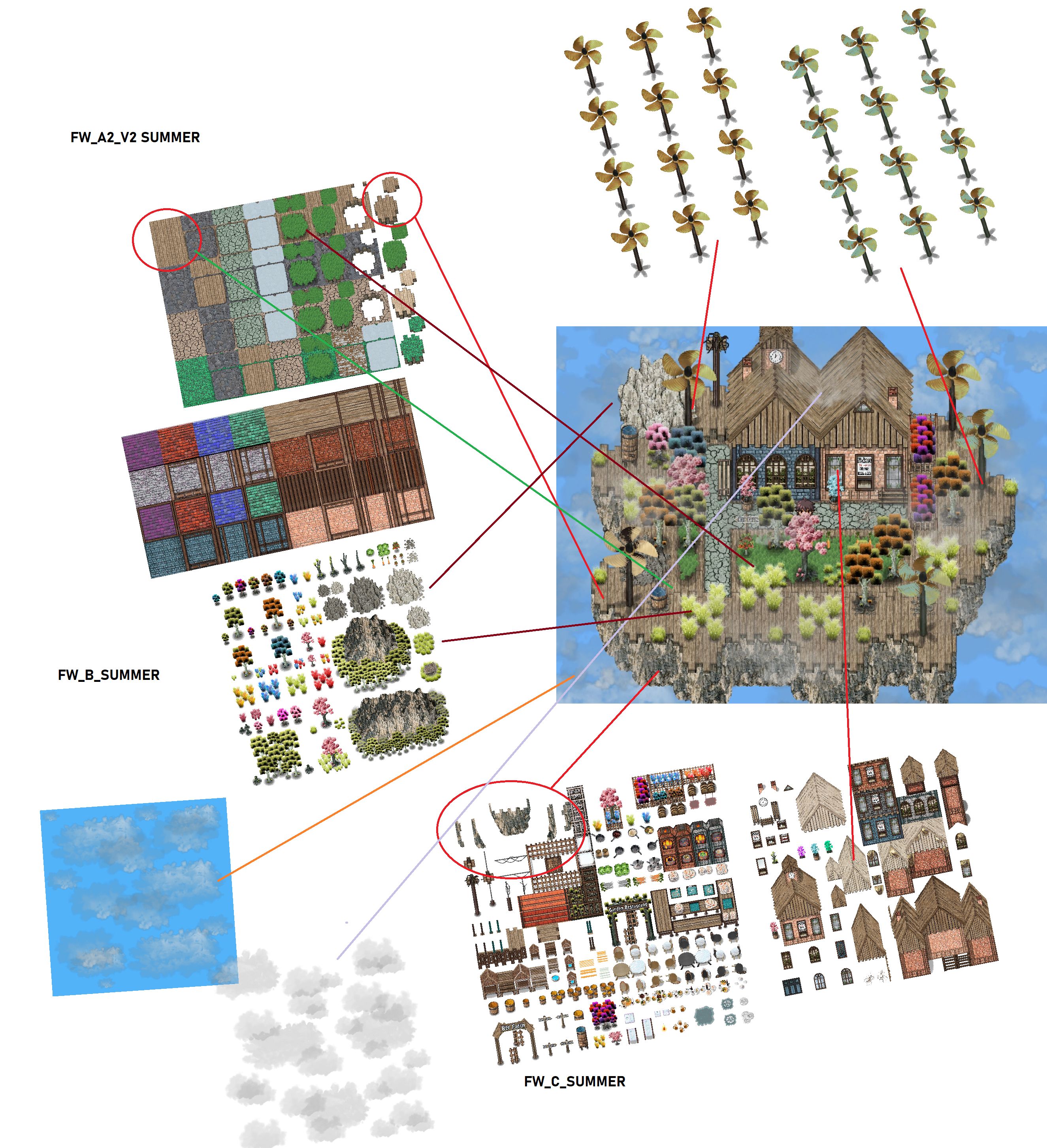
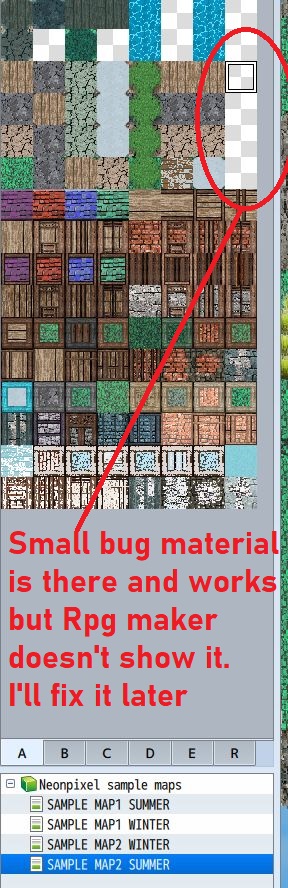
If something is not clear, please don't hesitate to ask.
Kind Regards
Neonpixel
Thank you :)
If you need a sample project in RPG Maker MV or MZ, write to me here and I can upload it. They are lvls like in the screens.
I'm making another set with the theoretical name expedition one. Mount Everest and a dungeon around it. Maybe even a Nepal village. But it will all be in ice and snow.
Of course, there won't be just one expedition. Expedition two will be the Earth's core.
Maybe by the end of May I could have Expedition One ready, but of course it could take longer.
Hi
Personally, I use this plugin in RPG Maker MV version and it's called
Foreground plugin
Author :Sasuke KANNAZUKI (thanks to Yoji Ojima) .
It is free on the Internet.Personally, I don't know if they also have an MZ version. You'll have to look into it.
I was also recently looking into what I could replace this plugin with in the MZ version to see if there was something better, but everything that is great is only paid.
PS:
Parallaxes - It is a partially transparent infinite texture in PNG format adapted for RPG Maker MV/MZ 816x816. It should work in any foreground plugin.
But in RPG Maker you can make the parallax in the background what will be like behind the entire tilesets and then the foreground parallax but you need a plugin for that and that's what I wrote. And you can also make a combination where you save two parallax in a png and use it like that. It is not guaranteed that such a combination can look good, it depends on the circumstances.
Hi Milkerman.
I will try to answer your question :).
Yes, you can use it in other tools and engines.
Since the sets and animations are adapted to the RPG Maker mv/mz frame as for tilesets (768x768) and so on. The tool would have to support that frame. But there is also a possibility that it will work without a problem since they are props that are only given to that frame. Another possibility is that you save each prop separately and then put it into a new frame supported by the engine you want to put it into.
Try downloading one of the mini sets I have for free and test it to see if it works.Just for test.
The only restrictions I have are:
I ALLOW :COMMERCIAL USE
I ALLOW: MODIFICATION FOR YOUR OWN PROJECT (GAME, VIDEO, PRESENTATION AND OTHERS).
I DO NOT ALLOW: SELL /RESALE MY PACK WITHOUT MY CONSENT IN ORIGINAL OR MODIFIED CONDITION.
I hope this is a sufficient answer, if you have any other questions, don't hesitate to ask.
Hello
To your question.
The fog is made like a character, but in 154x158-(468x636). And directly in RPG Maker you just set the speed,route, frequency, priority and trigger as parallel.
But you can also create fog that works like parallax, and you need to install a Foreground plugin.I used this type of parallax in my older sets.
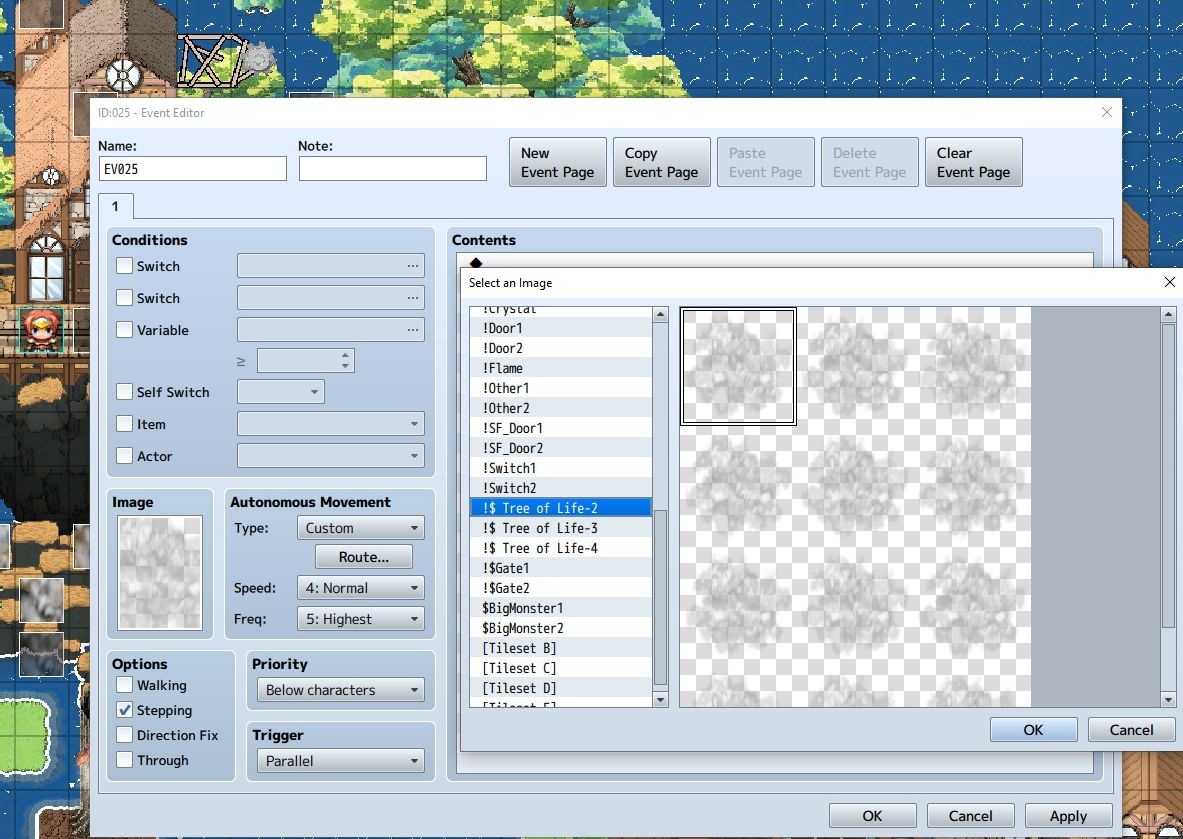
In short:
I created the fog as an image in Black.Ink. Then I put it in a frame in Pixelmash and in that I create an animation that has 3 frames. Later I put it in a compact frame that RPG Maker supports.
Hello LeklaRyba.
I don't know what you're talking about.
I'm against AI. Everything is done manually. And it takes about 4-5 weeks to make a set like that. When you can't create and you think that when someone creates something beautiful, they'll immediately call it AI.
You are devaluing my work with this accusation. You could apologize or go troll someone else. Please.
This is how it is done manually.8 hours at the computer creating textures and some animations for the coast
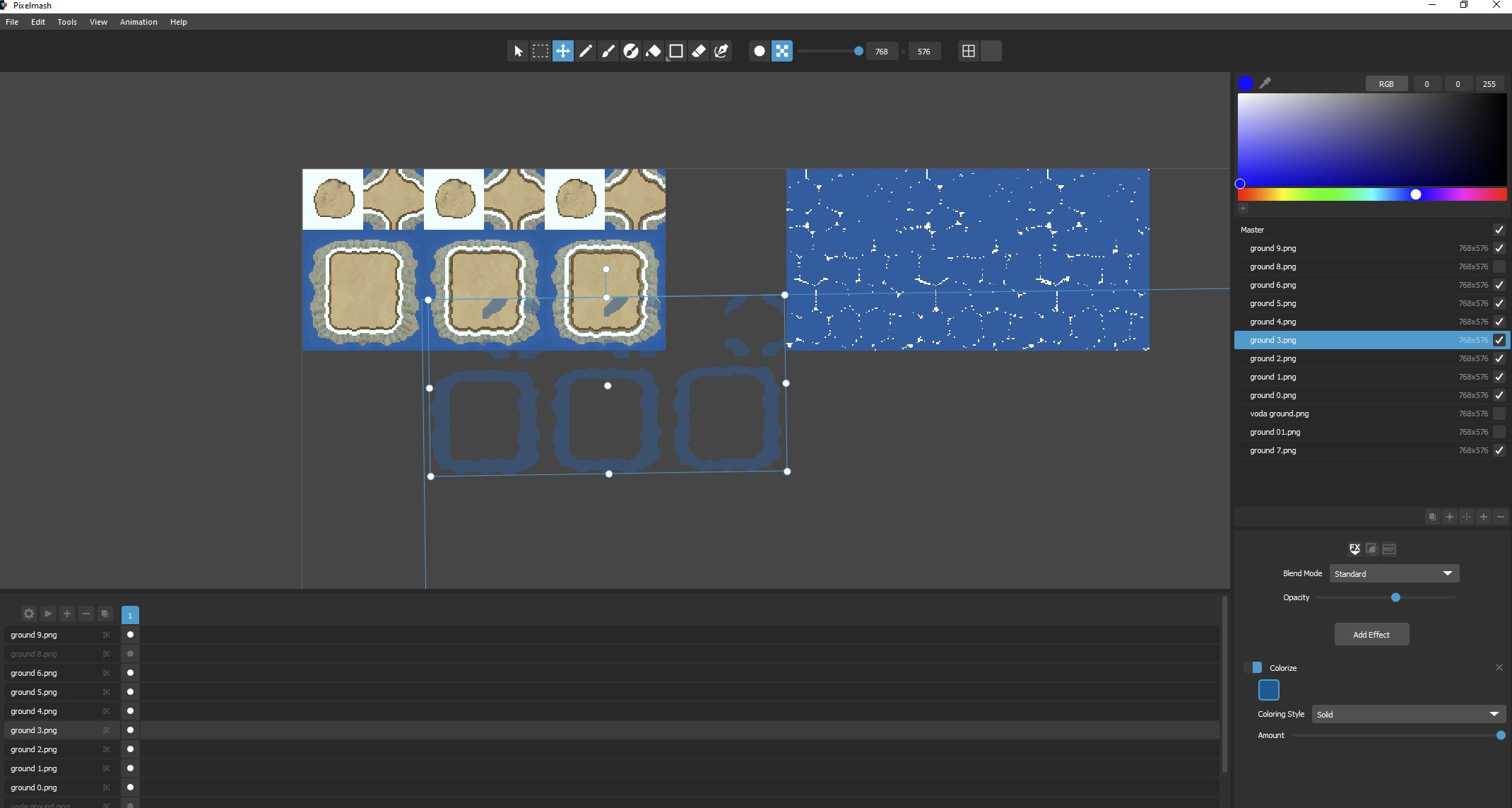
Hello .
Thanks for your question.
For now only just that flying trains .There was upgrade in progress , for zeppelin or ballons but on that time nobody want's it .Sale was realy low on this set that i chose not spend more time on that.But i can do upgrade for ballons .For now(on mobile) i can't do nothing my pc is broken and i just still wait for new cheap parts.When iam back on track i will do something about that .As well i will work again on my new sets.
Hello
I will try to answer your question.
I'm not using GameMaker Studio/Beta. But I know they have different dimensions for tilesets.
My sets are created for use in Rpg Maker MV/MZ.
But there is a way to remake tilesets into other tilesets. But in terms of time, it will be lengthy.
You need to save each prop separately from the tilesets and create a new table that uses Game maker studio and adapt the props to the new table. Tilesets like ground and walls will be difficult .
I found this tutorial for game maker studio tilesets. Maybe it will help you.
https://gamemaker.io/en/tutorials/tile-set-editor
If you have any questions, please let me know.
Thanks .
Hello
At the moment, I'm not a supporter of AI. I do everything really manually. But I've had this idea for different versions in the past, that I use some filters to remove the micro details. To make it flat, but even with that, various problems arise, such as tilesets, it could be done that way but definitely not A1,A2,A3,A4,A5 tileset where it is so much a problems that it is better to create new ones :)
The worst are A1, A2, A3, A4, A5, where you have to create infinity textures, so I scrapped that idea. Because from the point of view of the time I put into it, it's not worth it at all
:)
Hi
Your project looks quite interesting.
It's like a game in some style when factorio was in the beginning.
No, it doesn't sound selfish, everyone works on some project, especially those who want to create something.
Of course, I'm also working on my game project. It's very difficult when you're alone and you have to do and fix a lot of things and the project goes very slowly.
yes i have discord.
Thx pal :)
But this "cleaner / less detail" art style is difficult to do :) a lot of complications :) I will make the next set in exactly this style as well.
Next one on list is Apocalypse world, the world after the impact of an asteroid or a nuke, but the time I will need for the whole creation is in the stars :)
Hi
If you mean black outline pixels, they're only in bonus tilesets , if the ground is a similar color, the props with black outline pixels will stand out better, and of course there are always tilesets too without black outline pixel. This is for black outline pixels.
Maybe because when it is down sampled, it gets blurred because before that it was in a higher resolution than 48x48 but 96x96x or higher. Maybe that's what causes it.
Just for info, explanation, what I do differently and for understanding..
-----------------
With larger props like (154px158p), it is not a problem if I create it with my technique, but it is difficult to create props that are only in the range of 48px48p (such as small stones or various other things) because they are small and there is limited to very little space for details. That is why I make it from many layers. Different colour shades and shadows so that I can make even small things very detailed.
but not every layer of detail can be created only in a 48x48 cube and I have to create a layer, for example, in 96x96 in order to be able to create details and then I insert them back as a layer in 48x48 and a better detail will be created than if I created it directly only as 48x48.
Of course, it's not always perfect, a few of them end up in the bin as well. :)Some that have beautiful details create teeth on the edges and I don't know why at all. I have to correct the outline.
Sometimes I make bigger props like trees from 60+ layers,or I create more advanced layers that are combined from several small layers and saved as one layer and then only need about 10 layers
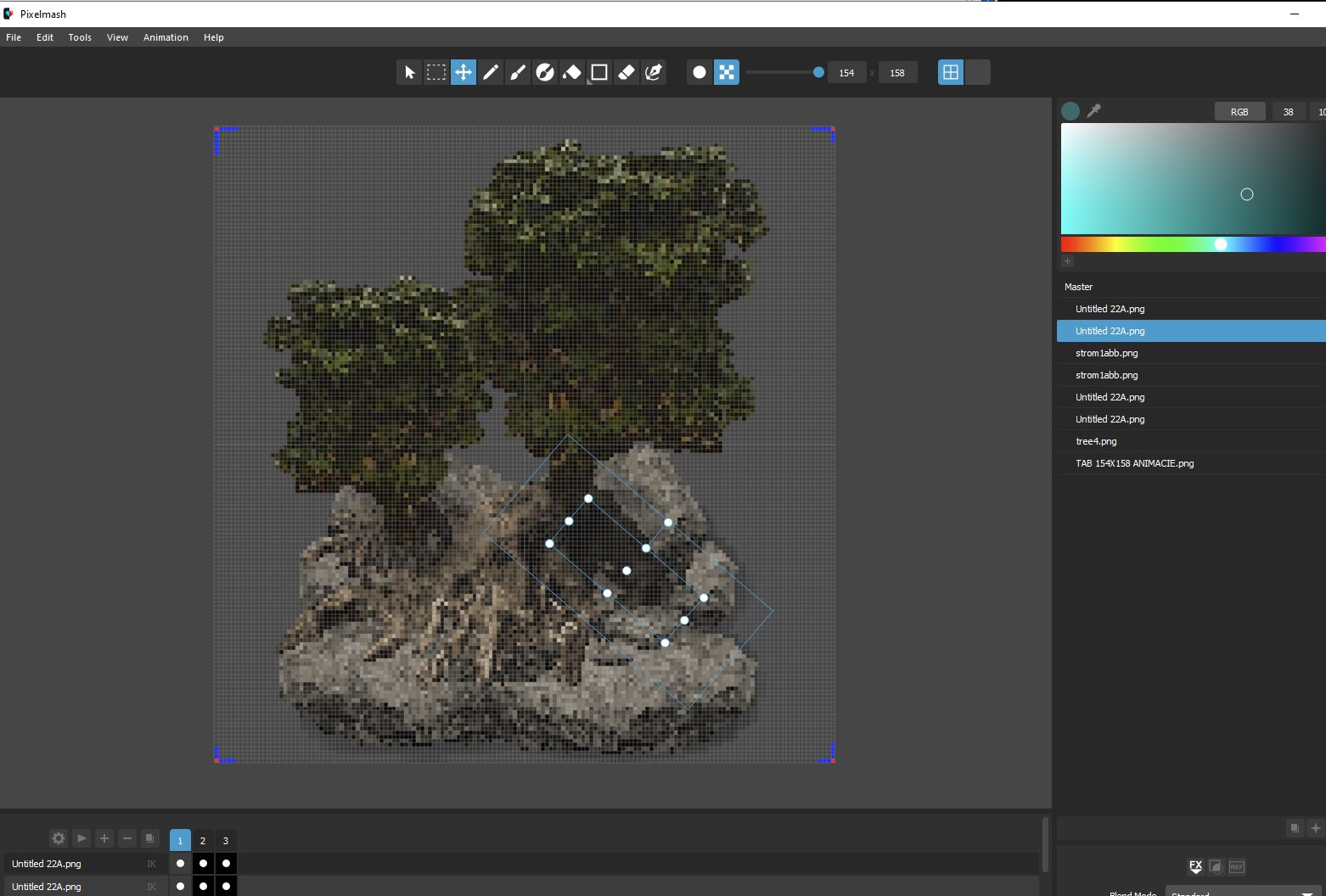
This is how I create....
but your observation is interesting. I never tried to make it down sampled. Because I always targeted the rpg maker mv and mz.
Hi
To your question.
I always do everything in a 48x48 grid. After creating it in a 48x48 grid, I put it in 768x768 for rpg maker tilesets. The animation trees are mostly in 154x158 dimensions, the scale can be better there. The characters are 48x96 and put in rpg maker 576x768. Everything is made for rpg maker but approximately 2x scale should be ok.
I use 2k screen 2560x1440
If you use a 4k screen, I don't know how the pixels look on such a screen when they are scaled.
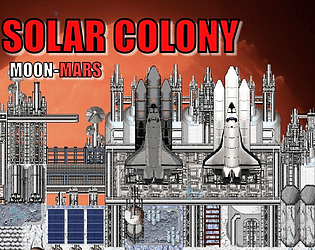
scale 2x -from solar colony
It's fine for larger props, but it's worse for small props.
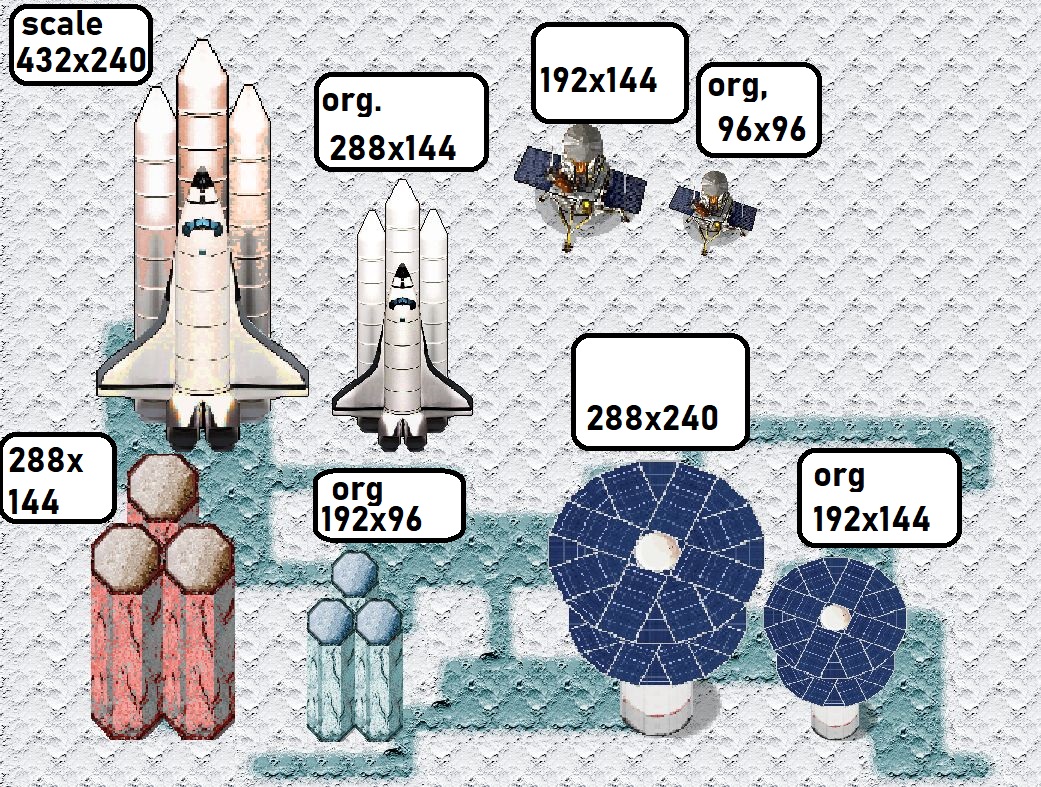
If you have any questions, I will be happy to answer them.
Hi.Thank you very much for your comment.The New Mega sets that will be released on Steam and the Rpg maker Web will also
contain a sample project with a large map and plugins.The first set released in this way on Steam will be the Mega Atlantis set at
the beginning of January and the other new mega sets will be included as well sample project.