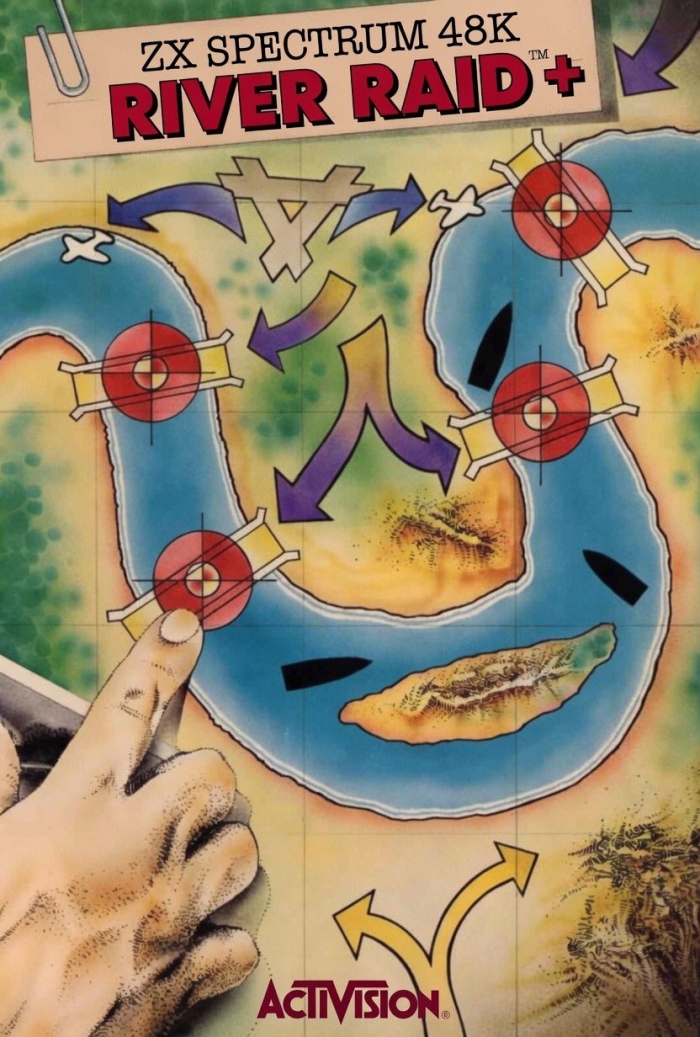
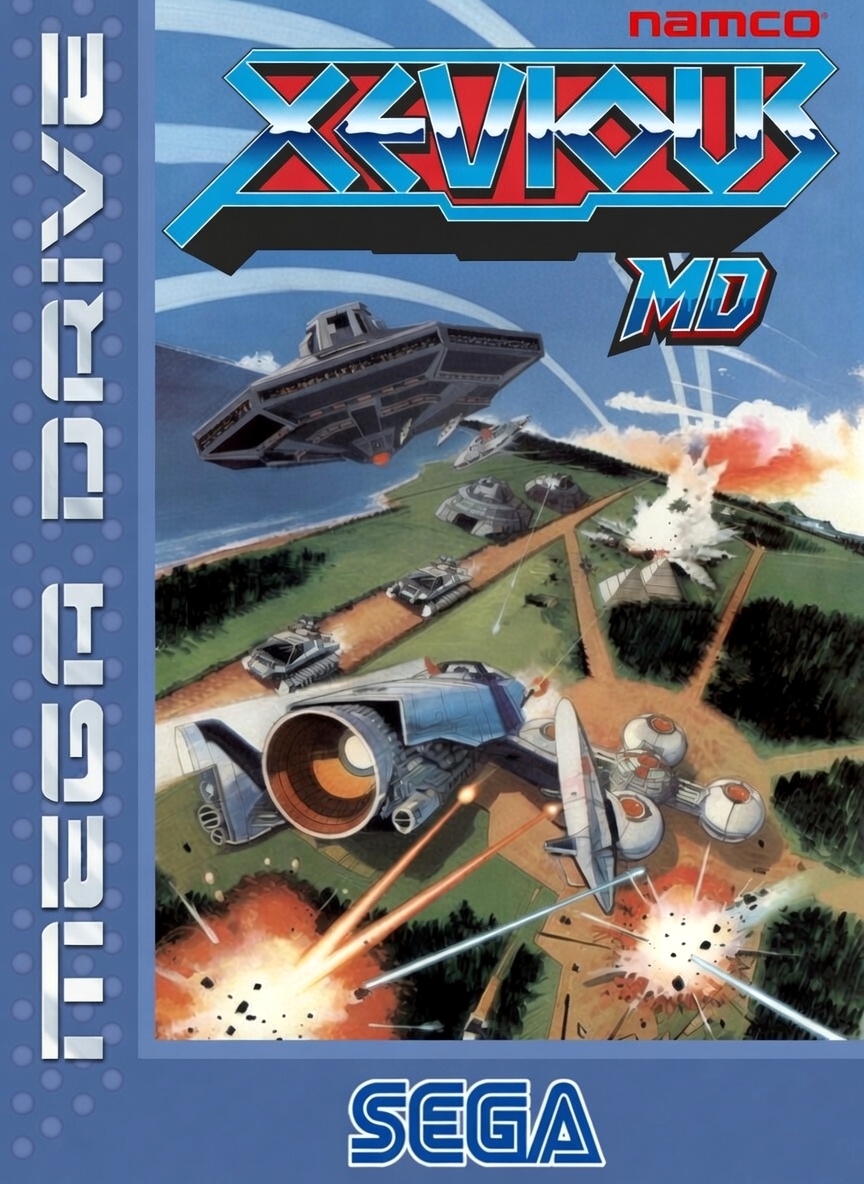
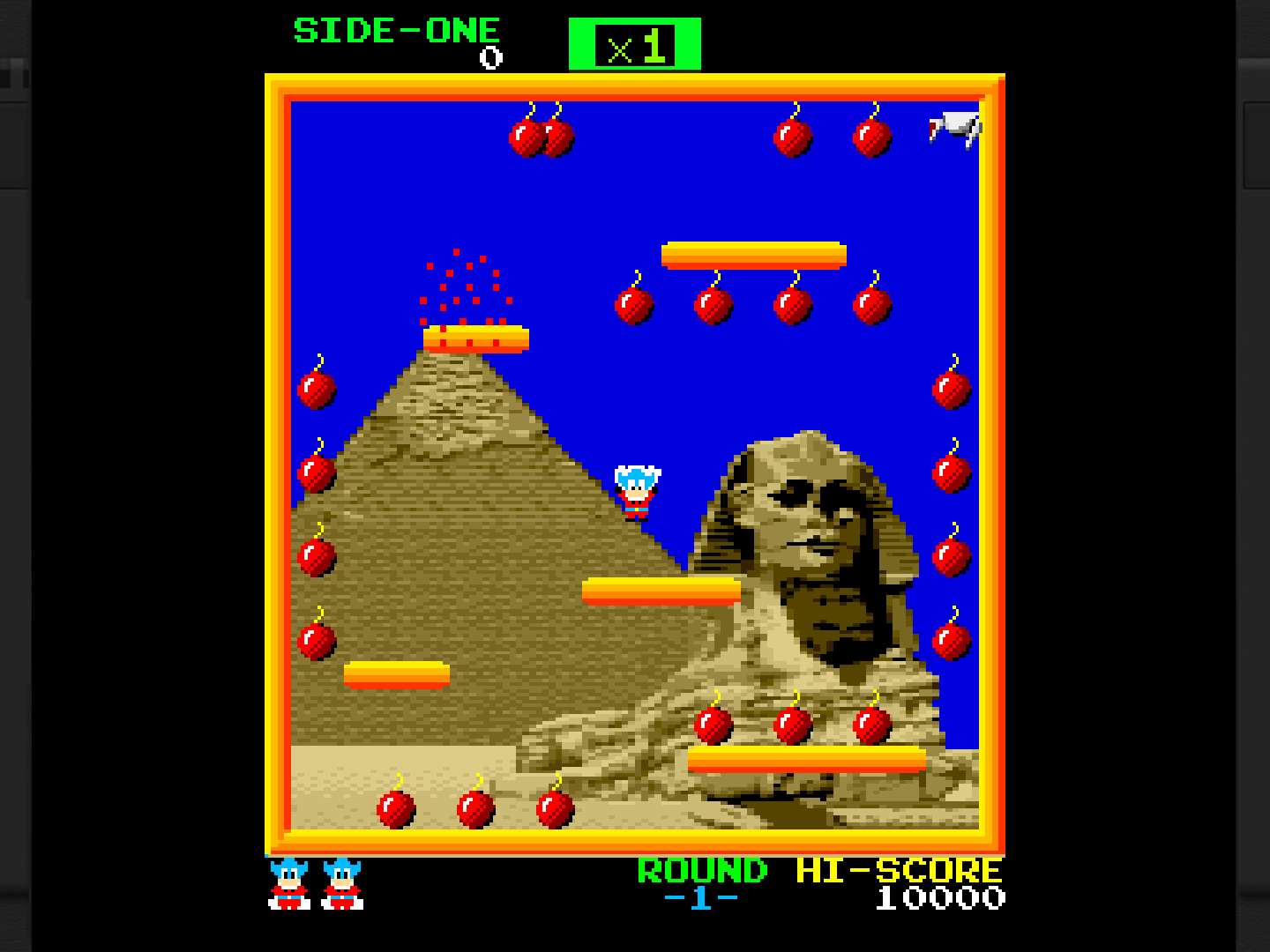
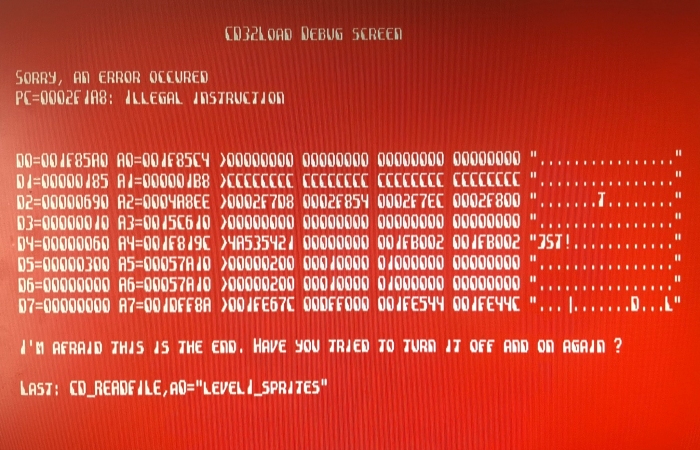
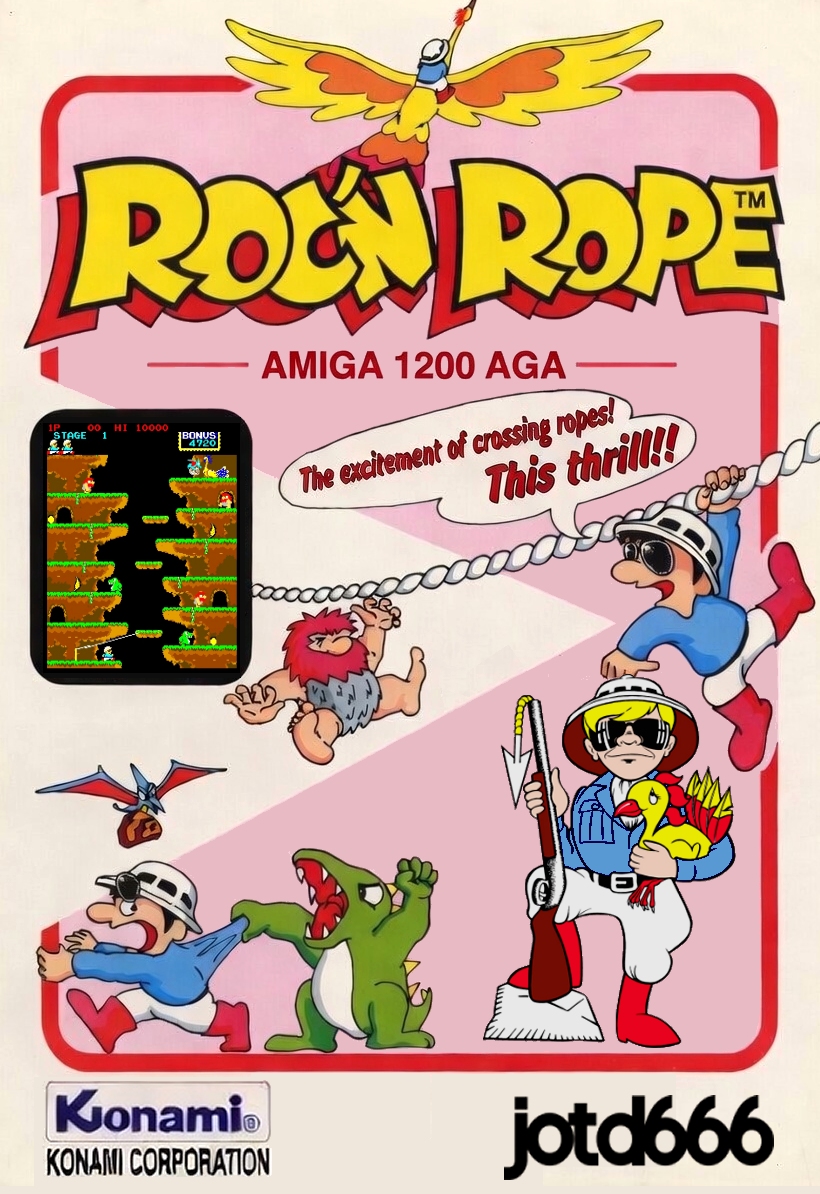
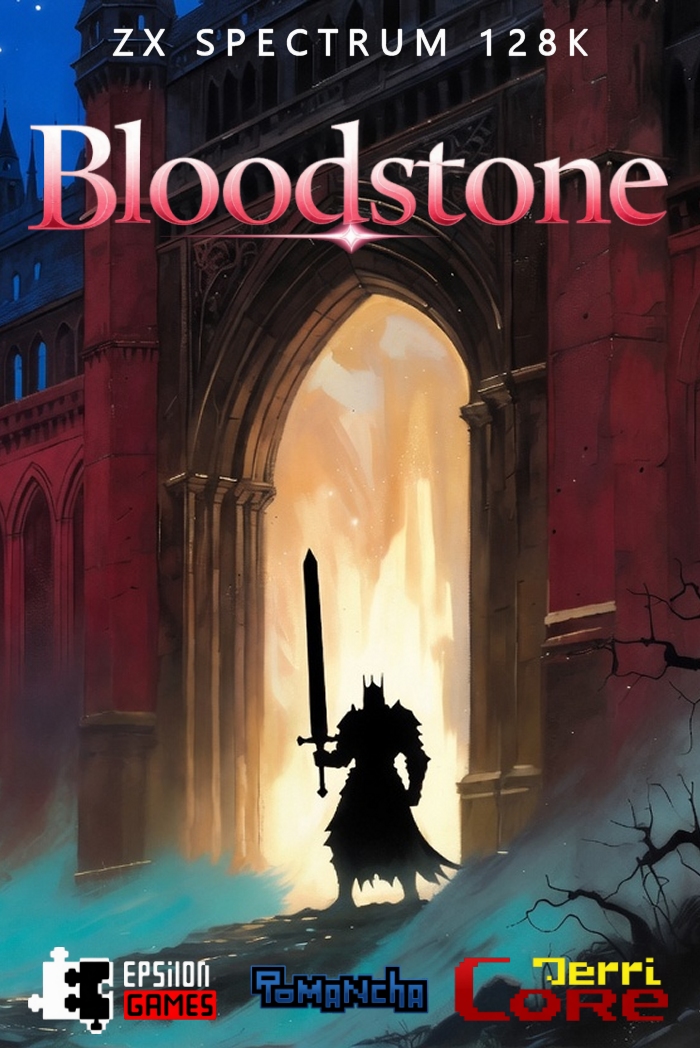
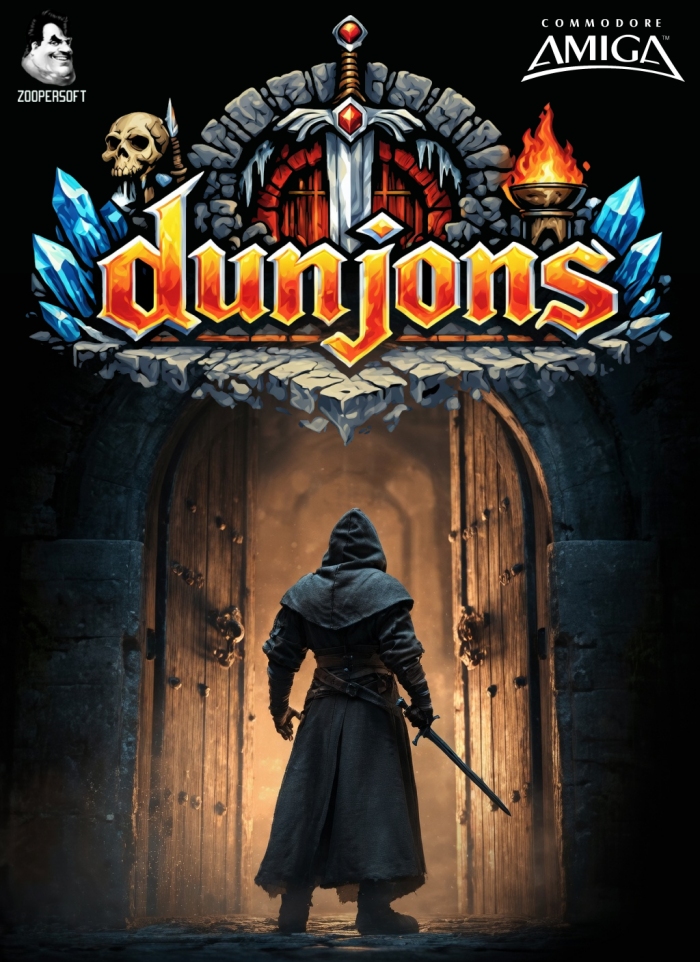
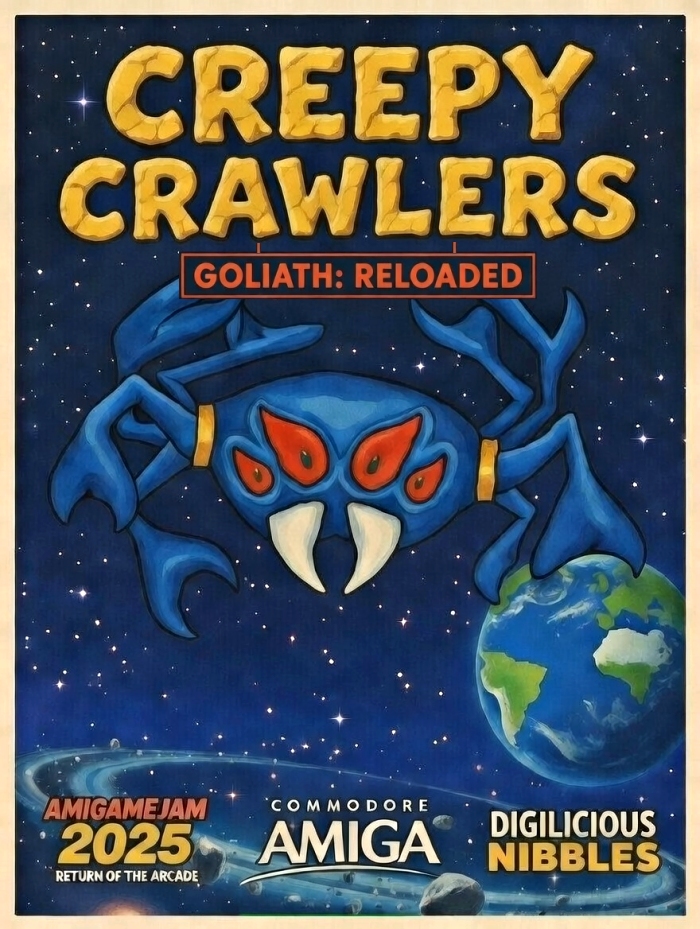
Nice. Got my pal Grok to help out with some box art.

Cheers. I must just be an idiot but I can't for the life of me figure out how. I deleted the Loading and Menu parts in the S folder successfully in ADF Opus (tried both V1.2 and the 2025 version), but when I edit Startup-Sequence, it immediately reverts to what it was before as soon as I hit Return or click OK. In the 2025 version it won't let me change the contents even temporarily. (The "Writeable" box is ticked and the ADF file isn't marked Read-only.)
I can delete Startup-Sequence entirely but then there's no way I can find to add a new version. I tried creating a plain text file called Startup-Sequence.txt, removing the suffix and dropping it into the S folder but it wouldn't recognise it ("unknown device type").
Noticeably nicer sound in the new version, sweet.
Can anyone help me out with how to start it with the Japanese level order? I've managed to figure out that I need ADF Opus and I've found the start-up sequence, which looks like this:
CursOff
NoBorder
CursOff
Cls
SetMap Menu
Prompt "Selection:> "
Type2 S/Menu
Which bit do I change to "Donkey_Kong CRAZYKONGLEVELS"? (And actually, anything I change in ADF Opus just seems to revert as soon as I close the window anyway.)
This is the only place I've seen it:
(Had to put a space in the link to stop it auto-displaying)
https://wingsoverscotland .com/wp-content/uploads/2024/02/ste26.jpg
Yes. What it needs is these settings:
[Log]
sLogFileName = stderr
sTraceFileName = stderr
nTextLogLevel = 4
nAlertDlgLogLevel = 1
bConfirmQuit = FALSE
bNatFeats = FALSE
bConsoleWindow = FALSE
[Debugger]
nNumberBase = 10
nDisasmLines = 8
nMemdumpLines = 8
nDisasmOptions = 15
bDisasmUAE = FALSE
nSymbolLines = -1
nBacktraceLines = 0
nExceptionDebugMask = 515
bSymbolsAutoLoad = TRUE
bMatchAllSymbols = FALSE
[Screen]
nMonitorType = 1
nFrameSkips = 5
bFullScreen = FALSE
bKeepResolution = TRUE
bAllowOverscan = TRUE
nSpec512Threshold = 1
nForceBpp = 0
bAspectCorrect = TRUE
bUseExtVdiResolutions = FALSE
nVdiWidth = 640
nVdiHeight = 480
nVdiColors = 2
bMouseWarp = TRUE
bShowStatusbar = FALSE
bShowDriveLed = TRUE
bCrop = FALSE
bForceMax = FALSE
nMaxWidth = 416
nMaxHeight = 312
bUseVsync = FALSE
bResizable = TRUE
nZoomFactor = 1
bUseSdlRenderer = TRUE
[Joystick0]
nJoystickMode = 1
bEnableAutoFire = FALSE
bEnableJumpOnFire2 = FALSE
nJoyId = 1
kUp = Up
kDown = Down
kLeft = Left
kRight = Right
kFire = Right Ctrl
[Joystick1]
nJoystickMode = 1
bEnableAutoFire = FALSE
bEnableJumpOnFire2 = FALSE
nJoyId = 0
kUp = Up
kDown = Down
kLeft = Left
kRight = Right
kFire = Right Ctrl
[Joystick2]
nJoystickMode = 1
bEnableAutoFire = FALSE
bEnableJumpOnFire2 = FALSE
nJoyId = 1
kUp = Up
kDown = Down
kLeft = Left
kRight = Right
kFire = Right Ctrl
[Joystick3]
nJoystickMode = 1
bEnableAutoFire = FALSE
bEnableJumpOnFire2 = FALSE
nJoyId = 1
kUp = Up
kDown = Down
kLeft = Left
kRight = Right
kFire = Right Ctrl
[Joystick4]
nJoystickMode = 1
bEnableAutoFire = FALSE
bEnableJumpOnFire2 = FALSE
nJoyId = 1
kUp = Up
kDown = Down
kLeft = Left
kRight = Right
kFire = Right Ctrl
[Joystick5]
nJoystickMode = 1
bEnableAutoFire = FALSE
bEnableJumpOnFire2 = FALSE
nJoyId = 1
kUp = Up
kDown = Down
kLeft = Left
kRight = Right
kFire = Right Ctrl
[Keyboard]
bDisableKeyRepeat = FALSE
nKeymapType = 0
szMappingFileName =
[ShortcutsWithModifiers2]
keyOptions = 111
keyFullScreen = 102
keyMouseMode = 109
keyColdReset = 99
keyWarmReset = 114
keyScreenShot = 103
keyBossKey = 105
keyCursorEmu = 106
keyFastForward = 120
keyRecAnim = 97
keyRecSound = 121
keySound = 115
keyPause = 0
keyDebugger = 1073741896
keyQuit = 113
keyLoadMem = 108
keySaveMem = 107
keyInsertDiskA = 100
keySwitchJoy0 = 1073741882
keySwitchJoy1 = 1073741883
keySwitchPadA = 1073741884
keySwitchPadB = 1073741885
[ShortcutsWithoutModifiers2]
keyOptions = 1073741893
keyFullScreen = 1073741892
keyMouseMode = 0
keyColdReset = 0
keyWarmReset = 0
keyScreenShot = 0
keyBossKey = 0
keyCursorEmu = 0
keyFastForward = 0
keyRecAnim = 0
keyRecSound = 0
keySound = 0
keyPause = 1073741896
keyDebugger = 0
keyQuit = 0
keyLoadMem = 0
keySaveMem = 0
keyInsertDiskA = 0
keySwitchJoy0 = 0
keySwitchJoy1 = 0
keySwitchPadA = 0
keySwitchPadB = 0
[Sound]
bEnableMicrophone = TRUE
bEnableSound = TRUE
bEnableSoundSync = FALSE
nPlaybackFreq = 44100
nSdlAudioBufferSize = 0
szYMCaptureFileName = /home/pi/hatari.wav
YmVolumeMixing = 2
[Memory]
nMemorySize = 1024
nTTRamSize = 0
bAutoSave = FALSE
szMemoryCaptureFileName = /home/pi/.hatari/hatari.sav
szAutoSaveFileName = /home/pi/.hatari/auto.sav
[Floppy]
bAutoInsertDiskB = TRUE
FastFloppy = FALSE
EnableDriveA = TRUE
DriveA_NumberOfHeads = 2
EnableDriveB = TRUE
DriveB_NumberOfHeads = 2
nWriteProtection = 0
szDiskAZipPath =
szDiskAFileName = /home/pi/RetroPie/roms/atarist/PuckMan_STe_MSTe.st
szDiskBZipPath =
szDiskBFileName =
szDiskImageDirectory = /home/pi/
[HardDisk]
nGemdosDrive = 0
bBootFromHardDisk = FALSE
bUseHardDiskDirectory = FALSE
szHardDiskDirectory = /home/pi
nGemdosCase = 0
nWriteProtection = 0
bFilenameConversion = FALSE
bGemdosHostTime = FALSE
[ROM]
szTosImageFileName = /home/pi/RetroPie/BIOS/TOS206.IMG
bPatchTos = TRUE
szCartridgeImageFileName =
[RS232]
bEnableRS232 = FALSE
szOutFileName = /dev/modem
szInFileName = /dev/modem
bEnableSccB = FALSE
sSccBOutFileName = /dev/modem
[Printer]
bEnablePrinting = FALSE
szPrintToFileName = /home/pi/.hatari/hatari.prn
[Midi]
bEnableMidi = FALSE
sMidiInFileName = /dev/snd/midiC1D0
sMidiOutFileName = /dev/snd/midiC1D0
sMidiInPortName = Off
sMidiOutPortName = Off
[System]
nCpuLevel = 0
nCpuFreq = 8
bCompatibleCpu = FALSE
bBlitter = FALSE
nDSPType = 0
bPatchTimerD = TRUE
bFastBoot = FALSE
bFastForward = FALSE
bAddressSpace24 = TRUE
nModelType = 2
bCycleExactCpu = TRUE
n_FPUType = 0
bSoftFloatFPU = FALSE
bMMU = FALSE
VideoTiming = 3
[Video]
AviRecordVcodec = 2
AviRecordFps = 0
AviRecordFile = /home/pi/hatari.avi
[KeyShortcutsWithMod]
kOptions = O
kFullScreen = F
kBorders = B
kMouseMode = M
kColdReset = C
kWarmReset = R
kScreenShot = G
kBossKey = I
kCursorEmu = J
kFastForward = X
kRecAnim = A
kRecSound = Y
kSound = S
kPause =
kDebugger = Pause
kQuit = Q
kLoadMem = L
kSaveMem = K
kInsertDiskA = D
kSwitchJoy0 = F1
kSwitchJoy1 = F2
kSwitchPadA = F3
kSwitchPadB = F4
[KeyShortcutsWithoutMod]
kOptions = F12
kFullScreen = F11
kBorders =
kMouseMode =
kColdReset =
kWarmReset =
kScreenShot =
kBossKey =
kCursorEmu =
kFastForward =
kRecAnim =
kRecSound =
kSound =
kPause = Pause
kDebugger =
kQuit =
kLoadMem =
kSaveMem =
kInsertDiskA =
kSwitchJoy0 =
kSwitchJoy1 =
kSwitchPadA =
kSwitchPadB =
[ACSI]
bUseDevice0 = FALSE
sDeviceFile0 = /home/pi
nBlockSize0 = 512
bUseDevice1 = FALSE
sDeviceFile1 = /home/pi
nBlockSize1 = 512
bUseDevice2 = FALSE
sDeviceFile2 = /home/pi
nBlockSize2 = 512
bUseDevice3 = FALSE
sDeviceFile3 = /home/pi
nBlockSize3 = 512
bUseDevice4 = FALSE
sDeviceFile4 = /home/pi
nBlockSize4 = 512
bUseDevice5 = FALSE
sDeviceFile5 = /home/pi
nBlockSize5 = 512
bUseDevice6 = FALSE
sDeviceFile6 = /home/pi
nBlockSize6 = 512
bUseDevice7 = FALSE
sDeviceFile7 = /home/pi
nBlockSize7 = 512
[SCSI]
bUseDevice0 = FALSE
sDeviceFile0 = /home/pi
nBlockSize0 = 512
bUseDevice1 = FALSE
sDeviceFile1 = /home/pi
nBlockSize1 = 512
bUseDevice2 = FALSE
sDeviceFile2 = /home/pi
nBlockSize2 = 512
bUseDevice3 = FALSE
sDeviceFile3 = /home/pi
nBlockSize3 = 512
bUseDevice4 = FALSE
sDeviceFile4 = /home/pi
nBlockSize4 = 512
bUseDevice5 = FALSE
sDeviceFile5 = /home/pi
nBlockSize5 = 512
bUseDevice6 = FALSE
sDeviceFile6 = /home/pi
nBlockSize6 = 512
bUseDevice7 = FALSE
sDeviceFile7 = /home/pi
nBlockSize7 = 512
[IDE]
bUseDevice0 = FALSE
nByteSwap0 = 2
sDeviceFile0 = /home/pi
nBlockSize0 = 512
nDeviceType0 = 0
bUseDevice1 = FALSE
nByteSwap1 = 2
sDeviceFile1 = /home/pi
nBlockSize1 = 512
nDeviceType1 = 0
[LILO]
Args = root=/dev/ram video=atafb:vga16 load_ramdisk=1
Kernel = /opt/retropie/emulators/hatari/share/hatari/vmlinuz
Symbols =
Ramdisk = /opt/retropie/emulators/hatari/share/hatari/initrd
HaltOnReboot = TRUE
KernelToFastRam = TRUE
RamdiskToFastRam = TRUE
Yeah, if you're doing a commercial release I imagine you'll have your own artwork plans so this was just something quick for now.
And there's absolutely nothing wrong with the difficulty, especially in a game with only three stages, but when you're getting killed a lot it gets increasingly annoying to spend half your time watching death animations.