If you wanted to go a step further you can create a custom installer like you used when installing my program which adds another fun level . INNO SETUP SCRIPT its a instalation wizard maker . I have multiple games on my Android phone created with the android game converter. You must download Android studio and have a few plug-ins for that program installed to use the built in Android app creator tool. Or send your data folder to me and I'll create your Android APK launch file for you . It's simple . Once you have the .APK file of your game on an android phone it's as simple as clicking install then it becomes just like any other app on your phone with touch controls .
milleraa552
4
Posts
1
Followers
A member registered 6 days ago · View creator page →
Creator of
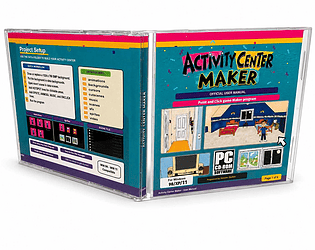
Point and click activity center game creation software
Recent community posts
Activity Center Maker - point and click game creation software comments · Replied to Studiooutlet in Activity Center Maker - point and click game creation software comments
Yes absolutly you can . Right click the application go to open file location . You eill see 2 seperate .exe files one is the manager and one is the Game Only .exe called activity center maker 2026 . Make a copy of your data folder and the acm2026 .exe and put it into its own folder . Thats all the program needs to run . You can burn those 2 files to a cd using "img burn" software. There are many options . Making an .iso like you downloaded or simple data disc . If you really want to look inside the data folder you will see a jpg to icon image converter for making i cons . As well as a special pc to android phone game converter app .
Activity Center Maker - point and click game creation software comments · Replied to Studiooutlet in Activity Center Maker - point and click game creation software comments
