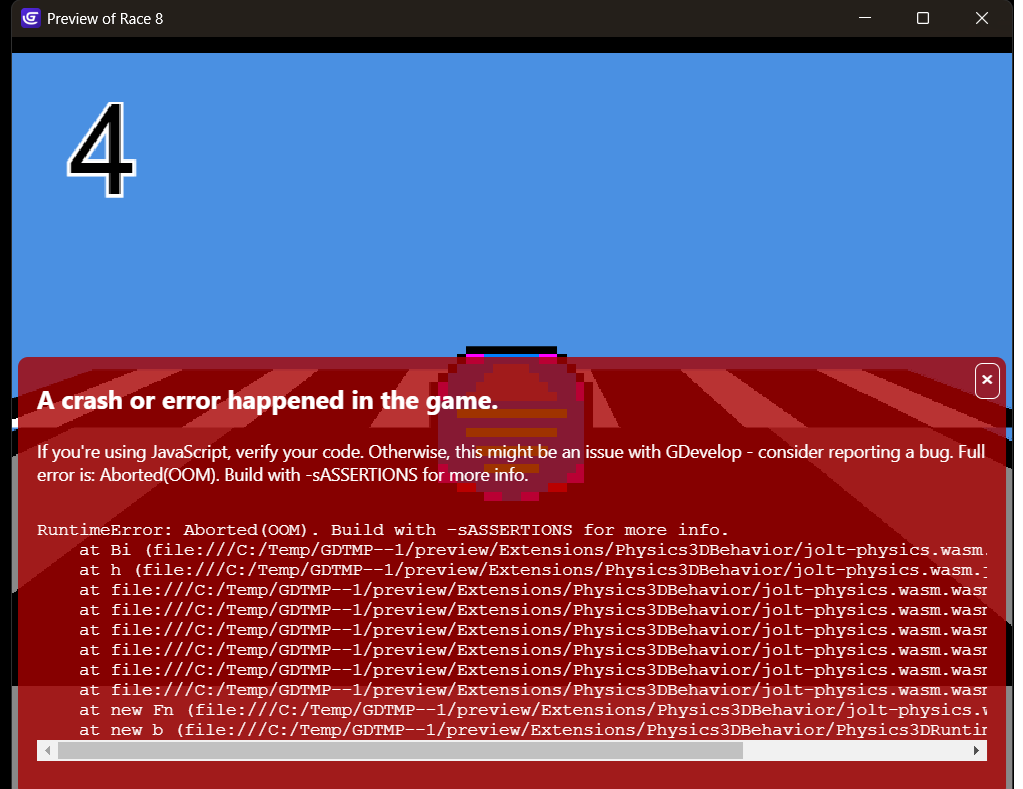
I already fixed it. The problem was that I was pausing and starting a new scene when I changed levels, and that was overloading the game. To change levels, I just switched to changing the scene.
A member registered Mar 27, 2016 · View creator page →
Creator of

A true PSP-style action platformer. Built for handheld challenge.
Platformer

“The golden era of mobile gaming — in one massive J2ME pack.”

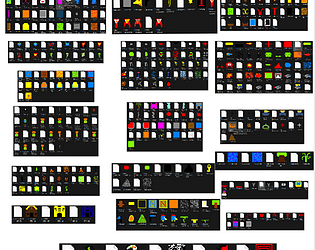
“All the sprites you need… plus a few surprises!”
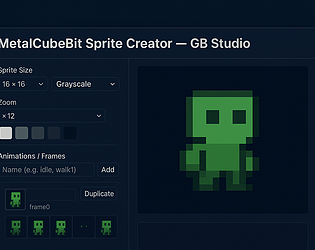
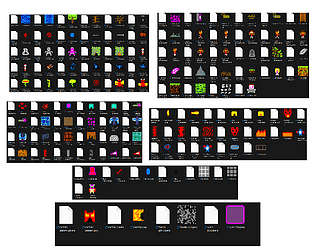
“High-quality pixel art assets crafted for fast, clean and powerful game creation.”

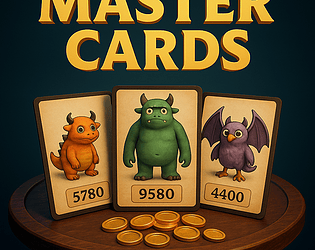
"Master Cards – The ultimate duel of strategy and luck. Build your deck, outsmart your opponent, and claim victory!"
Card Game
Recent community posts
This is the first error I haven't been able to fix after using GDevelop for a long time. Programming is no problem, but this error appears in my game Race 8 after playing for a while, and I can't find a solution. I've checked all the behavior of my 3D sprites, and everything seems fine. I've also checked the code, and it's all good. I think this is a problem with the program itself, or maybe I'm doing something wrong.