

Thanks for the feedback. I was planning on adding a sort of arrow on where to go next, but I decided against it because I didn't want to bloat the screen with UI. Same thing with a mini map or other HUD that could show you the way forward. I guess what I probably should have done is make it clear where you need to go with the level design itself. For things that I had to cut due to time, the big thing is audio. If I had more time I would have added audio. Another thing was moving the camera itself around instead of having it static. Something else that I had to cut was optimization, which I sort of regret since the game only runs well when downloaded. But overall I think that this game jam was fairly successful.
A member registered Feb 14, 2024 · View creator page →
Creator of

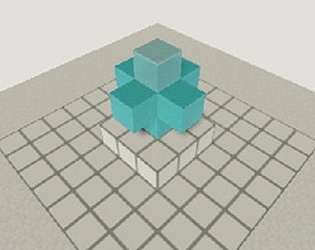
A puzzle game based around traditional 2D ice mechanics
Puzzle
Play in browser
Play in browser