Hey all! This one's mostly about the timeline because I know it was still buggy. I wanted it to feel way better with touch or a pencil. Here's the good stuff:
Timeline
- Select cels, frames or layers and a little bar pops up right there. Tap ⋯ for actions, or drag the handle to move them.
- Swipe across frame numbers to select frames, and swipe right on layers to pick a bunch at once.
- Drag cels anywhere, even past the last frame, and new frames get added for you.
- Tags got a makeover: colored labels that stack nicely when they overlap, and you can drag their ends to resize them.
- Loop any tag from the Loop menu.
Drawing
- The selection bar has a move handle from its quick action now, so moving pixels is one drag.
- Picking colors in dialogs (like the outline effect) is a color box now. Tap it and choose from your palette.
Your work is safer
- Back up everything in one file and restore it anytime. Super handy on iPad, where removing the app wipes its data.
- Updates offer a backup first.
Export
- Lots more sprite sheet options, and the preview zooms now.
Fixes
- Painting with the transparent color actually erases now.
- Animations don't speed up anymore when you come back to the app.
- Pinch-zooming the timeline doesn't get stuck anymore.
Really appreciate those people who reached out and tried it! Thank you!
P.S.
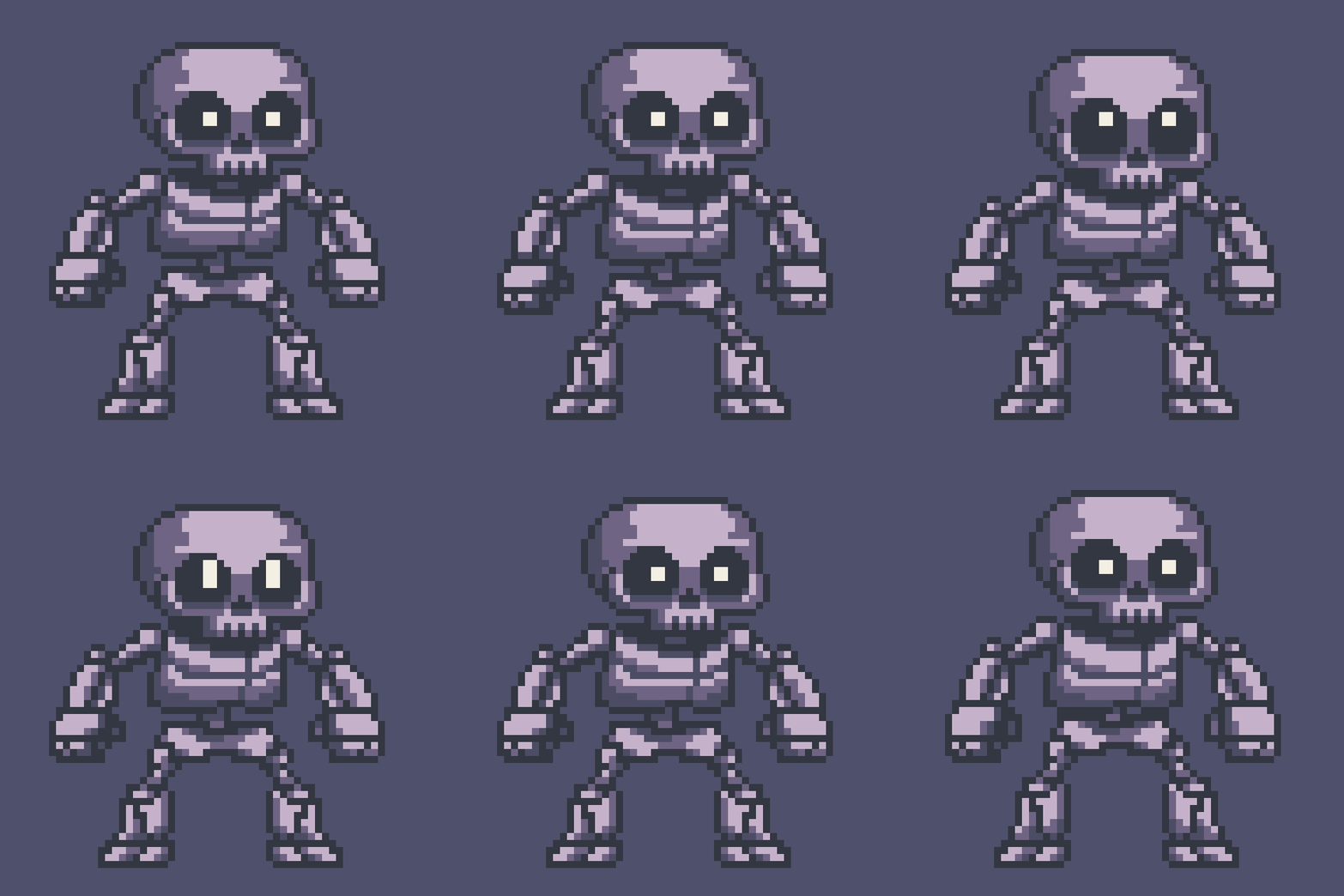
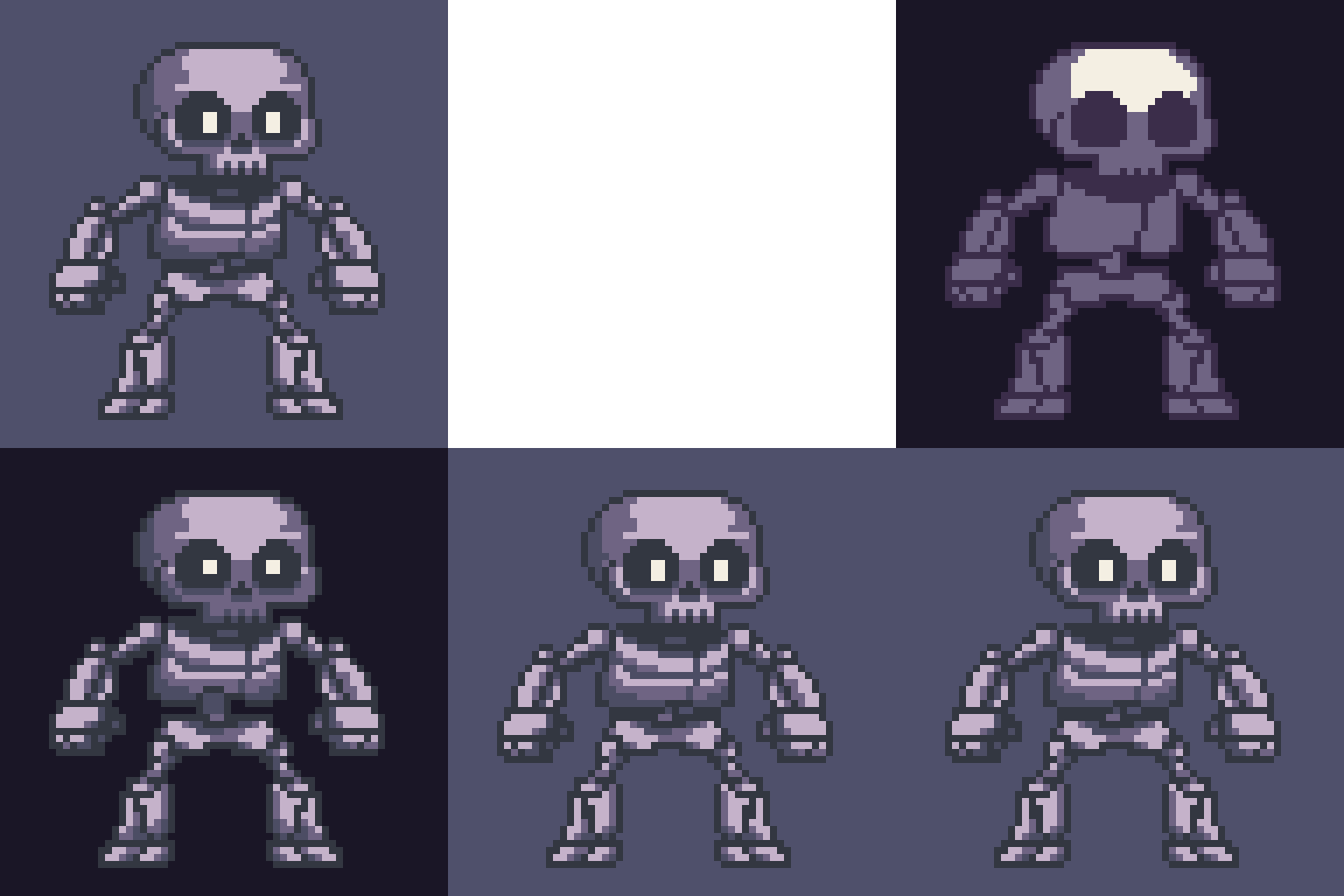
Here’s an idle animation of a skeleton that I’ve made using this app.