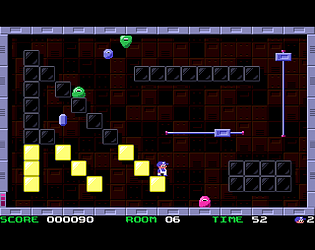
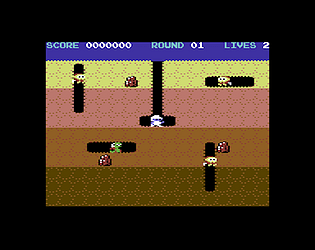
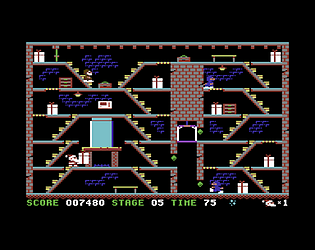
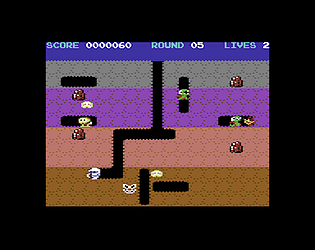
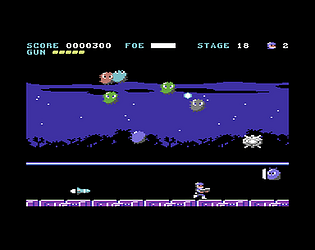
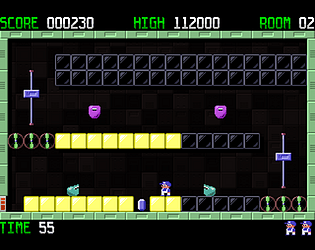
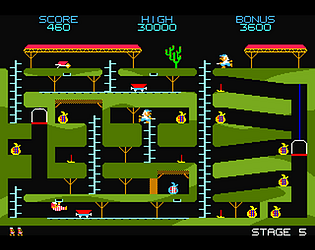
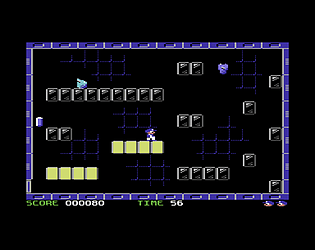
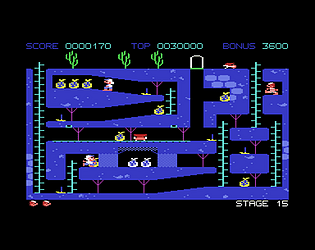
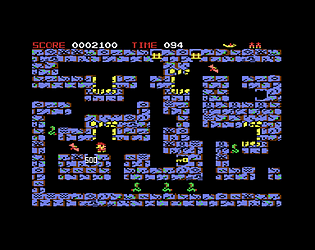
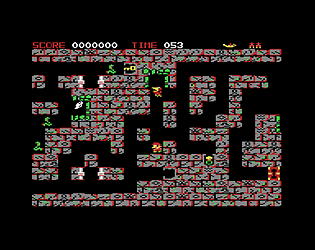
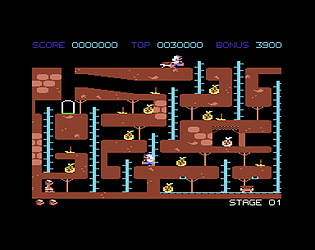
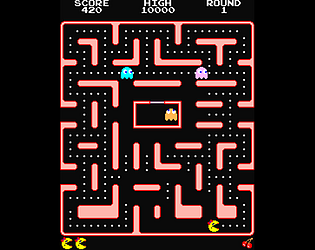
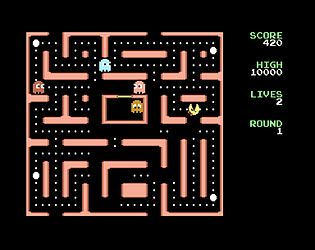
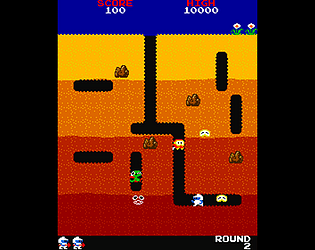
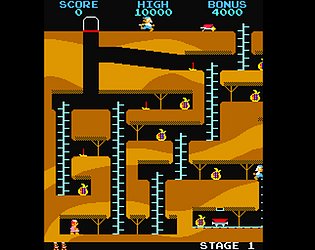
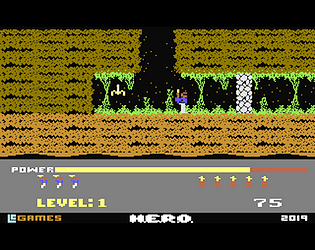
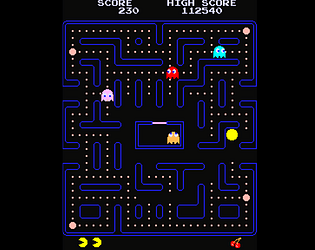
For a tutorial, you can watch the video on the game's page. It's much easier than you think. And by the way, there are various ways to beat the second level. 😉
Thanks so much for the feedback and for playing! 😊
However, to do what you're asking for, it would require superior computing power and additional memory, which the poor C64 is far from capable of. Perhaps with a C64 Ultimate... 😉
Regarding the timer, I guess it's a matter of practice. And the option to practice on any room is a great help. If you persist and discover the right strategies, you'll see that completing a room takes much less time than you think.
Thanks for letting me know you're enjoying the game!
Depending on the difficulty level, the speed of enemies changes, as does the score at which you gain a new life, the time before enemies speed up in a level, and the chance an enemy has of becoming incorporeal and passing through the ground.
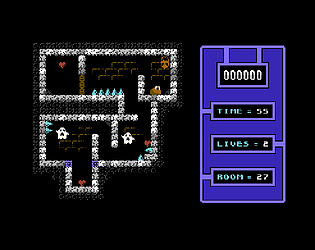
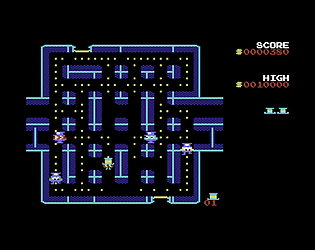
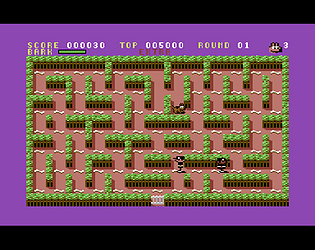
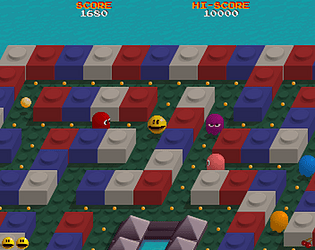
If you mean the ability to create your own mazes, that would certainly be possible, but I'm not interested in it. The game is called "RandomPac" precisely because it relies on procedurally generated mazes. The ability to create your own mazes is outside of that concept. So, sorry, I won't be able to accommodate you.
Thank you, I'm really glad you like the game. And it won't happen that two monsters overlap, because, aware of this "defect," I avoided replicating it in my version.
In the case of the Raspberry Pi GPU, there was a precision issue with floating-point numbers. Fixed! Download the update. And thanks for the compliments!
If you're still interested, you can now press F8 at any time to change the screen format, from 5:4 (approximately) to 16:9. See other changes in the game instructions.
I've compared the audio between 1.6 and 1.7, and I'm not sure there's any difference. Sometimes I hear a slight difference (but I think it's more of a hunch), and sometimes I don't hear it at all. However, I haven't touched the game's audio at all, so it seems strange to me that anything has changed. The only thing that has changed is that the game now runs on .NET Framework 8.0 instead of 6.0. It's possible that something has changed there, but, as I said, I'm not entirely sure.
I've released version 1.7 of RandomPac (see the History for updates).
Regarding the bug with the G key not working during bonus rounds, it's been fixed; there was the same problem with the P (pause) and Home (return to the title screen) keys.
Now, holding down the H key activates the speed-up cheat, and releasing it deactivates it.