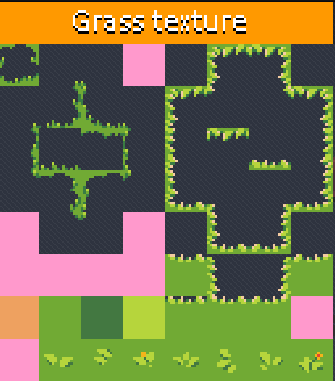
Can you confirm if the "Godot Project" actually has Godot autotiles or organization set up? I already own all of these from the humble bundle, but the "godot" folder just shows ".png's" organized in a fashion that's slightly easier to use in godot.
I'm hoping I can re-purchase this just so I dont have to set up autotiling which is a pain - especially with cliffs!
A member registered Jun 15, 2020 · View creator page →
Recent community posts
RPG asset tileset nature dungeon pack (Super Retro World by Gif) comments · Posted in RPG asset tileset nature dungeon pack (Super Retro World by Gif) comments
Hi, Gif!
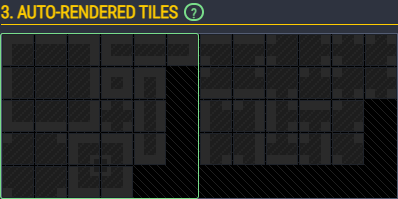
I just bought the megabundle and am attempting to use it with LdTK (Level Designer's ToolKit). I cannot for the life of me figure out how to use your Atlas with the Auto-layer rules assistant. Have you seen much demand for your tilesets in LDTK or any tutorial's guides?
Edit: I guess a guide on mapping Autotile patterns would be super helpful?
Edit 2: It looks like I just had some learning to do. LDTK is expecting the classic "Blob Tiles" layout. These textures didn't have everything i needed for that but I was able to load a higher resolution tileset (32) and pretend it was 16px so I wasn't restricted to "2 tiles wide only". Hopefully every one else can learn from this. I guess I'll manually try and modify the tiles to match these formats. I'm not sure how most people use these, but it seemed there's a classic "Bob layout" that's common out there and it's really helpful to have these organized in that format already.