I tried this on iOS and it would not let me select the folder. I tried it on Windows and it let me select it, but it did not work. (However, I did get it working, see comment above.)
I got it working and here's what I did (I don't know how to do all this stuff in iOS, so I switched over to Windows) -
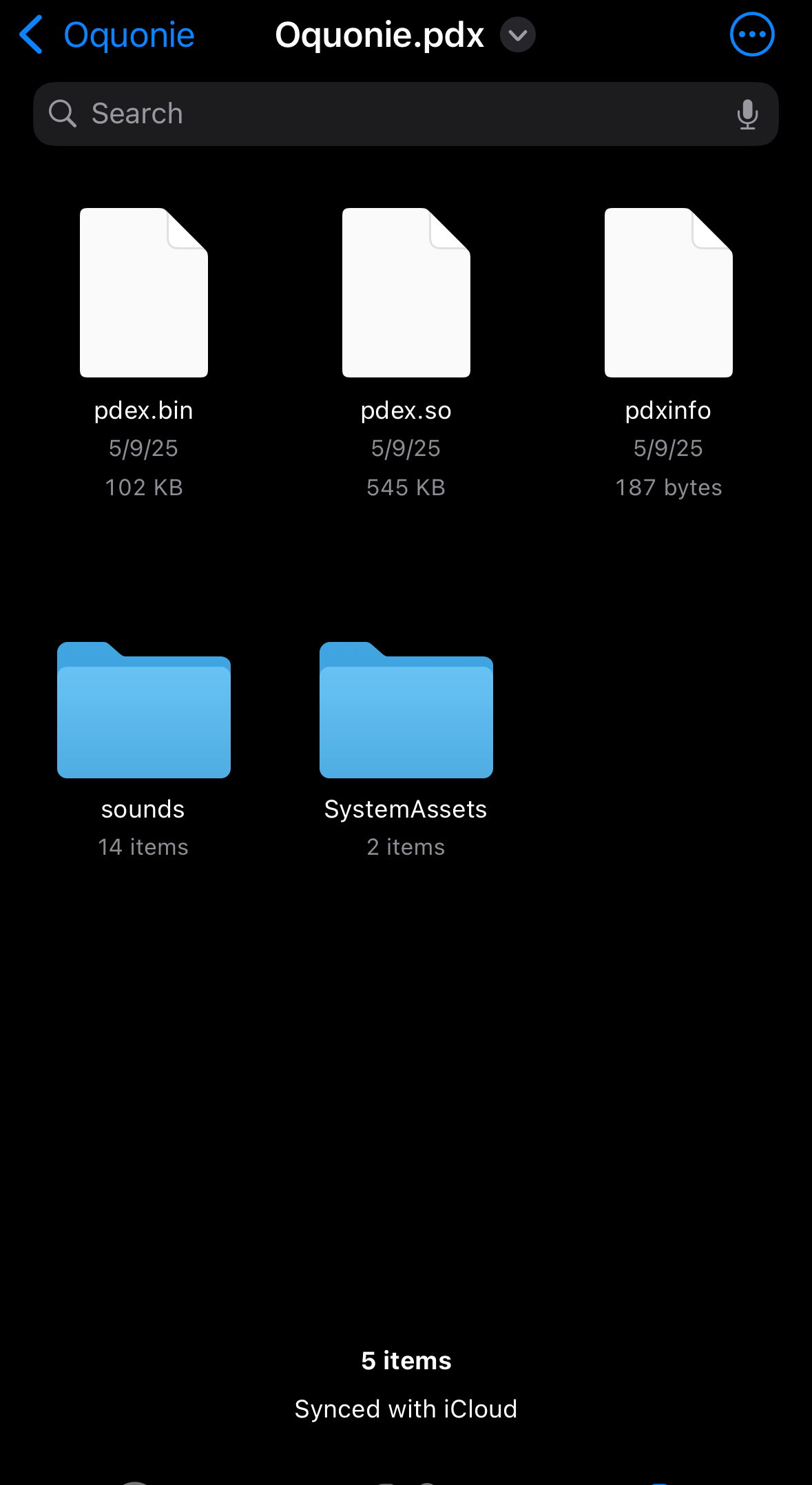
I opened the zipped folder and there was a folder called "Oquonie". Inside that folder, there was a folder called "Oquonie.pdx". I then re-zipped just the "Oquonie.pdx" folder, without the "Oquonie" folder, and then I fed the result, "Oquonie.pdx.zip" to the Playdate, and that seems to have worked just fine. I'm installing now and will let you know if there are further issues, but I'm sure it's good.
There was a Playdate system update just the other day, I wonder whether that has caused this to be a problem all of a sudden.