Hi! First, unzip the folder you downloaded. Then open the GDevelop 5 app, click Open a project, and select the .json file inside the unzipped folder. That’s it! The project will load immediately. From there you can replace assets, edit scenes, add menus, change difficulties, etc.
Late Night Tom
Creator of
Recent community posts
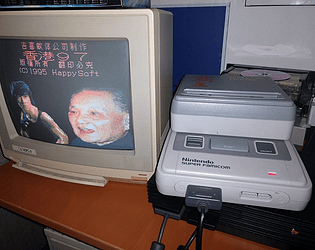
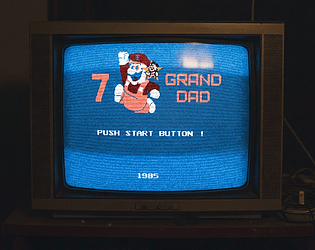
Just a quick note on my submission, I actually looked into copyright for this project. 7 Grand Dad is already an infamous bootleg that uses heavily copyrighted stuff like Mario, Fred Flintstone, and music, so its legal status is kind of murky. For my version, I’ve slightly edited all the assets just to be safe. Basically, it’s a fully altered, bootleg-style homage/parody.
Hi! No worries at all. You can change everything inside the Events of the Office scene For the AI Levels, look for the event group called “AI Levels Change as Time Passes” and tweak the variable values there For the length of each in-game hour, adjust the events that use the “NightTime” variable If you need help with anything else, just tell me. And if the template was useful, a star rating would mean a lot!
I didn’t make the art! The game was based on Matthew W. YouTube videos.
Hey! Just wanted to let you know that I’ve completely remade the template—everything is way more polished now, and it includes working Phone Guy calls and a ton of improvements across the board (AI, lights, Night 6, Animatronics movement paths, etc.). Thanks again for your previous feedback! It really helped shape this new update. If you get a chance to try out the latest version, I’d love to hear what you think.
Hi! You should message Steven Zas, he made the original Demo and is very interested in the development of this game