Indie game storeFree gamesFun gamesHorror games
Game developmentAssetsComics
SalesBundles
Jobs
TagsGame Engines

LaserJet

8
Posts
2
Topics
A member registered Jul 24, 2025

Recent community posts

ERROR: D3D12CreateDevice failed with error 0x887a0004.

   at: (drivers/d3d12/rendering_device_driver_d3d12.cpp:6367)

ERROR: Condition "err != OK" is true. Returning: ERR_CANT_CREATE

   at: initialize (drivers/d3d12/rendering_device_driver_d3d12.cpp:6733)

ERROR: Failed to initialize driver for device.

   at: (servers/rendering/rendering_device.cpp:6655)


As I understand it, this error is related to DirectX12 and the inability to work with VMs drivers
(1 edit)

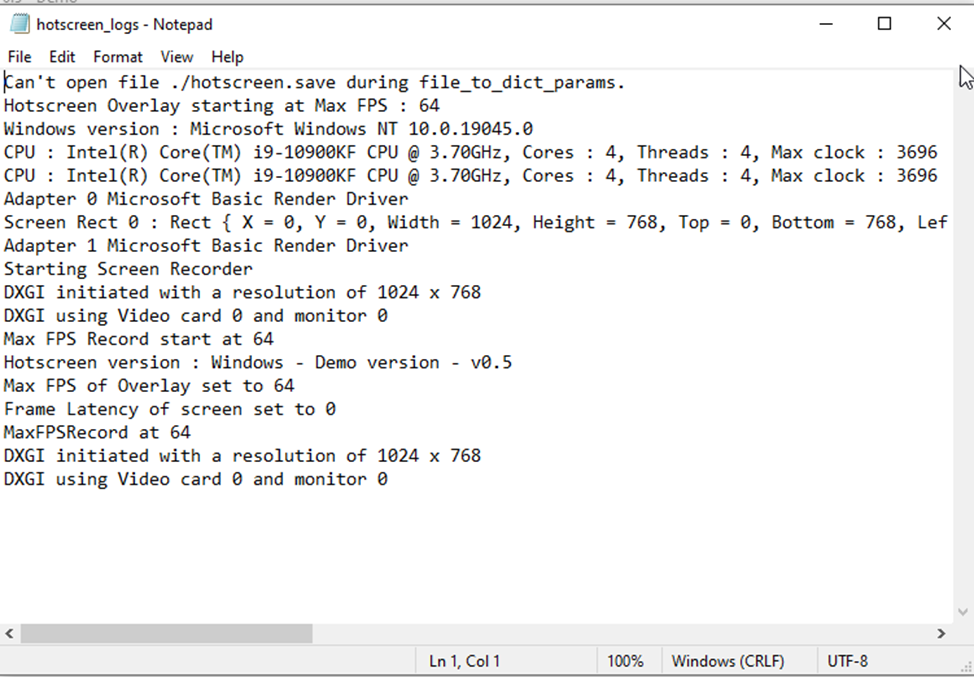
Yes, you are right. I disabled some VM tools related to Display and there is progress. BUT there is a new error:

The program now also closes immediately, but now "Menu" starts before shutting down.

"hotscreen_logs.txt" also appears.

Taking this into account and the fact that there were no problems on previous versions, maybe you have new ideas?

P.s. Maybe I can find Demos of previous versions somewhere?


(12 edits)

Hotscreen 0.3 or 0.4 (I don't remember exactly which version it was) worked fine on the Virtual Machine.

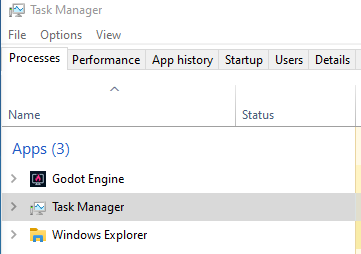
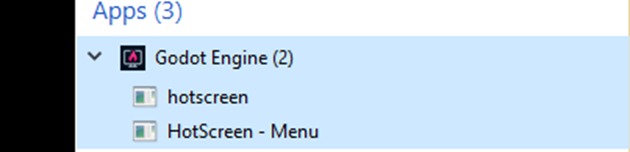
Hotscreen 0.5: On the Host machine (Windows 11 Pro) everything works fine (except for the strange FPS limit from another topic). When starting the Virtual Machine (Windows 10 Pro), the "Godot Engine" appears in task manager and disappears after a moment.

"hotscreen_logs.txt" is also not created.

Maybe you have some ideas why this is so?

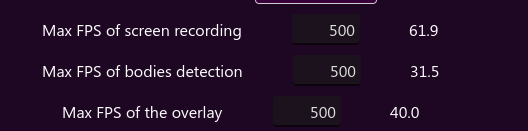
I have all the limits set to 80 FPS with a monitor frequency of 75 Hz. I myself do not understand where the limit of 40 FPS can appear from.
There is another question about VM, but it would be better to create a new topic for this

Are there any FPS limits other than settings?

For some reason the FPS is quite low, with GPU load below 35%.

Overlay FPS is stable, 40 Hz. Also, recording and detection FPS, although "jumping", is often around 60 and 30 FPS.