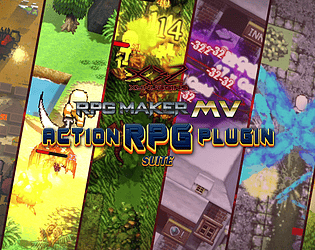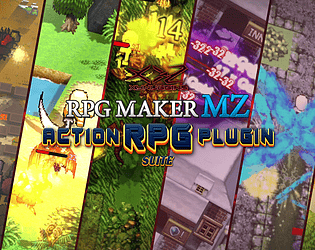
Yes! It will indeed receive all of the updates that the MZ version gets, though, since the MZ version is the first one to receive the updates, the MV version will get the updates typically 5-10 days afterwards.
KUBATAIGA Dynamics
Creator of
Recent community posts
Hey, the new version of this plugin, “The Action RPG Plugin Suite” now supports MZ3D and is not available for download! The New ARPG Plugin Suite Manual is being written and should be coming with one of the new updates for the ARPG Suite, so be on the lookout for that, because there are some new features that you might want to read the manual for.
The Damage Numbers Plugin is being updated here soon to be compatible with MZ3D. Enjoy!
It should come with a user manual right in the package and it should be detailed in how to use it. If it doesn’t then try the latest demo version, it should be in the main directory. I am getting the newest version ready to distribute so there will be a new tutorial series right off the bat once it comes out to make it less confusing.
And “The data is too huge—I want to know how to add skills and some settings for taking damage when hit by monsters” this is being taken care of and its being compartmentalized for easier use and the newer version has new settings for the player such as damage settings.
The new update should be coming soon, since my artist has gotten back on working on art for my game so I will have more time to start helping with things such as tutorials.
Hello! Testing should begin within the next couple of days. Our plugin is undergoing a couple more updates and performance tests. The next version is expected to be released within the next couple of days to a week, which will then clear up some time for testing.
Thank you for keeping up on our progress.
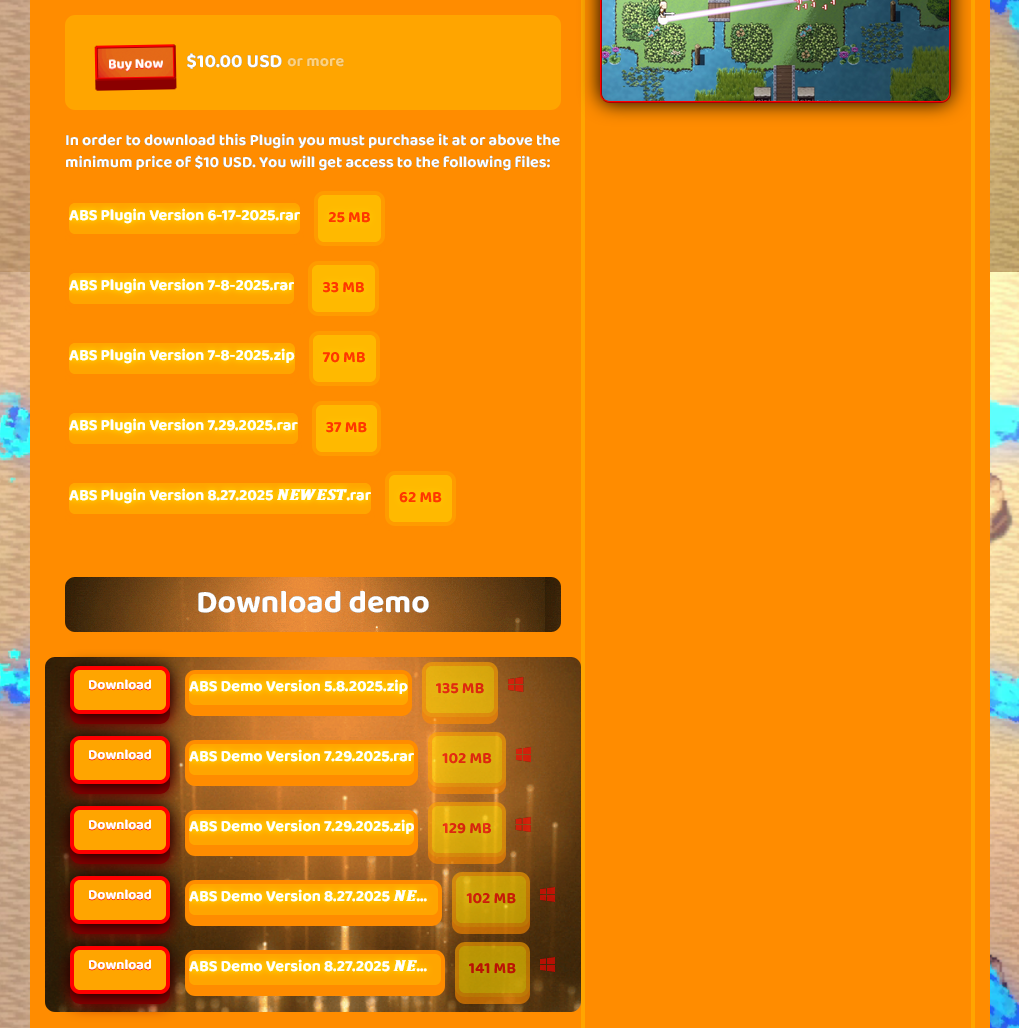
Finished. The newest version, along with an updated manual, is available. I am still working on the Weapon setup part in the manual, but the magic setup is already done. Thanks for your feedback, and thank you for waiting. Newest download is -ABS Plugin Version 8.27.2025 𝑵𝑬𝑾𝑬𝑺𝑻- https://kubataiga.itch.io/action-battle-system-plugin-rpg-maker-mz
For pixel movement that works with this plugin, please use the DOT movement system plugin for MZ: https://forums.rpgmakerweb.com/index.php?threads/dot-move-system.130489/
Yes, this is my bad, and I should’ve made the time to upload this sooner. I will be uploading the recent version here shortly, probably tonight., I am sorry for the inconvenience and will most certainly do better when it comes to uploading a new, date version of this plugin. Thank you for your feedback. I will use this to improve.
That’s okay! The plugin is almost complete, and once the final version of the MZ ABS Plugin is released, you’ll be able to download the plugin for free, and the MV version will be out. If you’re a customer who has purchased the plugin when it was still in development, you’ll get something good (still planning on what that will be). Here, if you want to keep up on the updates, you can subscribe to my channel. https://www.youtube.com/@Xynteract
We’ve bought the MZ3D plugin and are going to be testing it alongside our ABS plugin, and we expect results soon. Additionally, the plugin is being tested with Ultra Mode 7 and will be made compatible with the MMORPG Maker MZ networking plugin (you can check it out here if you’re curious!).
Feel free to follow us for more updates about it!
Hey, Malizia. I am planning to start using this plugin again so that I can start understanding it a bit, but I also wanted to ask if it would be okay if I tried to make my Action Battle System Plugin Compatible with it? So that if users are using this plugin and mine, they don’t need to worry about doing extra things to make them work together. It may already be compatible, but I have to test it.
Okay, just figured the problem out for the both of them I think. So this morning I just fixed a problem having to do with the old image files because I had to change a bunch of their names from # to % so that it could compile the demo properly, and for your version I do not think I replaced the character image files that is loaded apon the start of the game, which can be found in the database in the main actor 1 settings, so I think all you need to do is switch that over to one of the new sprite sheets. If there is a problem with the game apon opening the menu with the message saying couldn’t find actor 1 or something like that then just add the actor 1 face file to the face folder in the project from another game project and it should be fixed. Hope this helps.
Yes, it will probably be sent to your email. Join our Discord server https://discord.gg/vqUM8ZC4 and DM me XYNTERACT ENTERTAINMENT by hovering over the name and clicking message. This way, it is safer and no one else gets hold of your email. If I can’t find it in the payment history.
Sure! That would be great. I’ve been needing some testers, but I just haven’t been able to start finding any. You can join my Discord server https://discord.gg/vqUM8ZC4 and my Patreon for free, or join (Tester) if you want to support me.