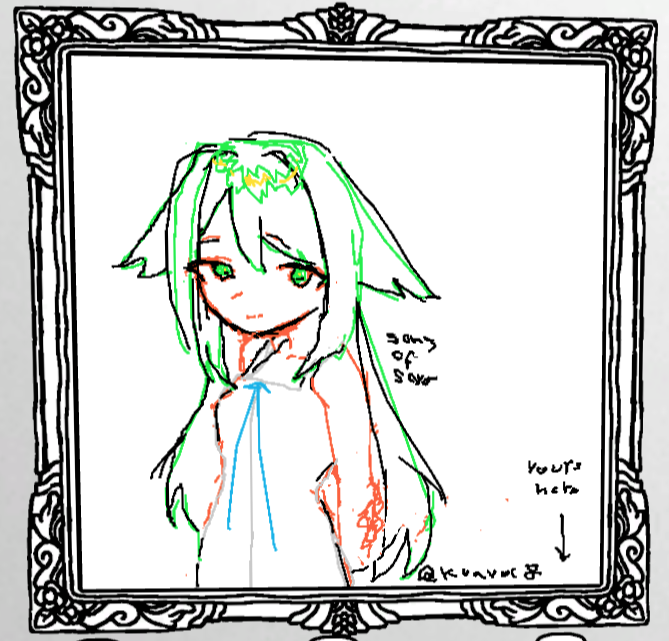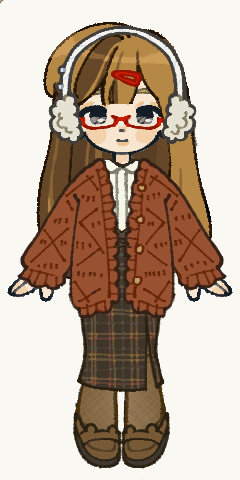
thank you!! i will be using these as drawing reference
kuavoc
Recent community posts
I’m having some issues! it doesn’t open, i executed it from cmd nd got this:
E:\OurPaint_v0.5a_Windows_x86_64>OurPaint.exe
Initializing LaGUI...
Enabling extra extensions: ourpaint ourbrush
Extracting UDF [0x6] E:\OurPaint_v0.5a_Windows_x86_64\preferences.udf:
Prop Segment "la.windows" ... [Done]
Prop Segment "la.themes" ... [Done]
Prop Segment "la.user_preferences" ... Fallback to sRGB configurations
[Done]
Prop Segment "la.input_mapping" ... [Done]
Prop Segment "la.controllers" ... [Done]
Prop Segment "our.preferences" ... [Done]
Reference Match: Total 38, Failed 0
Fallback to sRGB configurations
Loading extra resources "OURBRUSH"
[INFO] Request additional resources in: E:\OurPaint_v0.5a_Windows_x86_64\default_brushes.udf
[INFO] Loading additional resource: E:\OurPaint_v0.5a_Windows_x86_64\default_brushes.udf
Extracting UDF [0x6] E:\OurPaint_v0.5a_Windows_x86_64\default_brushes.udf:
Prop Segment "our.tools" ... [Done]
Can't find resource 4946B290-20251012223142
[INFO] Request additional resources in: E:\OurPaint_v0.5a_Windows_x86_64\default_pigments.udf
Reference Match: Total 2164, Failed 1
[INFO] Loading additional resource: E:\OurPaint_v0.5a_Windows_x86_64\default_pigments.udf
Extracting UDF [0x6] E:\OurPaint_v0.5a_Windows_x86_64\default_pigments.udf:
Prop Segment "our.tools" ... [Done]
Can't find resource 5D415B10-20260304121704
Reference Match: Total 13, Failed 4
Loading extra resources "OURPALLETTE"
[INFO] Request additional resources in: E:\OurPaint_v0.5a_Windows_x86_64\default_pallettes.udf
[INFO] Loading additional resource: E:\OurPaint_v0.5a_Windows_x86_64\default_pallettes.udf
Extracting UDF [0x6] E:\OurPaint_v0.5a_Windows_x86_64\default_pallettes.udf:
Prop Segment "our.tools" ... [Done]
Can't find resource 4946B290-20251012223142
Reference Match: Total 120, Failed 1
Loading extra resources "OURLIGHT"
[INFO] Request additional resources in: E:\OurPaint_v0.5a_Windows_x86_64\default_lights.udf
[INFO] Loading additional resource: E:\OurPaint_v0.5a_Windows_x86_64\default_lights.udf
Extracting UDF [0x6] E:\OurPaint_v0.5a_Windows_x86_64\default_lights.udf:
Prop Segment "our.tools" ... [Done]
Can't find resource 4946B290-20251012223142
Reference Match: Total 3, Failed 1
Loading extra resources "OURSURF"
[INFO] Request additional resources in: E:\OurPaint_v0.5a_Windows_x86_64\default_canvases.udf
[INFO] Loading additional resource: E:\OurPaint_v0.5a_Windows_x86_64\default_canvases.udf
Extracting UDF [0x6] E:\OurPaint_v0.5a_Windows_x86_64\default_canvases.udf:
Prop Segment "our.tools" ... [Done]
Can't find resource 4946B290-20251012223142
Reference Match: Total 3, Failed 1
Loading extra resources "OURPIGM"
Can't Create Opengl Context!
i’m on windows 10, i dont have a graphics card, i have intel integrated graphics (intel hd 4600) and it supports directx 12, no idea of opengl :c
you could upload it on itch.io as a backup, like pribambase, by the same creator as MousePSD and abandoned https://laffcat.itch.io/pribambase-backup, but if you feel weird doing that too uploading it do dropbox is ok, also thanks for replying!
hey! would you mind sharing MousePSD?
this is the license (of a fork, because the original source code page doesn’t exist anymore, but it is the same license as the original): https://github.com/wanghaisheng/mouse-psd?tab=License-1-ov-file
the only way to get MousePSD nowadays is building it yourself using that fork (it’s the only one i found) which is also an older version of MousePSD i think
i linked the license because it says is ok to redistribute the software if you don’t remove the copyright
–also your art style is very cute!! i loved your game
Almost the same happened to me, when I execute the installer it goes straight into stalling, installs it and shows a windows that says “asset splash.html/app.html file was not found” or something in those lines, while the “main” LDtk window being transparent and over the whole screen making it impossible to close the error window with the X on the corner, thought I was able to close it by hovering over LDtk on the app bar and closing it in the small preview, but it closed LDtk overall, then if I try to open it gives no errors but happens the exact same that is happening to you, I’ve already reinstalled it 4 times but I still think is my computer,,, I’m on Windows 7 ultimate 32bits, LDtk 0.9.3 installer btw
I’ll just wait the next update :)
apart from that, its great!