

Thanks again for the feedback! Pixtube 1.0.7 is out now. Raw image export now saves dot-by-dot PNGs with a transparent background, and animations can also be exported as a PNG sequence or a sprite sheet.
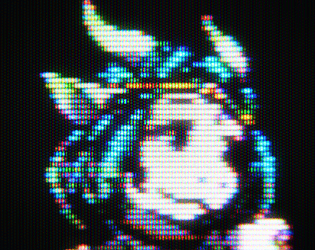
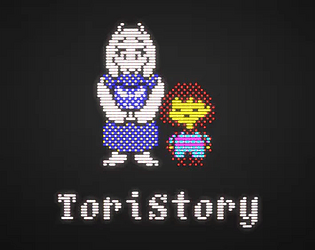
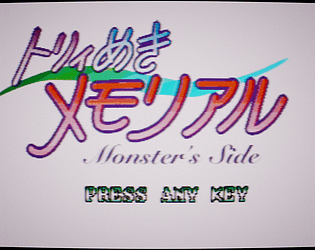
About the CRT size: the CRT export captures the CRT view as you see it, so you can zoom and pan to frame your shot. Its resolution stays at 1440×1080 because each pixel is drawn with phosphors and needs the extra detail. “Both” crops the CRT to your artwork so the two images line up side by side.
The next update will also show the output size in the Export dialog, so it’s clear what you’ll get before exporting. Thanks for using Pixtube! 😊