I would appreciate it if you could wait patiently. Good luck with your project using 8-bit graphics—I’m rooting for you!
Marumugi4510
Creator of
Recent community posts
Thank you for your purchase!
I’m sorry for causing confusion. The reason comes from the specifications of RPG Maker.
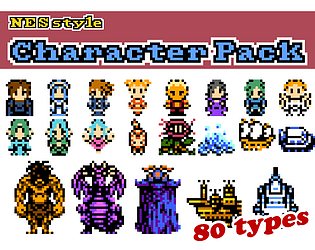
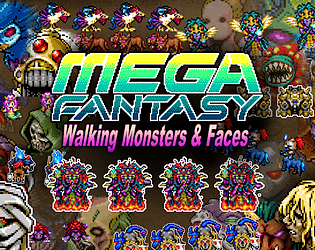
Monster images each exist as separate files, so each file name uses the name of the individual monster.
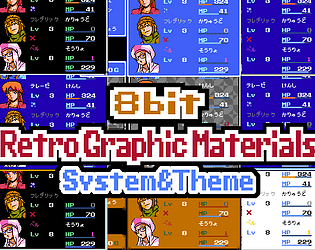
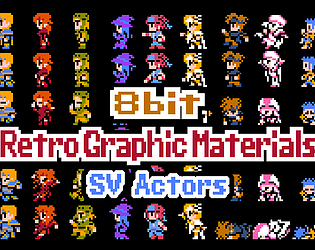
On the other hand, walking graphics and face images are sets of eight characters in a single file.
I also thought this could make it difficult to know which walking graphics correspond to which monsters, so as a workaround I decided to add the initial letter(s) of the corresponding monster names to the end of the file names.
For example, a file named “Ch_Monster06_CD” means:
“This file contains the monsters whose names start with C and D.”
A file like “Ch_Monster_d03_DG” means:
“This is a damage graphic that includes monsters from those starting with D through G.”
At the moment, this is the clue you can use when searching for the corresponding files.
Thank you very much!
As for the MEGA FANTASY series, there are plans for it.
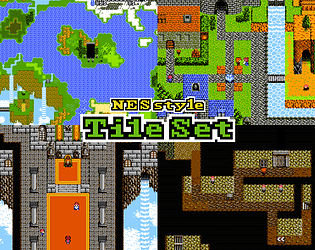
Once I finish releasing the SV character materials, I intend to start working on the tileset materials.
However, I’m sorry to say that there are currently no plans for 9-bit assets.
Or rather, could you tell me what exactly a “9-bit asset” is?
In my own personal definition, the “8-bit Retro Graphic Materials” I created can be described as “graphic materials that resemble those produced by game consoles equipped with 8-bit CPUs.”
In that sense, the MEGA FANTASY series could be considered “16-bit Retro Graphic Materials.”
I apologize if this has caused any confusion.
Thank you very much.
I’ll probably start working on the tilesets around the beginning of next year.
When I say “tilesets,” it will actually be multiple asset collections.
So far, the plan includes:
-
Exterior and interior tilesets
-
Dungeon tileset
-
Field tileset
-
Vehicle tileset
Depending on the volume, the “exterior” and “interior” might even be split into separate collections.
Please stay tuned!
Thank you very much.
Yes, regarding the issue of lines appearing at the edges of images—although it’s not perfect, I’ve managed to come up with some tricks to make them less noticeable, at least for a few of the more prominent animations!
Consistency really is a crucial point.
There’s still a long way to go, but I plan to keep creating map assets in this style as well.
Please look forward to it!
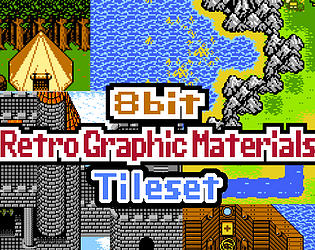
Fire Emblem! I see, it's definitely a top-down view. In that case, the tileset materials I'm planning to create in the future might be useful! To be honest, I think it will still be a while before I start working on tileset production (probably around six months from now?), but I'd appreciate it if you could wait patiently.
Yes, it is possible with Aseprite!
Select “Sprite” from the top menu, then select “Sprite Size.”
Next, set the Width and Height values to 1/3 of the original values, as shown in the image. (We recommend turning on “Lock Ratio” for this step. When you enter either the Width or Height, the other will be automatically entered.)
Note that while you could set this using percentages (33.33%), we do not recommend this method as it may result in slight numerical errors.
Additionally, set the method to “Nearest-neighbor.”
Thank you!

This asset was created from the beginning with optimization for RPG Maker MV and MZ in mind, so I don't have the original resolution data stored. Of course, during the work process, I initially created it at the original resolution and then stretched it to the size optimized for MV and MZ. However, I searched for the data before stretching, but it wasn't found.
So, I apologize, but if you need the original resolution, I would appreciate it if you could handle the reduction process yourself.
All PNG files included in the asset come with TXT files of the same filename. These TXT files contain the names of each tile, and when using RPG Maker MV or MZ, this information will be displayed in the bottom left corner when you hover your cursor over tiles in the map creation screen. As for information, that's about all there is.