isn't project size limit up to 1gb?
A member registered May 17, 2021 · View creator page →
Recent community posts
Pent's Wacky, Zany Road Trip to Adulthood comments · Replied to ReeseHosgood in Pent's Wacky, Zany Road Trip to Adulthood comments
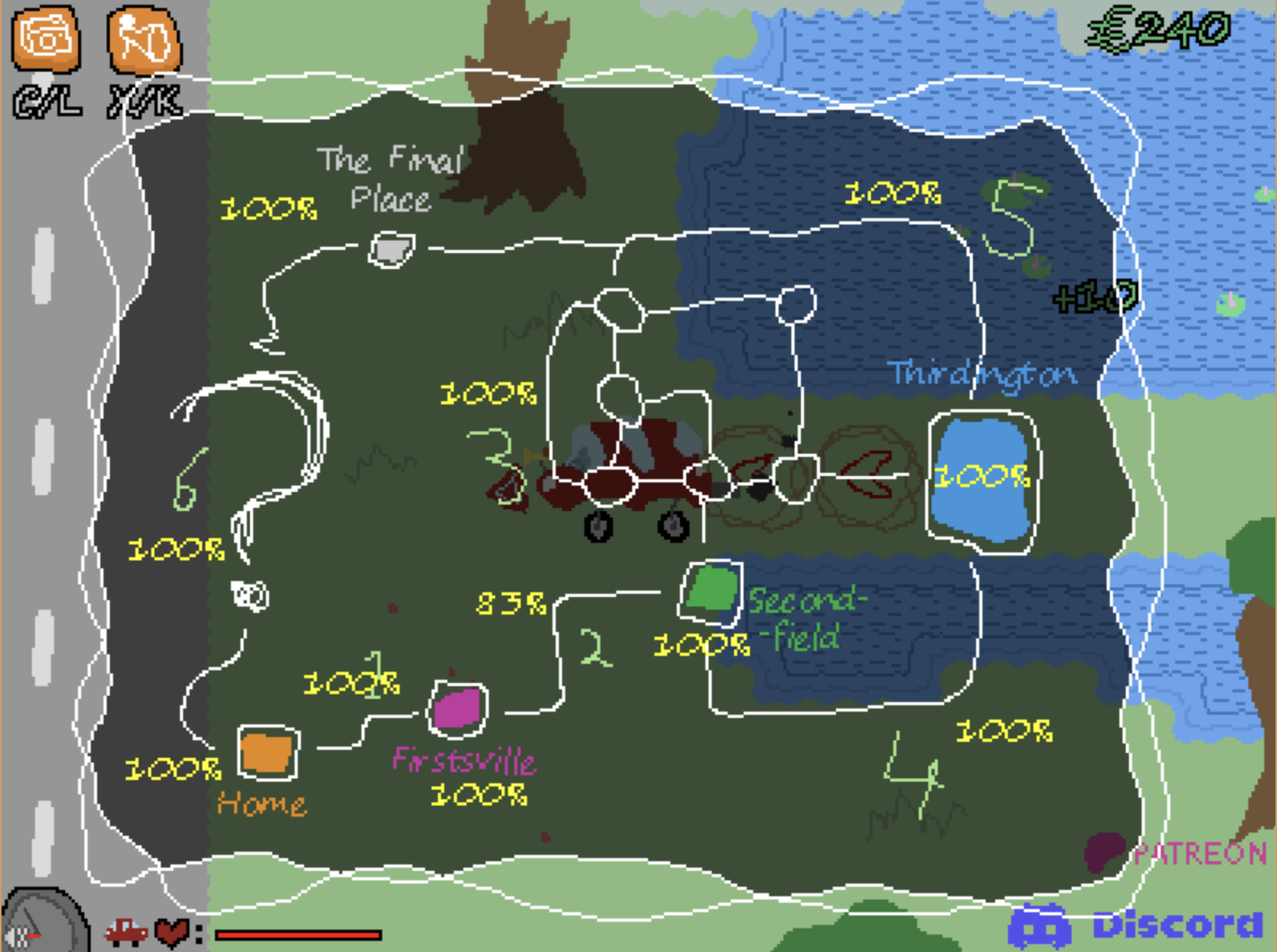 thanks, got it. you got any idea what i'm missing from road 2
Pent's Wacky, Zany Road Trip to Adulthood comments · Replied to MisterSimple in Pent's Wacky, Zany Road Trip to Adulthood comments
Pent's Wacky, Zany Road Trip to Adulthood comments · Replied to ReeseHosgood in Pent's Wacky, Zany Road Trip to Adulthood comments
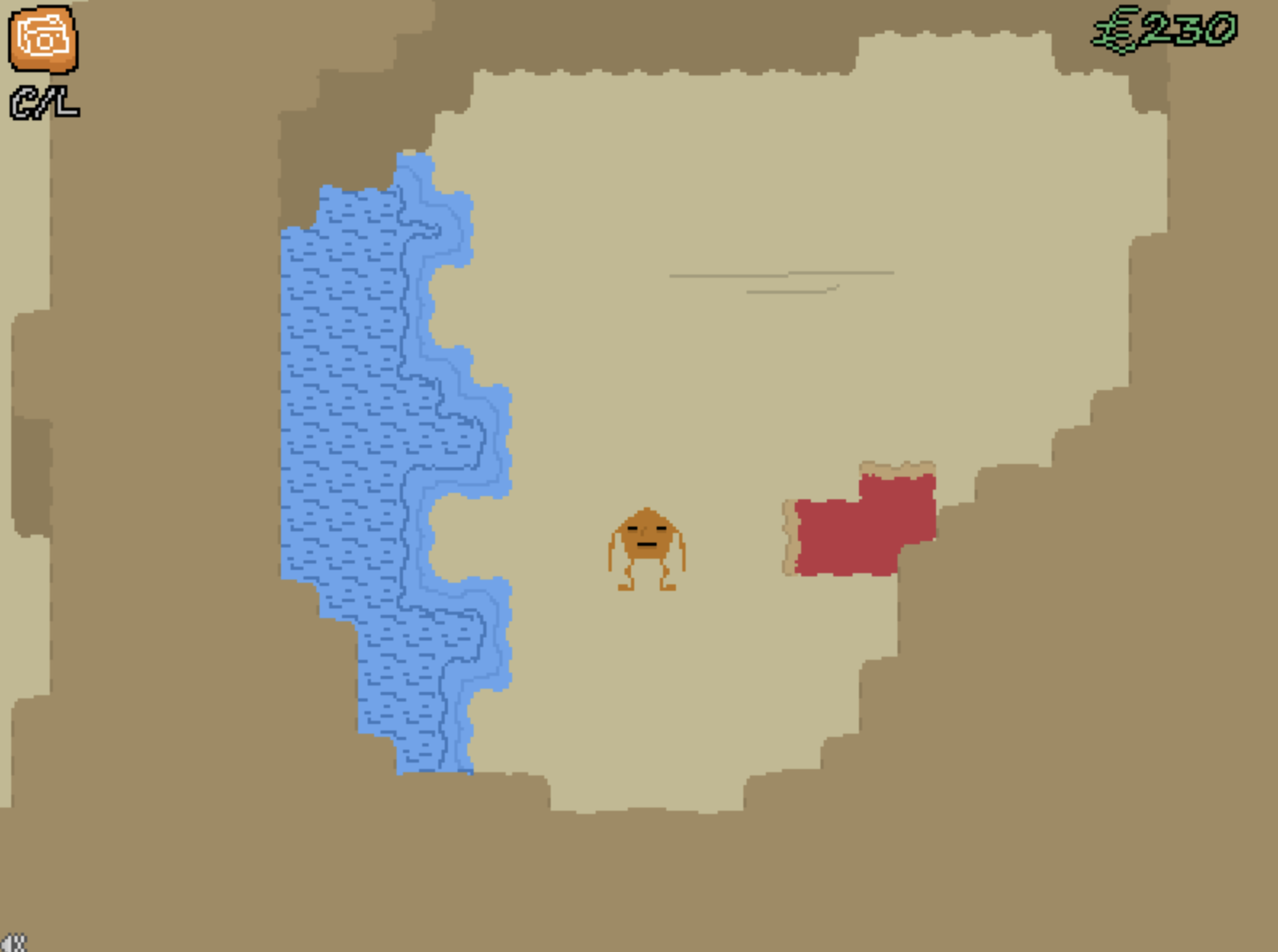 This is the end of the carpet i can't find the red thing you were talking about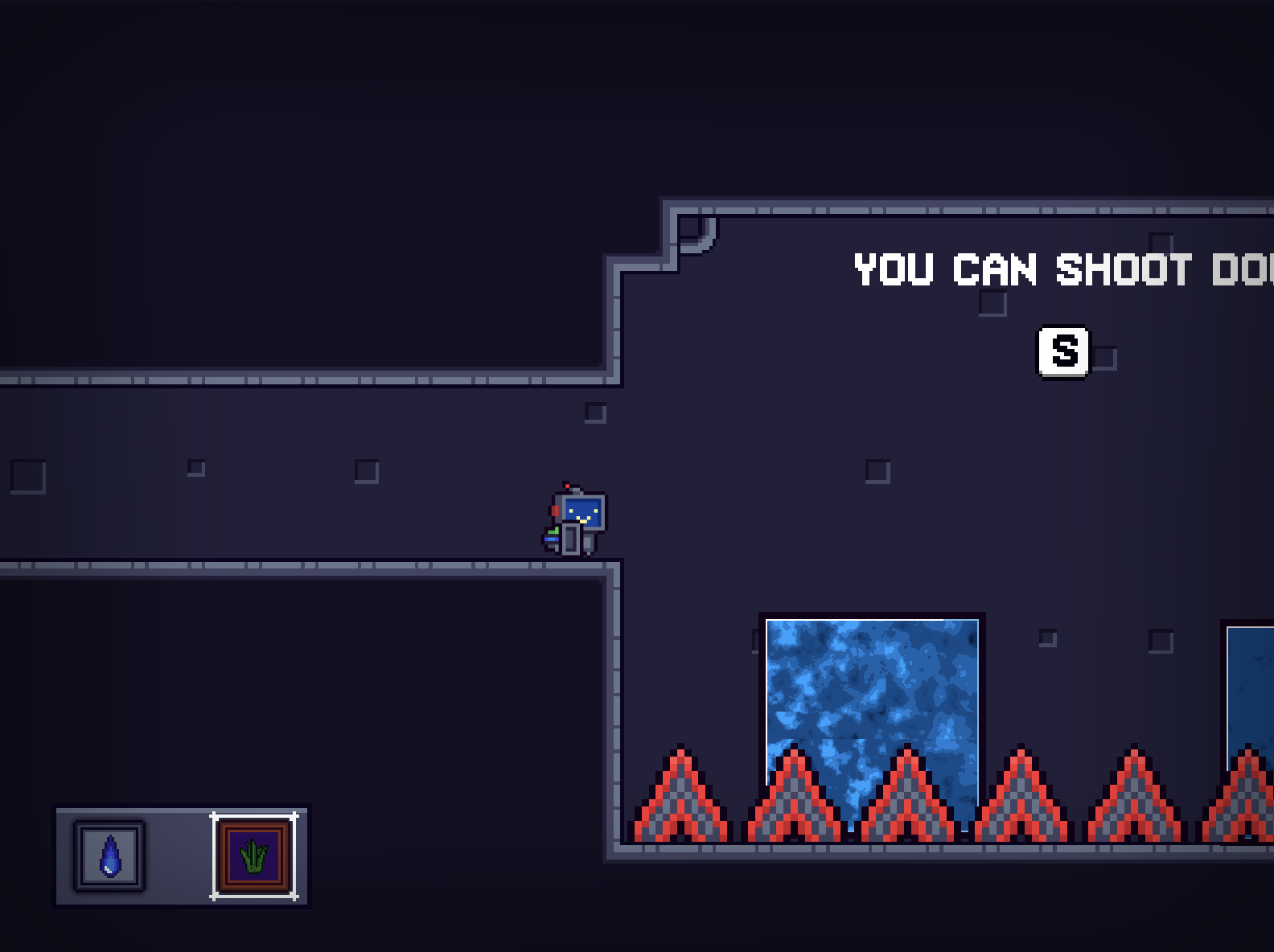
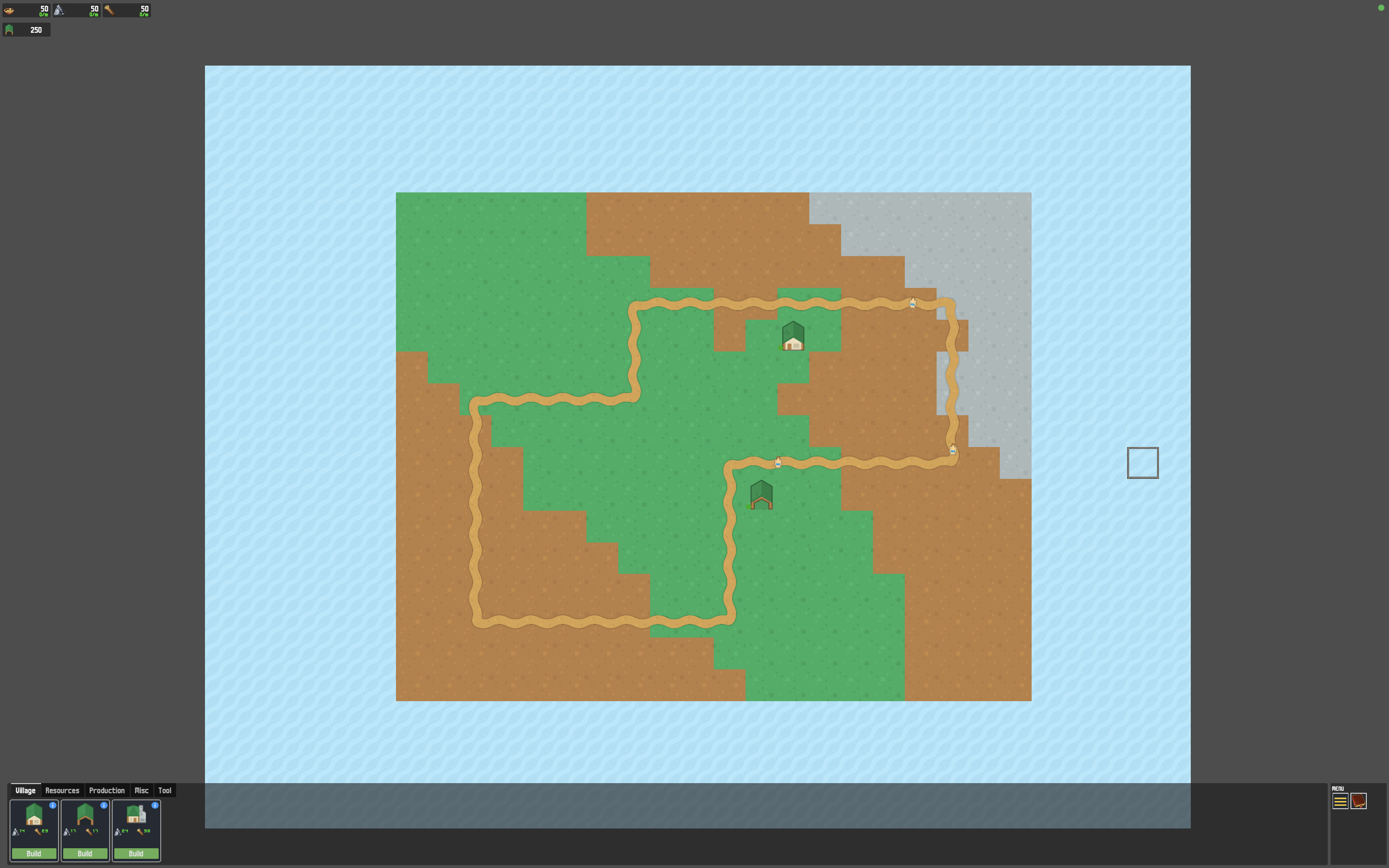
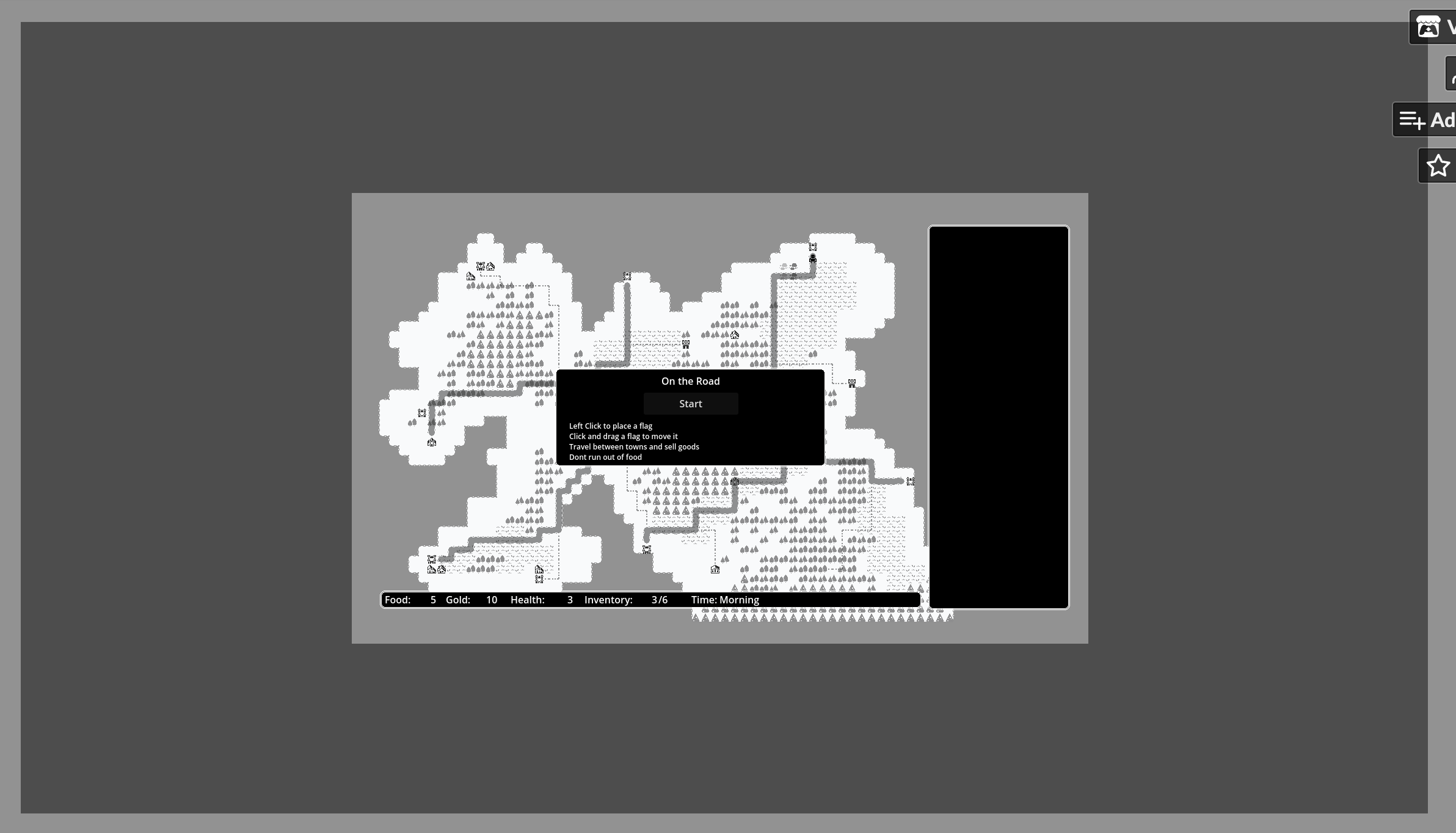 cool game, make sure you have you have viewport enabled in godot in "project settings" -> "screen" -> "window" -> "enlarge" -> set "mode" to "viewport", cause this is how i see the game and i have to zoom the page to play it, make sure you enable full screen in the itch.io upload settings
oh cool, btw when you upload the game in web version make sure you set screen resolution around 1200 x 700 in the itch upload game settings, and make sure you have you have viewport enabled in godot in "project settings" -> "screen" -> "window" -> "enlarge" -> set "mode" to "viewport", cause this is how i see the game and i have to zoom the page to play it.