On Sale: GamesAssetsToolsTabletopComics
Indie game storeFree gamesFun gamesHorror games
Game developmentAssetsComics
SalesBundles
Jobs
TagsGame Engines

KLICKTOCK

31
Posts
1
Topics
204
Followers
38
Following
A member registered Nov 09, 2013 · View creator page →

Creator of
Recent community posts

I think the APK I built 6+ years ago no longer adheres to modern Android standards. As I mentioned I have been working to port to Godot and get this working again (via Google Play).

Still issues with anchors in Godot 4.4. The UI is disappearing off the screen. Hmm.

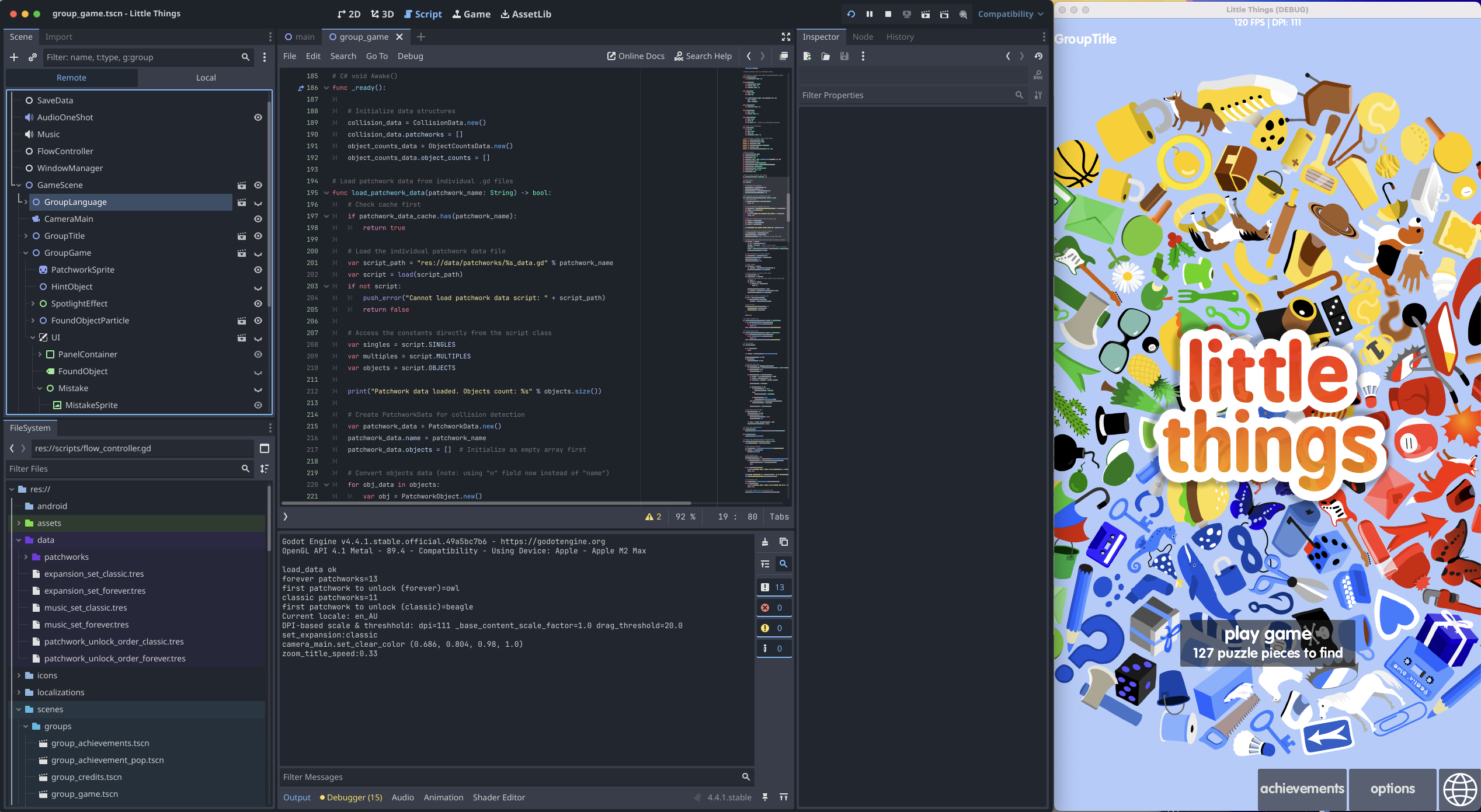
So, this month I have been porting Little Things from Unity to Godot. I wouldn't say this is a *wise* thing to do, but I wanted to learn about how difficult this process might be. The answer is *quite* difficult but do-able. The game is 90% playable.

When this is complete this will open up a pathway to releasing the game again more openly across PC, Mac, Google Play and... the App Store. I've not yet decided to do these things, but note that it will be possible.

However, If I decide to put this game on Steam it will mean that this completely free archived version I've been hosting here on itch.io will no longer able to be free.
How long did it take you to make?

Rebuilt the Web version with Godot 4.3. It still has issues (including UI anchors). I'll keep at it. At least I was able to boot it on a mobile device before it crashed. Looks like I'll need to incorporate "samples" as shared in the 4.3 blog post.

This is an "archive" version. I'd have to rewrite the app to get it running again on the Apple App Store. Never say never, but this is really unlikely to happen in the near term.

LDtk Importer community · Created a new topic Thanks!

So cool, thanks Andrew :)

There's an update for Godot inbound. This will allow the game to be played in Safari on iPhone, iPad and Mac. Apologies in the meantime.

Google Play version is ready to roll :) https://play.google.com/store/apps/details?id=com.klicktock.zonr.google

Reminds me a lot of "Laser Squad"!

Inspiring!

Hmmm... *rubs chin* Let me have a think about the best way to do that.

Awesome work George. Can't believe you got so much done in 2 weeks! Insanity.

Also, does this mean you'll be doing all the voice work for Rebel Galaxy 3?

Yes, it was taken off the App Store many years ago. This is the archival version which is no longer being maintained.

I'd love to be able to click at the bottom left/bottom right to sidestep with the mouse.

Oh is it? I paid for that localisation too, and you're the first to mention it! I'm not updating this game any more though, this was the "archive and walk away" build.

(1 edit)

Hah, thanks George :D

I wanted to push the gameplay further than I got, but learning Godot engine turned out to be challenge enough for the weekend.

I hadn't played around with Textmode art before, but I was really happy with the results. I was able to start with a basic text layout before spending a few hours adding details to the screen.

I did all the art in https://lvllvl.com. Exported from there then wrote a quick importer.

I didn't get to experiment with the core gameplay as much as I wanted. But I learnt a lot in the time I had :)

Love a good pun. This was one my of favourites from the jam.

Far too much of the code base was devoted to control logic. :) Glad you enjoyed it.

I have a little list of expansion ideas, I just ran out of time getting it this far.

(1 edit)

Thanks! I’d never actually played Anteater until this week :) I stumbled across it and Oil’s Well on YouTube.

thanks for making it! Hopefully more games get made with it.

Thanks! I spent quite a lot of time on the controls, more than was sensible.

I created a game this weekend using MRMOTEXT Extended. 

https://klicktock.itch.io/gusano-go

So yeah this boots and runs just fine on M1 Mac, BUT - I'm not able to save any files. The dialogue pops up, but it just won't save. Can you please double check this at your end Tom?

Same. Hand up for M1 Mac version over here.

Right click and select "Open".  It won't open the first time. Then right click and select "open" again. This time it will work.

Sorry, it's no longer available for iPad.

You don't need to do anything special to get the tileset working in Unity.

Just drag in the PixelPackTOPDOWN8BIT.png then follow the tutorial here...

https://www.youtube.com/watch?v=ryISV_nH8qw

m8 you should upload this to itch imo.