On Sale: GamesAssetsToolsTabletopComics
Indie game storeFree gamesFun gamesHorror games
Game developmentAssetsComics
SalesBundles
Jobs
TagsGame Engines

keybordCaps

5
Posts
1
Followers
5
Following
A member registered Sep 26, 2020 · View creator page →

Recent community posts

lololol very pawesome kung fu panda reference!

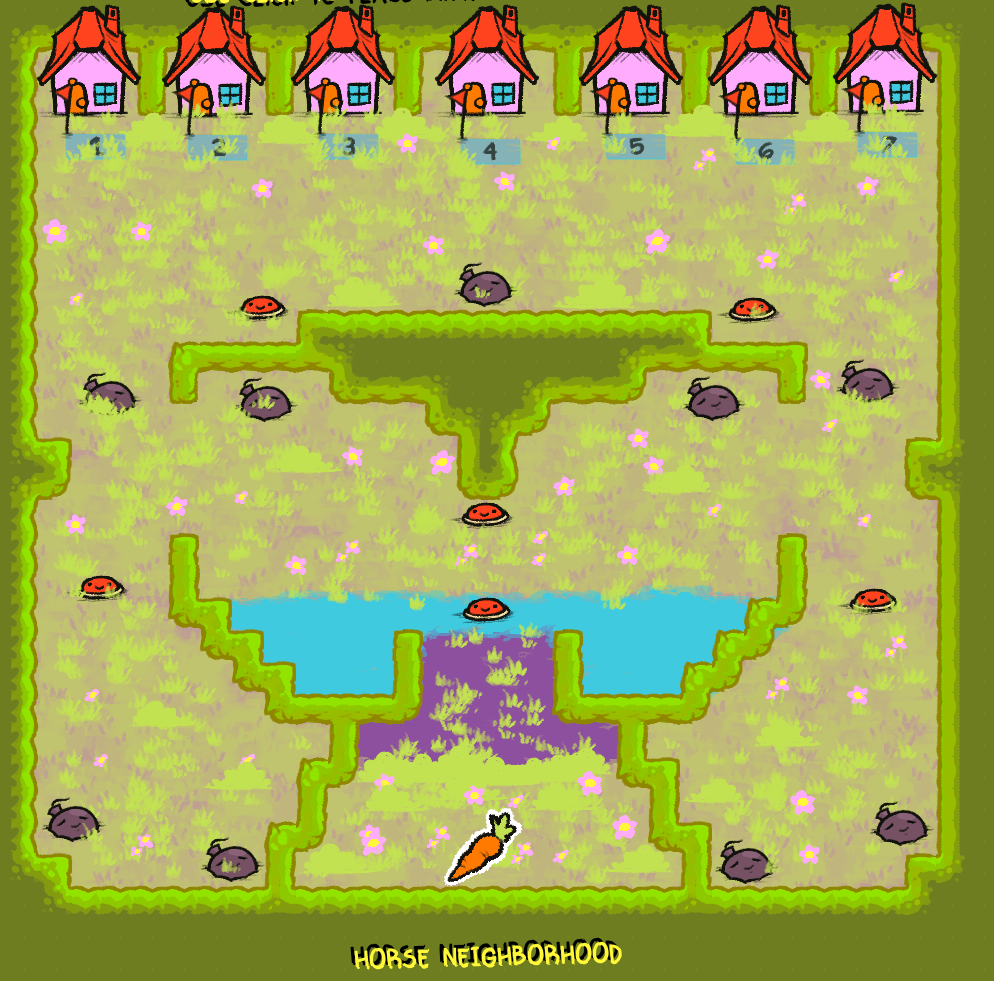
Basically you select CARROT-STARTS, hover your cursor over where you want a spawn point, and then click the numberkey on your keyboard. I did a lot of spamming of the numbers to have them so close to the houses in Horse Neighborhood, came out super cute! 

Hopefully this helps!!! I tried to make a more detailed explanation with images but for some reason my comment didn't wanna send??? Dunno... I hope you have a good day/night ^_^

you'd have to make a dropbox or other alternatives and then share the link to the dropbox here

When you have the carrot selected, you press the 1-7 number keys while hovering over where you want the spawn of that specific number to be

I also had this issue but managed to fix it, 

so first you have to make sure the horse .png files are in the actual customhorses folder, as well as the .horse file being saved in that same folder when you save that horse.

Also ! You can make folders inside the the customhorses folder for .png files organization but not the .horse files, that's also give you an error like that

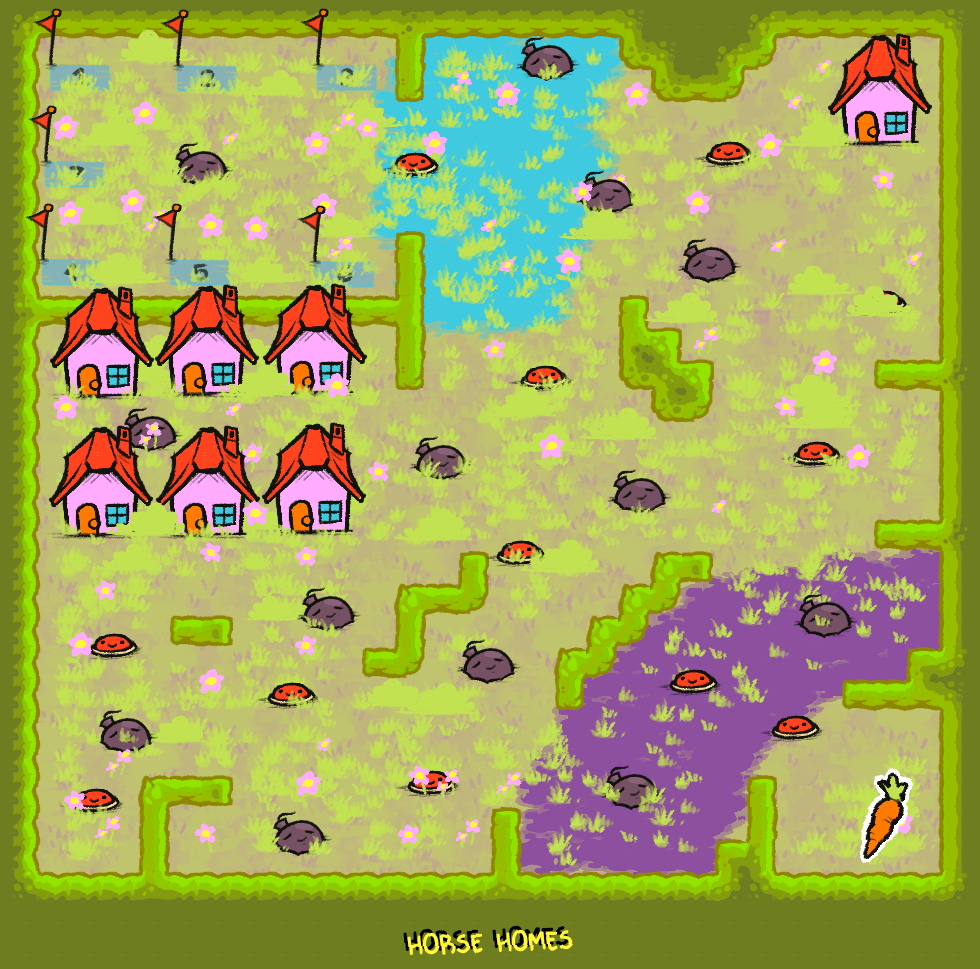
I've made a horse as well as two tracks! Hope everypony likes them ^_^ Might add more to the dropbox if/when I make more.

https://www.dropbox.com/scl/fo/bser2xpop4s5d4zi1zimt/AHk6IWtM48_9127MvqURrWk?rlk..

Here's some quick save PNGs of my character's horse and also photos of my maps! You can grab their horse file in the dropbox but here's it's colours:

27, 27, 27